Barnaby Home bundles Matrix chat and AI agent into one deploy script
A new open-source project automates the setup of a private Matrix server with an integrated AI assistant, requiring only Docker and a domain name.
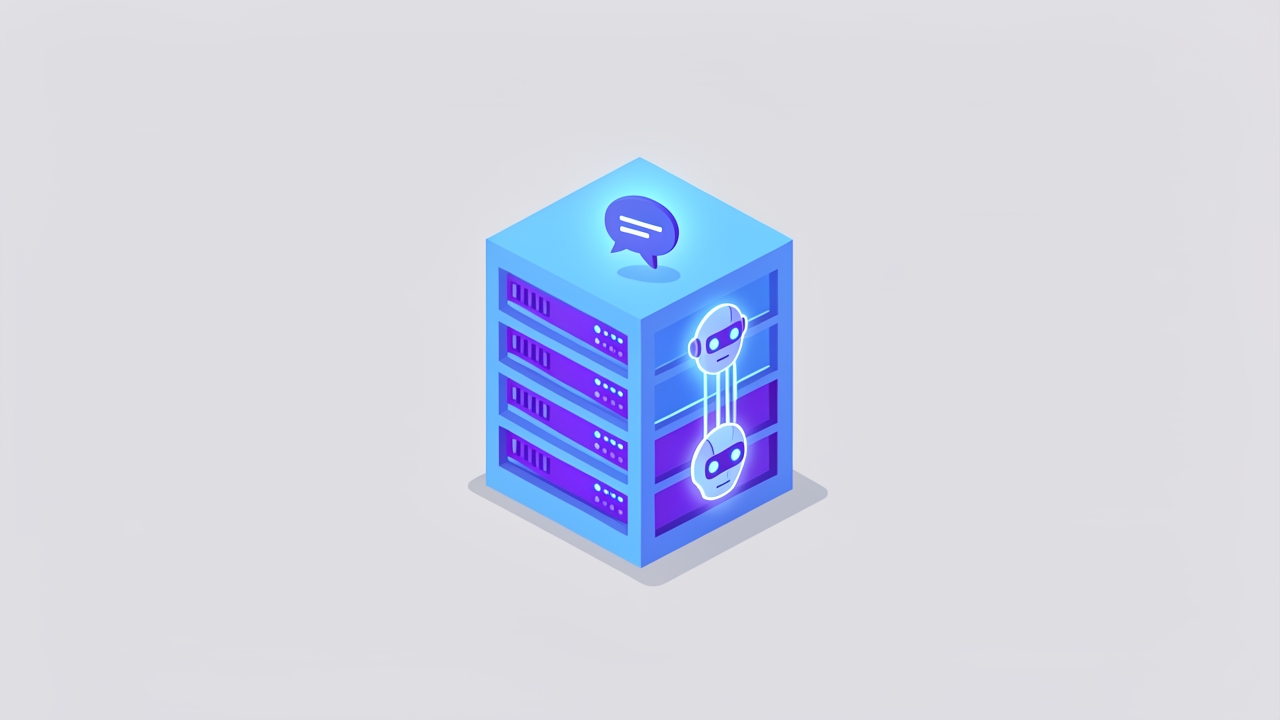
Developer pkulak has released Barnaby Home, a turnkey solution for self-hosting a private Matrix chat server paired with an intelligent AI agent. Published on GitHub in October 2026, this project aims to simplify the complex infrastructure typically required for encrypted group communication and automated assistance. By combining a homeserver, web client, and voice capabilities into a single deployment script, it targets users who want full data ownership without managing multiple disparate services.
What happened
The release provides a unified stack that installs tuwunel as the Matrix homeserver, Element as the web client, and LiveKit for voice and video calls. Unlike traditional setups that require manual configuration of certificates, TURN servers, and invite systems, Barnaby Home handles these components automatically. The system is designed to run on a spare x86_64 computer or a virtual private server, requiring only a public IP address, a domain name, and Docker installed on the user’s local machine for the build process.
Central to the project is Barnaby, an AI agent that resides in the main chat room. Rather than requiring direct mentions or private messages, the agent uses a small decision model to determine when it is being addressed within group conversations. It maintains context from past interactions and can perform tasks such as generating images, transcribing voice notes, and even writing its own new skills based on user requests. All agent interactions are routed through OpenRouter with zero data retention settings enabled by default to preserve privacy.
Key details
- Hardware requirements: An x86_64 machine with at least 2 GB of RAM and 20 GB of disk space, running Linux and accessible via SSH.
- Network setup: Requires a public IPv4 address and specific port forwarding for SSH, HTTP, HTTPS, and various UDP/TCP ports for call functionality.
- Deployment method: Uses a single script that builds the system locally via Docker and deploys it to the target machine using nixos-anywhere, erasing the target disk in the process.
- Security model: Invite-only registration with tokens; all rooms are encrypted, and the agent runs in a sandboxed NixOS container separate from the host system.
- Extensibility: Users can enable optional skills like weather forecasts, web search, and calendar integration by providing specific API keys in the configuration file.
- Data privacy: The agent uses models with zero data retention endpoints, and memory summaries are stored locally on the server rather than in external cloud databases.
Background
Matrix is an open standard for decentralized, encrypted real-time communication. Self-hosting a Matrix server traditionally involves significant operational overhead, including managing a homeserver, configuring a web client, handling TLS certificates for multiple subdomains, and setting up TURN servers to facilitate voice and video calls through firewalls. This complexity often discourages individuals and small teams from adopting self-hosted solutions despite the privacy benefits.
NixOS is a Linux distribution built around the Nix package manager, which emphasizes reproducible and declarative system configurations. Barnaby Home leverages NixOS to ensure that the entire server environment, from the operating system to the application stack, is defined in code. This approach allows for reliable updates and rollbacks, as the system state is determined entirely by the configuration files provided by the user.
Why it matters
For teams and families prioritizing data sovereignty, Barnaby Home lowers the barrier to entry for secure communication. By automating the intricate networking and certificate management tasks, it reduces the risk of misconfiguration that could lead to service outages or security vulnerabilities. The inclusion of an AI agent directly within the chat interface offers a practical example of how local or private-cloud AI can be integrated into daily workflows without sending sensitive conversation data to third-party providers.
However, the project’s reliance on disk erasure during installation and the current lack of automated backup mechanisms present operational risks. Administrators must be comfortable with the irreversible nature of the initial setup and proactively manage data preservation strategies. The requirement for a static public IP and specific port forwarding also limits its applicability in residential networks behind carrier-grade NAT, unless dynamic DNS and advanced router configurations are employed.
What you can do
- Verify that your target hardware meets the minimum specifications of 2 GB RAM and 20 GB disk space, and ensure you have root or sudo SSH access.
- Configure your domain’s DNS records to point both the base domain and a wildcard subdomain to your server’s public IP address before starting the installation.
- Open the necessary ports on your firewall or router, including TCP ports 22, 80, 443, and 7881, as well as UDP ports 50000–51000 and 3478 for call functionality.
- Generate an OpenRouter API key and enable zero data retention in your account settings to ensure the AI agent adheres to the project’s privacy standards.
- Review the
configuration.nixandsecrets.envfiles carefully after running the setup script, ensuring that sensitive keys are not committed to version control. - Plan for data backups immediately after installation, as the project currently stores all data, including agent skills and keys, in the
/var/libdirectory without automated backup tools.