DreamHost breach exposes customer emails and session tokens via file manager flaw
Hackers exploited a vulnerability in DreamHost's file manager starting in August, stealing session tokens and emails from an undisclosed number of customers before detection in November.
Web hosting provider DreamHost confirmed last Thursday that attackers infiltrated its systems over several months, stealing customer emails and credentials. The breach, which began in August, was only detected after it triggered a multi-day service outage that forced the company to reset passwords for affected users.
What happened
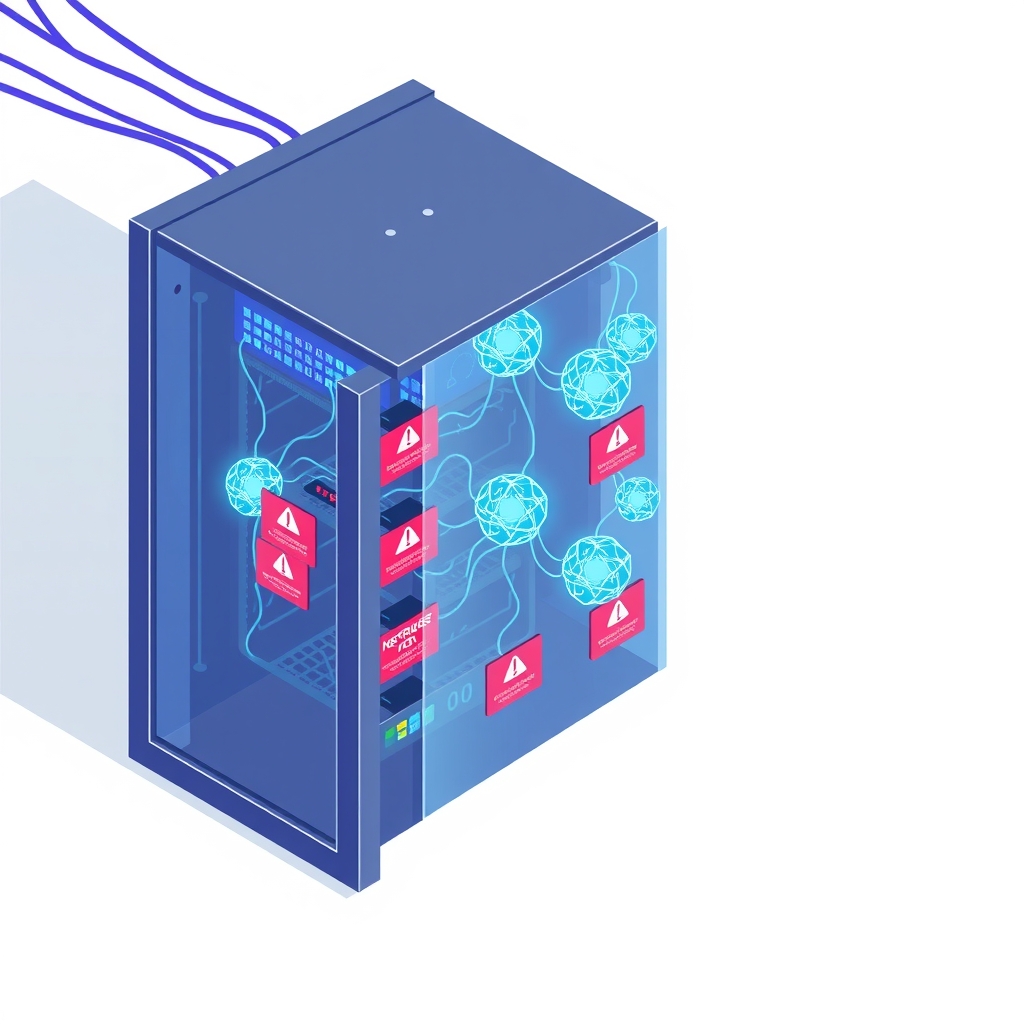
The intrusion targeted a specific component of DreamHost’s infrastructure: the file manager tool that customers use to upload, organize, and manage their website files. According to a data breach notice filed with California’s attorney general, hackers exploited an unspecified vulnerability within this file manager to gain unauthorized access. Once inside, they were able to exfiltrate sensitive data, including email contents and authentication credentials.
A critical element of the theft involved session tokens. These are digital keys that allow users to remain logged into a service without re-entering their password every time they visit. By stealing these tokens, the attackers could bypass standard login security measures and access accounts as if they were the legitimate owners. This method allows hackers to move laterally through systems even if the user’s actual password remains strong and unchanged.
DreamHost has not disclosed the specific technical nature of the vulnerability, nor has it explained why the intrusion went undetected for roughly three months. A spokesperson declined to comment on the detection delay, citing an ongoing investigation. However, the company clarified that this incident is unrelated to recent security flaws discovered in PHP, a popular web scripting language often used in shared hosting environments.
Key details
- Timeline: The attack started in August 2026 and was disclosed in November 2026 following a service outage.
- Attack vector: Hackers exploited an unspecified vulnerability in the DreamHost file manager.
- Data stolen: Customer emails, credentials, and session tokens allowing persistent account access.
- Scope: DreamHost states the number of affected customers is "well under 10%" of its base.
- Customer base: The host serves approximately 400,000 paying customers.
- Response: The company reset some customer passwords and is currently investigating the detection gap.
Background
To understand the severity of this breach, it helps to distinguish between password theft and session token theft. When you log into a web application, the server typically issues a session token—a long, random string of characters stored in your browser. This token proves your identity for subsequent requests, so you do not have to type your password repeatedly. If an attacker steals a password, they still need to bypass two-factor authentication or other login checks. If they steal a valid session token, they effectively hijack an already authenticated session, often bypassing those additional security layers entirely.
File managers in shared hosting environments are high-value targets because they provide direct access to the underlying file structure of websites. A vulnerability here can allow attackers to read configuration files, inject malicious code, or access databases connected to the hosted applications. Because these tools are widely used and often complex, they can harbor obscure bugs that are difficult to detect without rigorous, continuous security auditing.
Why it matters
For teams that self-host their software or rely on managed hosting providers, this incident highlights the risks of centralized file management tools. Even if your own application code is secure, a vulnerability in the hosting infrastructure’s administrative tools can compromise your data. The fact that the attack persisted for months suggests that standard monitoring may not always catch low-and-slow exfiltration techniques, especially when attackers use legitimate-looking session tokens to blend in with normal traffic.
The theft of session tokens also complicates remediation. Simply changing passwords may not be enough if active sessions remain valid. Organizations must ensure that their incident response plans include invalidating all existing sessions, not just resetting credentials. For developers building internal tools, this serves as a reminder that file upload and management features require strict isolation and regular security reviews, as they are frequent entry points for exploitation.
Furthermore, the lack of transparency regarding the specific vulnerability makes it difficult for the community to learn from the mistake. Without knowing whether the flaw was a permission error, a code injection issue, or a logic bug, other hosting providers and self-hosters cannot proactively check their own systems for similar weaknesses. This opacity underscores the importance of maintaining independent backups and security controls that do not rely solely on the host’s integrity.
What you can do
- Rotate session tokens: If you use DreamHost or similar services, force a logout on all devices after a password reset to invalidate any potentially stolen session tokens.
- Audit file permissions: Review the permissions on your file manager and upload directories to ensure they are as restrictive as possible.
- Enable multi-factor authentication: While MFA does not protect against session token theft directly, it prevents attackers from generating new tokens if they do not have your primary credentials.
- Monitor access logs: Look for unusual download patterns or access from unfamiliar IP addresses in your application and hosting logs.
- Isolate sensitive data: Avoid storing highly sensitive customer data in easily accessible file directories; use encrypted databases or dedicated secure storage solutions instead.
- Verify backup integrity: Ensure your off-site backups are current and immutable, so you can restore clean versions of your files if corruption or injection is suspected.