Gangway brings ephemeral preview URLs to self-hosted Docker environments
The new open-source tool Gangway generates public HTTPS URLs for containerized apps on your own domain, supporting pull requests and AI agents without Kubernetes.
Charles Barnes has released gangway, an open-source tool that assigns public HTTPS URLs to containerized applications running on self-hosted infrastructure. Published on GitHub in late September 2026, the project targets developers who want the convenience of hosted preview platforms but prefer to keep their workloads on their own hardware. It supports deployment via pull requests, AI agents, or manual uploads, creating temporary environments that expire automatically.
What happened
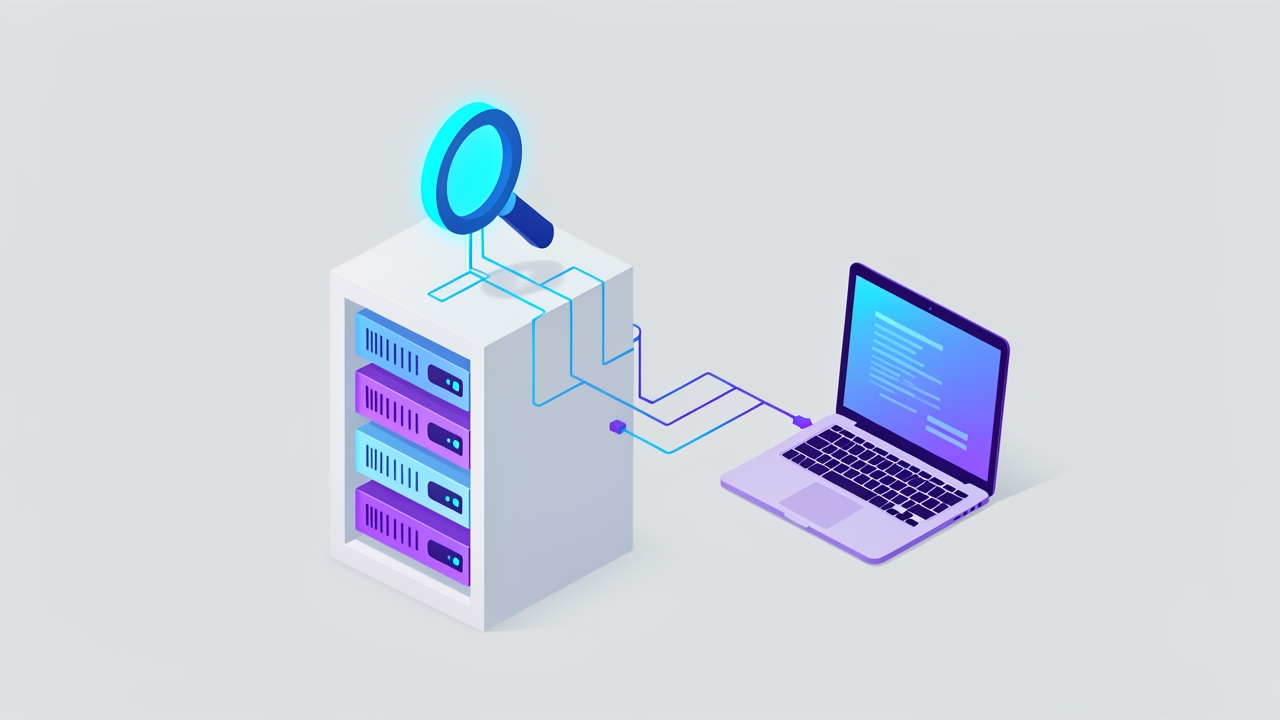
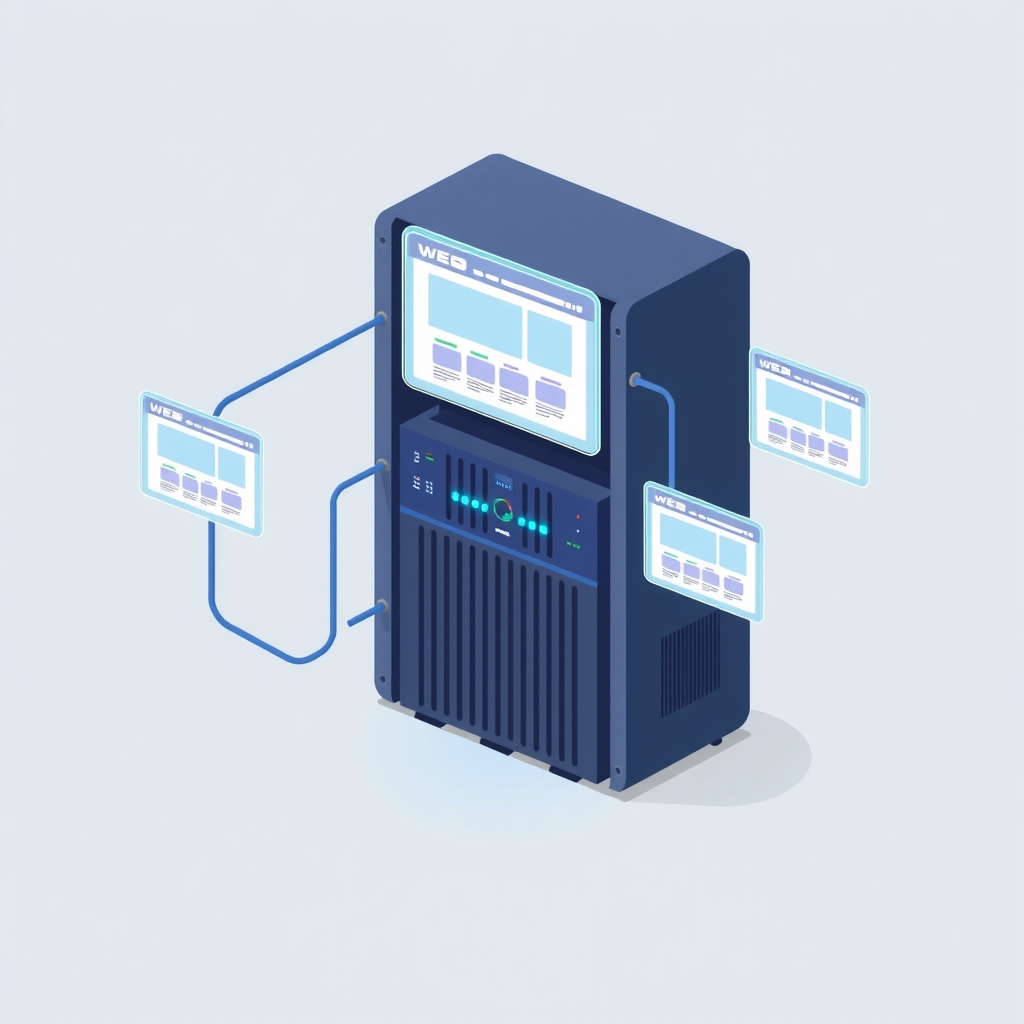
Gangway acts as a single process on a standard Docker host, eliminating the need for complex orchestration systems like Kubernetes. When a developer opens a pull request, an AI agent triggers a deployment, or a user uploads files through the web interface, the tool spins up a Docker Compose stack. It then assigns a unique subdomain under a configured wildcard domain, such as shop-pr-142.preview.example.com. This URL becomes publicly accessible immediately, allowing stakeholders to review frontend changes, test builds, or view generated artifacts without accessing internal networks.
The system manages the entire lifecycle of these previews. It handles SSL certificate provisioning using Let’s Encrypt via DNS-01 challenges, ensuring each preview is served over HTTPS without hitting rate limits associated with per-preview certificates. Previews are designed to be ephemeral; they sleep after periods of inactivity to save resources and are torn down completely when the associated pull request closes or their time-to-live expires. The tool also supports static sites and artifacts directly, serving them without requiring a container, which allows for millisecond-level deployment times for simple documents or dashboards.
Key details
- Deployment methods: Supports three entry points: GitHub pull requests with sticky comment links, AI agents via Model Context Protocol (MCP), and manual uploads via UI or REST API.
- Infrastructure requirements: Runs on a plain Docker host with Compose; no Kubernetes is required. Requires a server with a public IP and a domain with wildcard DNS records.
- Certificate management: Uses a single wildcard certificate for all previews to avoid Let's Encrypt rate limits, or integrates with reverse proxies like Caddy for on-demand TLS.
- Resource isolation: Enforces security policies by dropping Linux capabilities, limiting memory and processes, and refusing privileged modes or host network access for preview containers.
- Database support: Automatically provisions throwaway Postgres, MySQL, or Redis instances for previews, injecting connection strings as environment variables and deleting them upon teardown.
- Access control: Offers multiple visibility levels including public, unlisted, password-protected, or restricted to authenticated users, with granular permissions for API tokens and OAuth clients.
Background
Ephemeral preview environments are a standard feature in managed hosting platforms like Vercel or Netlify. They allow teams to share working versions of an application for every code change. However, these services often lock users into specific frameworks, charge based on usage, and store data on third-party servers. For organizations that self-host due to compliance, cost, or technical preference, replicating this workflow traditionally requires significant DevOps effort. Setting up dynamic DNS, managing SSL certificates for hundreds of temporary subdomains, and orchestrating container lifecycles usually demands a Kubernetes cluster or complex custom scripting.
Gangway simplifies this by leveraging existing Docker Compose capabilities and a lightweight proxy architecture. It uses SQLite as its state database, tracking which containers correspond to which URLs. By dispatching requests based on the HTTP Host header, it routes traffic to the correct container without needing a heavy service mesh. This approach makes it feasible for small teams or individual developers to run a "preview-as-a-service" platform on a single virtual machine or bare-metal server.
Why it matters
For teams running their own software, gangway reduces the friction between development and review. Instead of asking colleagues to pull branches locally or deploying to a shared staging server where changes might conflict, developers can share a unique, isolated URL. This is particularly valuable for frontend work, where visual feedback is critical, or for AI-generated artifacts like charts and documents that need immediate sharing. The ability to spin up full stacks with databases means backend changes can also be reviewed in context, mirroring production behavior more closely than static previews.
The integration with AI agents via MCP addresses a growing workflow pattern. As developers use tools like Claude Code or Cursor to generate code and artifacts, gangway provides a native destination for these outputs. An agent can deploy a generated dashboard or prototype and return a live URL instantly. This bridges the gap between local AI assistance and collaborative review, ensuring that AI-generated work is easily accessible to human team members without manual upload steps or temporary file sharing services.
Security and resource management are also handled practically. By enforcing strict container limits and isolating previews from the host system, the tool mitigates risks associated with running untrusted code or external contributions. The automatic cleanup of idle previews prevents resource leaks, a common issue when teams manually manage temporary environments. This automation allows IT leads to provide developer-friendly features without increasing the operational burden on sysadmins.
What you can do
- Test locally: Install gangway on a laptop using the
--localflag to create previews onpreview.localhostwithout needing a public domain or DNS configuration. - Configure DNS: Set up a wildcard DNS record (e.g.,
*.preview.example.com) pointing to your server’s IP address to enable public-facing previews. - Integrate with GitHub: Use the one-click GitHub App creation flow to connect repositories, enabling automatic preview deployments for every pull request.
- Connect AI agents: Follow the provided setup instructions for Claude Code, Cursor, or VS Code to allow AI tools to deploy artifacts directly to your gangway instance.
- Secure access: Review the security documentation to configure network restrictions, set up password protection for sensitive previews, and manage API token permissions.
- Monitor resources: Adjust memory and CPU limits in the environment variables to ensure previews do not consume excessive resources on your host server.