Launchroom: a self-hosted PaaS architecture for small server fleets
Launchroom offers a self-hosted platform-as-a-service designed for one to three servers, using a desired-state model and strict security boundaries to manage deployments without taking over the host.
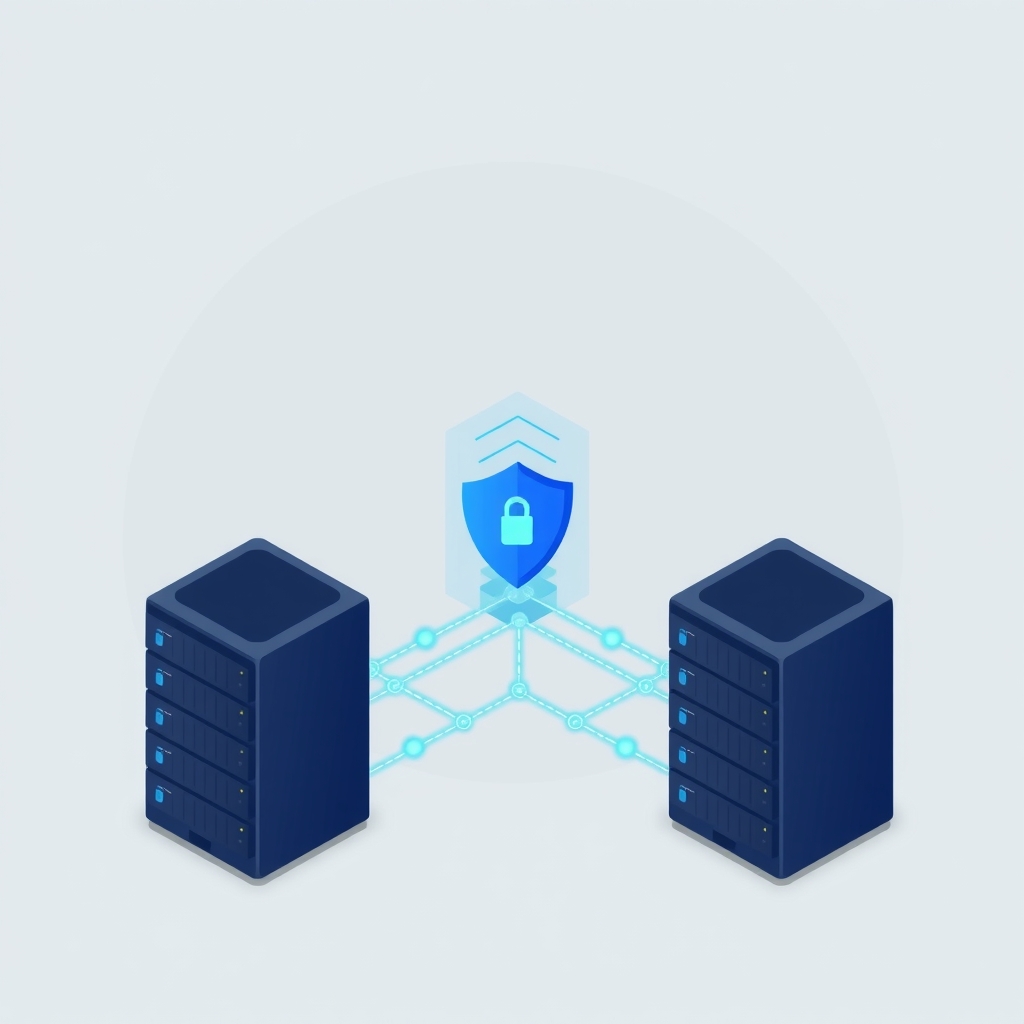
A new open-source project called launchroom aims to bring the convenience of managed platform-as-a-service offerings to developers who prefer to host their own infrastructure. Released in late October 2026, it targets individuals and small teams running side projects or internal tools on just a few virtual private servers. The system separates configuration management from execution, allowing users to maintain full control over their hardware while automating complex deployment tasks.
What happened
The creator of launchroom, known as vantezzen, published a detailed technical explanation of how the software functions internally. The project was born out of frustration with existing self-hosted deployment tools that often felt like mere dashboards wrapping Docker commands. These tools typically required manual setup for build servers, registries, and routing when scaling beyond a single machine. Launchroom attempts to solve this by providing a unified platform that handles builds, multi-server coordination, and framework-specific configurations automatically, all while running on user-owned hardware.
The architecture consists of two primary components: a dashboard and a daemon. The dashboard, built with Laravel, Postgres, and Valkey, holds all configuration data and plans deployments. It renders a "desired state" document for each server. The daemon, named launchroomd and written in Go, runs on every server in the fleet. It fetches the desired state, verifies its authenticity, and converges the local environment to match that state. This separation ensures that the web-facing dashboard never executes direct commands on the servers, reducing the risk of a web application vulnerability leading to full host compromise.
Key details
- Desired state model: The dashboard generates a signed JSON document called NodeState, which describes exactly what containers, networks, and routes should exist on a server. The daemon applies this state rather than executing remote shell commands.
- Security boundaries: The daemon does not access the Docker socket directly. Instead, a separate binary called dockerd-guard mediates access, enforcing strict allow-lists and rejecting privileged operations to prevent container escape.
- Encrypted secrets: Environment variables are sealed using libsodium’s crypto_box_seal to the specific server’s public key, ensuring that only the intended daemon can decrypt sensitive configuration data.
- Mesh networking: For multi-server setups, launchroom uses Headscale, a self-hosted Tailscale coordinator, to create a secure private network between servers, even those behind NAT or firewalls.
- Transparent installation: The core system runs in a single Compose project within a ./launchroom directory, making it easy to install, inspect, and remove without cluttering the host operating system.
- Framework detection: The builder automatically detects common frameworks and package managers, generating appropriate build plans and identifying missing environment variables before deployment begins.
Background
To understand launchroom’s design, it helps to distinguish between imperative and declarative infrastructure management. Traditional scripts often tell a server exactly what commands to run, such as "stop container A" and "start container B." In contrast, launchroom uses a declarative approach where the dashboard defines the final desired outcome. The daemon is responsible for figuring out the steps needed to reach that state. This method is more resilient because if a server restarts or a process crashes, the daemon simply re-reads the desired state and corrects any drift, ensuring consistency without manual intervention.
Another critical concept here is the principle of least privilege in container orchestration. Access to the Docker socket is effectively equivalent to root access on the host machine. If a management tool has unrestricted access to this socket, a bug or exploit in that tool could allow an attacker to take over the entire server. Launchroom mitigates this by introducing a guard process that filters Docker API calls, blocking dangerous operations like creating privileged containers or mounting host directories, thereby limiting the blast radius of any potential security breach.
Why it matters
For teams that self-host, managing multiple servers often introduces significant operational overhead. Setting up private registries, configuring reverse proxies, and managing SSL certificates across different machines can become tedious and error-prone. Launchroom addresses this by abstracting these complexities into a cohesive platform. It allows developers to treat a cluster of small VPS instances as a single logical unit, similar to cloud providers like Heroku or Railway, but without the vendor lock-in or recurring usage fees associated with those services.
The security model is particularly relevant for IT leads and sysadmins who are cautious about running third-party management software. By ensuring that the dashboard cannot execute arbitrary commands and by sealing secrets to specific nodes, launchroom reduces the attack surface. This design choice means that even if the dashboard interface is compromised, the attacker cannot easily pivot to other servers or extract plaintext secrets from the configuration database. This level of isolation is often missing in simpler self-hosted deployment scripts.
Furthermore, the ability to mix different types of hardware, such as a home server for builds and cloud VPS instances for runtime, provides flexibility for cost optimization. Developers can leverage cheaper or existing hardware for resource-intensive tasks like building Docker images while keeping public-facing services on reliable cloud infrastructure. The automatic handling of mesh networking removes the need for complex VPN setups or port forwarding rules, simplifying the connectivity between these disparate environments.
What you can do
- Evaluate your current deployment workflow to identify manual steps that could be automated, such as certificate renewal or image registry management.
- Review the security practices of your existing self-hosted tools, specifically checking if they have unrestricted access to the Docker socket or host filesystem.
- Consider testing launchroom in a non-production environment to see if its desired-state model aligns with your team’s operational preferences.
- Audit your environment variables and secrets management strategy, noting how encrypted storage could improve compliance and security posture.
- Explore the use of mesh networking tools like Headscale or Tailscale to simplify connectivity between distributed servers without opening public ports.
- Document your current disaster recovery procedures, comparing them against launchroom’s ability to maintain service continuity even when the central dashboard is offline.