Maintenant offers self-hosted monitoring with built-in AI agent support
The open-source tool maintenant provides zero-config monitoring for Docker and Kubernetes, featuring a native Model Context Protocol server for AI integration.
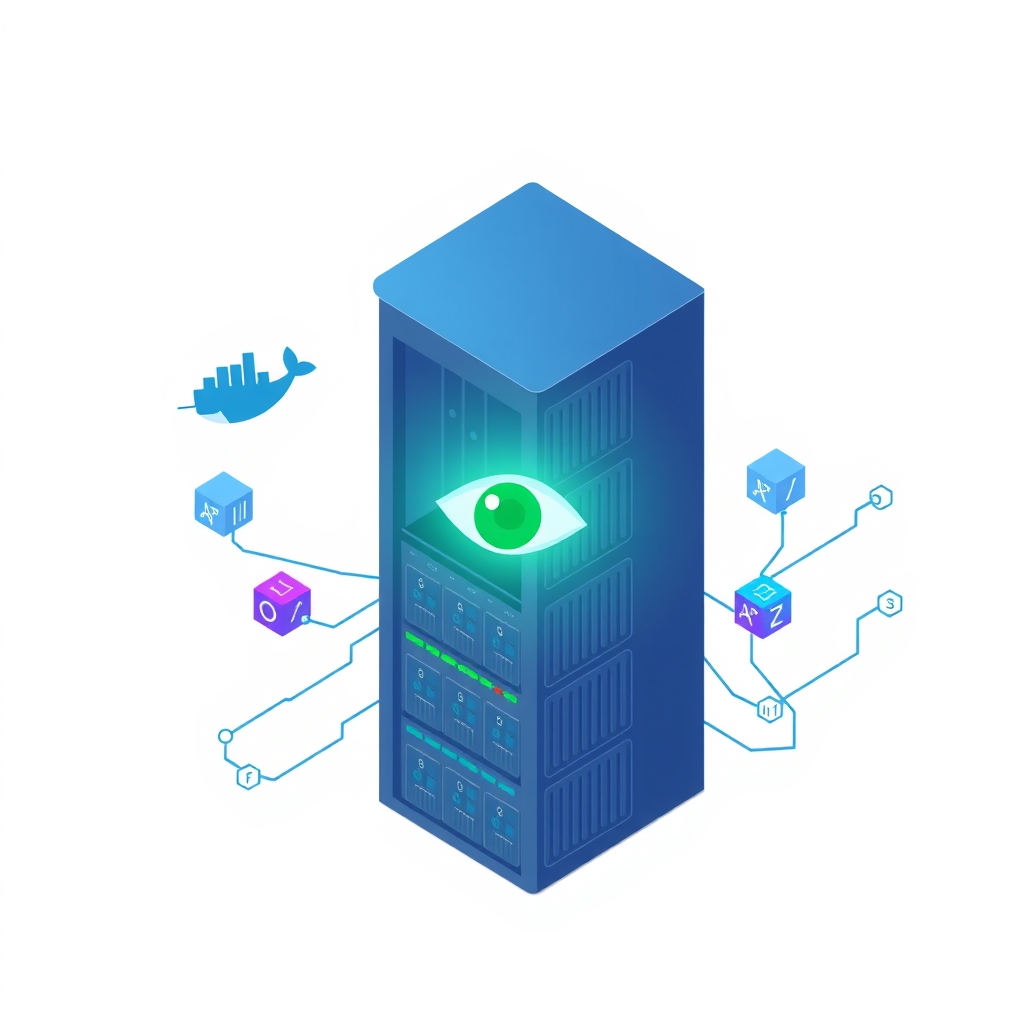
A new self-hosted monitoring solution called maintenant has emerged, offering comprehensive infrastructure oversight through a single Go binary. Released by developer Benjamin Touchard under the kOlapsis organization, the tool targets teams running Docker, Docker Swarm, or Kubernetes environments who want to avoid complex configuration. The project emphasizes zero-dependency deployment and includes built-in support for AI agents via the Model Context Protocol (MCP), allowing automated investigation of alerts directly from the monitoring interface.
What happened
Maintenant positions itself as a drop-in replacement for fragmented monitoring stacks. Instead of requiring separate tools for container health, endpoint uptime, certificate expiration, and cron job tracking, it bundles these capabilities into one lightweight application. The core architecture relies on a single binary that can operate in three modes: embedded for single-host setups, server for central ingestion, and agent for remote host monitoring. This design eliminates the need for external databases like PostgreSQL for small deployments, as it uses SQLite by default, though it supports PostgreSQL for larger fleets.
The most distinct feature is its native integration with AI assistants. Maintenant includes a built-in MCP server with 51 tools that allow AI clients to query system state, read container logs, check alert queues, and acknowledge incidents. This integration works over stdio or Streamable HTTP transports, enabling seamless connectivity with tools like Claude, OpenCode, and n8n. By exposing monitoring data through standard MCP interfaces, the tool allows developers to use natural language queries to diagnose issues, such as asking an AI assistant "what is burning" to identify critical failures immediately.
Key details
- Zero-config discovery: Automatically detects and monitors containers in Docker, Swarm, and Kubernetes without manual YAML configuration, using labels for optional customization.
- Built-in MCP server: Provides 51 tools for AI agents to interact with the monitoring system, supporting OAuth2 for secure remote access from clients like Claude Desktop.
- Lightweight footprint: The entire application runs as a single Go binary, consuming approximately 100 MB of RAM after several days of operation on a busy host.
- Multi-host support: Uses lightweight read-only agents connected via mutually authenticated gRPC streams to monitor up to 20 remote machines in the Personal edition.
- Update intelligence: Scans OCI registries to detect newer image versions and compares digests for floating tags, alerting users before they pull outdated images.
- Security-focused design: Operates in read-only mode with no built-in authentication, relying on reverse proxies for security, and drops privileges to a non-root user after startup.
Background
For many self-hosting teams, monitoring infrastructure often involves stitching together multiple specialized tools. Prometheus might handle metrics, Blackbox Exporter checks endpoints, and a separate service tracks SSL certificates. This fragmentation increases maintenance overhead and creates gaps in visibility. Maintenant attempts to consolidate these functions into a single pane of glass. It monitors container states, health checks, restart loops, and resource usage while also tracking external dependencies like TLS certificate expiration and OS end-of-support dates.
The inclusion of the Model Context Protocol (MCP) reflects a growing trend in DevOps tooling: making infrastructure data accessible to large language models. MCP is an open standard that allows AI applications to connect to data sources and tools securely. By implementing an MCP server, maintenant enables AI agents to not just read alerts but actively investigate them. For example, an agent can retrieve specific container logs or check the status of a failed heartbeat without requiring custom API integrations for each AI platform.
Why it matters
Teams that manage their own software infrastructure often struggle with alert fatigue and complex setup procedures. Traditional monitoring solutions require significant time to configure exporters, define PromQL queries, and build dashboards. Maintenant’s label-based configuration reduces this burden by auto-discovering services and applying sensible defaults. For small to mid-sized companies, this means faster deployment and less time spent maintaining the monitoring stack itself. The ability to monitor cron jobs and TLS certificates out of the box addresses common pain points that are often overlooked until they cause outages.
The AI integration offers a practical advantage for incident response. Instead of manually logging into servers to check logs after an alert fires, engineers can use AI assistants connected via MCP to triage issues instantly. This capability is particularly valuable for on-call engineers who need to resolve incidents quickly during off-hours. By providing structured access to monitoring data through MCP, maintenant reduces the friction between detecting a problem and understanding its root cause, potentially lowering mean time to resolution (MTTR).
What you can do
- Test the live demo: Visit the project’s public Pro instance to see how it monitors a real stack without installing anything locally.
- Deploy via Docker Compose: Use the provided quick-start configuration to run maintenant on a single host, ensuring you place it behind an auth reverse proxy for security.
- Configure AI integration: Set up the MCP server to work with your preferred AI assistant, such as Claude or OpenCode, to enable automated log reading and alert acknowledgment.
- Add remote agents: If you manage multiple servers, deploy read-only agents on remote hosts using the one-time enrollment token generated in the UI.
- Monitor cron jobs: Create heartbeat monitors for your scheduled tasks by adding simple curl commands to your scripts, ensuring you are notified if jobs fail to run.
- Review security settings: Ensure your deployment follows the recommended security model by mounting the Docker socket as read-only and running the container with no-new-privileges enabled.