n8n 3.0 drops npm installs and breaks legacy workflow nodes
The upcoming n8n 3.0 release removes npm support, enforces Docker, and deprecates key nodes like Function and Cron, requiring immediate migration planning for self-hosted users.
The n8n automation platform is preparing for a major version 3.0 release that introduces significant breaking changes for self-hosted instances. Released as a beta on October 27, 2026, with a stable launch planned for early December, this update fundamentally alters how the software is deployed and how existing workflows function. Teams running their own n8n servers must prepare for mandatory infrastructure shifts and code refactoring before the upgrade window closes.
What happened
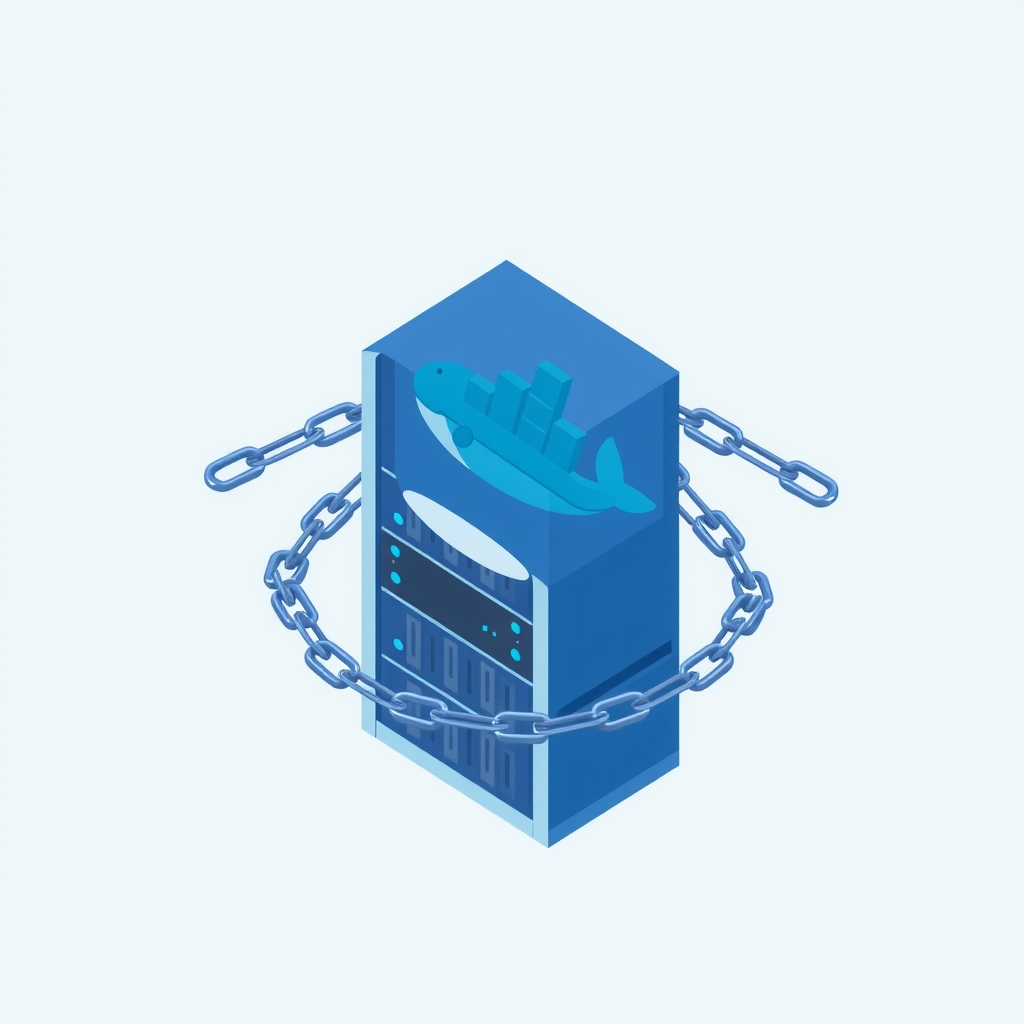
The most immediate operational change is the removal of npm-based installation methods. Version 3.0 will not publish a runnable n8n package to npm, meaning commands like npm install n8n or npx n8n are no longer supported. Self-hosted users must migrate to Docker containers to run the software. This shift also includes changes to file storage paths; the legacy ~/.n8n/binaryData directory is replaced by ~/.n8n/storage. The application will refuse to start if both directories exist, requiring manual cleanup during the transition. Additionally, encryption key rotation is now enabled by default, and the Compression node has stricter limits, capping operations at 256 MiB or 1,000 entries.
Beyond infrastructure, the update removes several core nodes and functions that have been deprecated in previous versions. The Cron and Interval triggers are gone, replaced entirely by the Schedule Trigger. Legacy nodes such as Function, Function Item, and Item Lists have been removed, causing executions to fail if they are still present in older workflows. The migration tool can convert some of these to Code nodes, but manual review is necessary. Furthermore, the $getPairedItem expression method has been removed from Code nodes, requiring developers to update their scripts to use alternatives like .itemMatching() or .pairedItem().
Security and integration settings have also tightened. Slack triggers now require a Signature Secret in credentials, which will stop existing approval and alert flows if not updated. The platform has expanded its Server-Side Request Forgery (SSRF) block list to include the 100.64.0.0/10 range by default, potentially blocking connections to certain private internal services unless explicitly allow-listed via environment variables. Unverified community packages are disabled by default, meaning custom nodes from third parties will not load unless the user explicitly accepts the risk by setting an environment flag.
Key details
- Deployment shift: npm and npx installations are unsupported; users must move to Docker.
- Node removals: Cron, Interval, Function, Function Item, and Item Lists nodes are deleted.
- Code changes:
$getPairedItemis removed; Code task timeout defaults drop from 300s to 60s. - Slack integration: Triggers now mandate a Signature Secret in credential configuration.
- Storage path:
~/.n8n/binaryDatais renamed to~/.n8n/storage; old path must be removed. - Support timeline: Support for version 1.x ends December 31, 2026; 2.x security fixes end 12 months after stable 3.x release.
Background
n8n is a workflow automation tool that allows users to connect different apps and services through a visual interface. For many companies, especially those handling sensitive data, self-hosting n8n provides control over where data resides and how it is processed. However, maintaining self-hosted software requires keeping up with upstream changes. Breaking changes in major versions often involve removing deprecated features to reduce technical debt and improve security. In this context, removing npm support simplifies the maintenance burden for the developers by focusing on a single, containerized deployment model. Similarly, removing legacy nodes forces users to adopt more modern, efficient, and secure coding practices within their workflows.
Why it matters
For teams managing their own automation infrastructure, this upgrade is not optional if they wish to remain supported. The removal of npm support means that any existing CI/CD pipelines or server setups relying on direct node installation will break upon upgrade. This requires a fundamental re-architecture of deployment scripts. Furthermore, the hard timeout reduction for Code nodes from 300 seconds to 60 seconds may cause long-running data transformations to fail unexpectedly. Teams processing large datasets or performing complex calculations in JavaScript code nodes must either optimize their scripts or configure the N8N_RUNNERS_TASK_TIMEOUT environment variable to prevent production outages.
The impact on business-critical workflows is significant. Flows that handle orders, invoices, or stock movements often rely on legacy nodes or specific timing triggers. If these are not identified and migrated before the upgrade, business operations could halt. The requirement to manually verify auto-migrated workflows adds a layer of quality assurance work that cannot be skipped. Additionally, the stricter SSRF protections may silently block internal API calls that were previously permitted, requiring network teams to review and update allow-lists for private IP ranges.
What you can do
- Check your current version: If you are on version 1.x, upgrade to 2.x first, as there is no direct path to 3.x.
- Run the Migration Report: Use the built-in tool in Settings (available in n8n 2.39+) to identify workflow and instance issues.
- Prioritize critical flows: Fix workflows involved in financial or inventory transactions first, and review auto-migrated code carefully.
- Audit Code nodes: Search for deprecated methods like
$getPairedItemand identify tasks running longer than 60 seconds. - Test in staging: Back up your production instance, restore it to a staging environment, upgrade, and replay real inputs to verify record counts.
- Schedule downtime: Perform the final upgrade during a quiet period and confirm all scheduled workflows activate correctly afterward.