New tool turnus diagnoses broken cron, systemd and launchd jobs
The open-source utility turnus scans local schedulers for configuration errors and silent failures, offering fixes for cron, systemd, and launchd tasks.
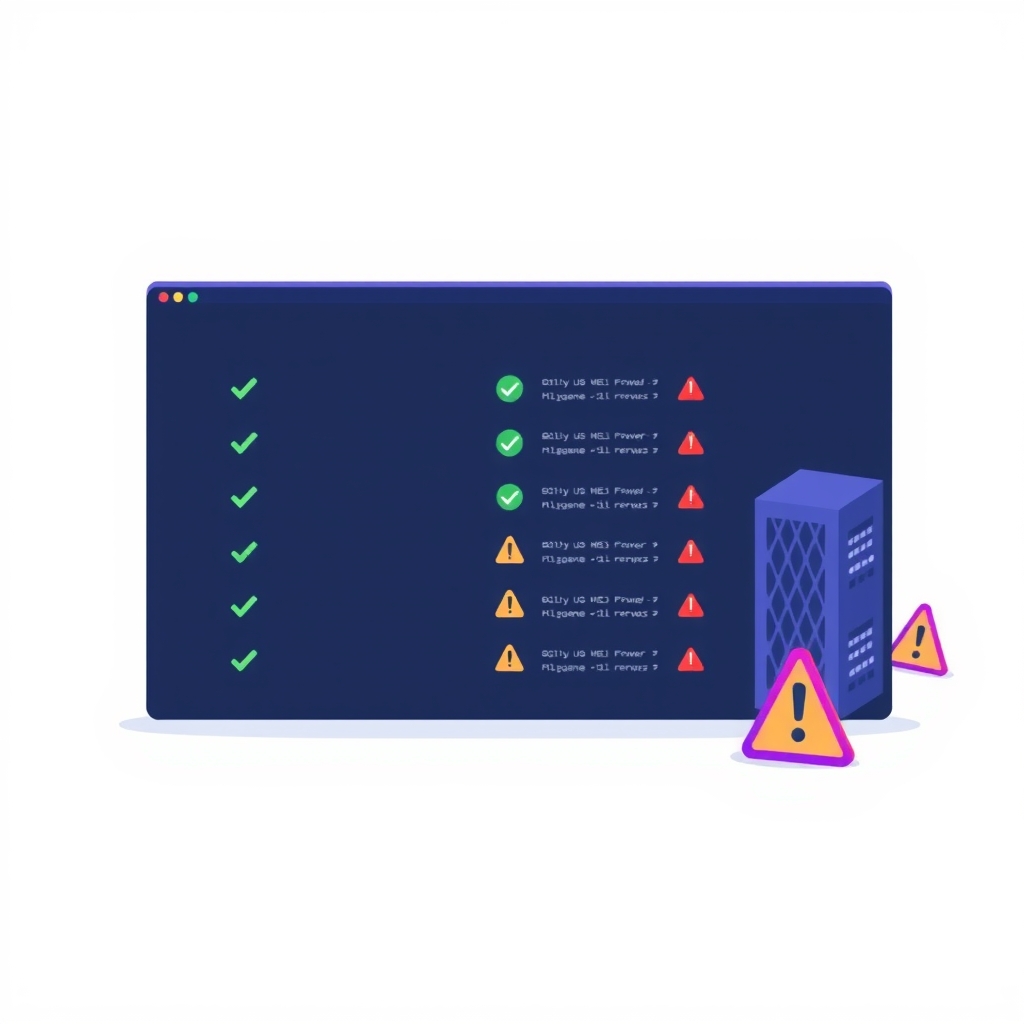
A new open-source command-line tool called turnus has arrived to help developers and system administrators diagnose failing scheduled tasks. Released on November 10, 2026, by developer sanifhimani, the utility provides a terminal-based interface for inspecting cron jobs, systemd timers, and macOS launchd agents. It identifies common configuration pitfalls and explains how to resolve them without altering the underlying system files.
What happened
turnus acts as a read-only diagnostic layer for the various scheduling systems found on Linux and macOS machines. Instead of waiting for a backup or maintenance script to fail silently, users can run the tool to instantly see which jobs are broken, why they failed, and what specific changes are needed to fix them. The tool aggregates tasks from standard system locations, including user crontabs, /etc/cron.d, systemd user and system timers, and macOS LaunchAgents and LaunchDaemons.
Beyond traditional system schedulers, turnus also inspects task configurations created by AI desktop assistants. It reads scheduled tasks from Claude Desktop, the ChatGPT desktop app (specifically Codex automations), and the Hermes agent. Because these applications often use undocumented file formats for their automation rules, turnus parses them carefully and alerts the user if it encounters an unknown structure. This allows teams using AI-assisted workflows to ensure their automated background tasks remain valid and executable.
Key details
- Read-only operation: turnus never modifies job definitions or runs in the background; it only reads configuration files and status outputs.
- Multi-platform support: The tool works on both Linux and macOS, handling cron, systemd, and launchd respectively.
- AI task inspection: It parses undocumented task files from Claude Desktop, ChatGPT desktop app, and Hermes to check for validity.
- Specific error detection: It identifies issues like unescaped percent signs in cron, missing executables, and invalid schedules.
- Installation options: Users can install via Homebrew (
brew install sanifhimani/tap/turnus) or Go 1.26+ (go install). - CI integration: The
--checkflag allows the tool to exit with status 1 if any job is failing, enabling use in continuous integration pipelines.
Background
Scheduled tasks are the backbone of server maintenance, handling everything from database backups to log rotation. However, each operating system uses a different scheduler with unique quirks. Linux typically relies on cron for simple time-based execution and systemd timers for more complex dependency management. macOS uses launchd, which manages daemons and agents through property list (plist) files. These systems often fail silently. For example, if a cron job references a file that no longer exists, the system may simply skip the execution without sending an alert. Similarly, macOS launchd returns generic exit codes for distinct problems, making troubleshooting difficult without deep system knowledge.
The rise of AI desktop agents has added another layer of complexity. Tools like Claude Desktop and ChatGPT now allow users to schedule automations, but these tools do not always document how they store these schedules. If an AI agent creates a task that depends on the application being open, or if the schedule format is invalid, the task will fail without clear error messages. turnus bridges this gap by reading these proprietary or undocumented files and applying consistent validation logic across all scheduling types.
Why it matters
For teams managing self-hosted infrastructure, silent job failures are a significant risk. A backup script that stops running due to a minor path change or a permission issue can lead to data loss weeks before anyone notices. Traditional monitoring often focuses on service uptime rather than the success of individual scheduled tasks. turnus provides a proactive way to audit these tasks, ensuring that the configurations themselves are valid before they cause operational issues. It saves time by translating obscure system error codes into plain English explanations.
Additionally, as developers increasingly rely on AI tools to generate automation scripts, the risk of introducing subtle configuration errors grows. AI models may generate cron expressions that are syntactically correct but logically flawed, such as scheduling a job during a daylight saving time shift where the hour does not exist. turnus catches these logical errors, providing a safety net for AI-generated infrastructure code. This is particularly valuable for small teams that may not have dedicated DevOps engineers to review every automated task.
What you can do
- Install turnus: Use Homebrew or Go to install the tool on your development or production machines.
- Run a diagnostic audit: Execute
turnusto open the interactive browser orturnus lsfor a quick table view of all jobs. - Check for specific failures: Look for flags indicating missing executables, invalid schedules, or permission issues in the output.
- Integrate into CI: Add
turnus --checkto your continuous integration pipeline to fail builds if any scheduled task configuration is invalid. - Review AI tasks: If you use Claude Desktop or ChatGPT automations, run turnus to verify that their scheduled tasks are correctly formatted and executable.
- Copy fixes directly: Use the
ckey in the interactive browser to copy suggested fix commands to your clipboard for quick resolution.