Paradev uses Git worktrees to run multiple coding agents in parallel
Paradev orchestrates CLI coding agents using isolated Git worktrees, allowing developers to run parallel tasks without branch conflicts or manual terminal management.
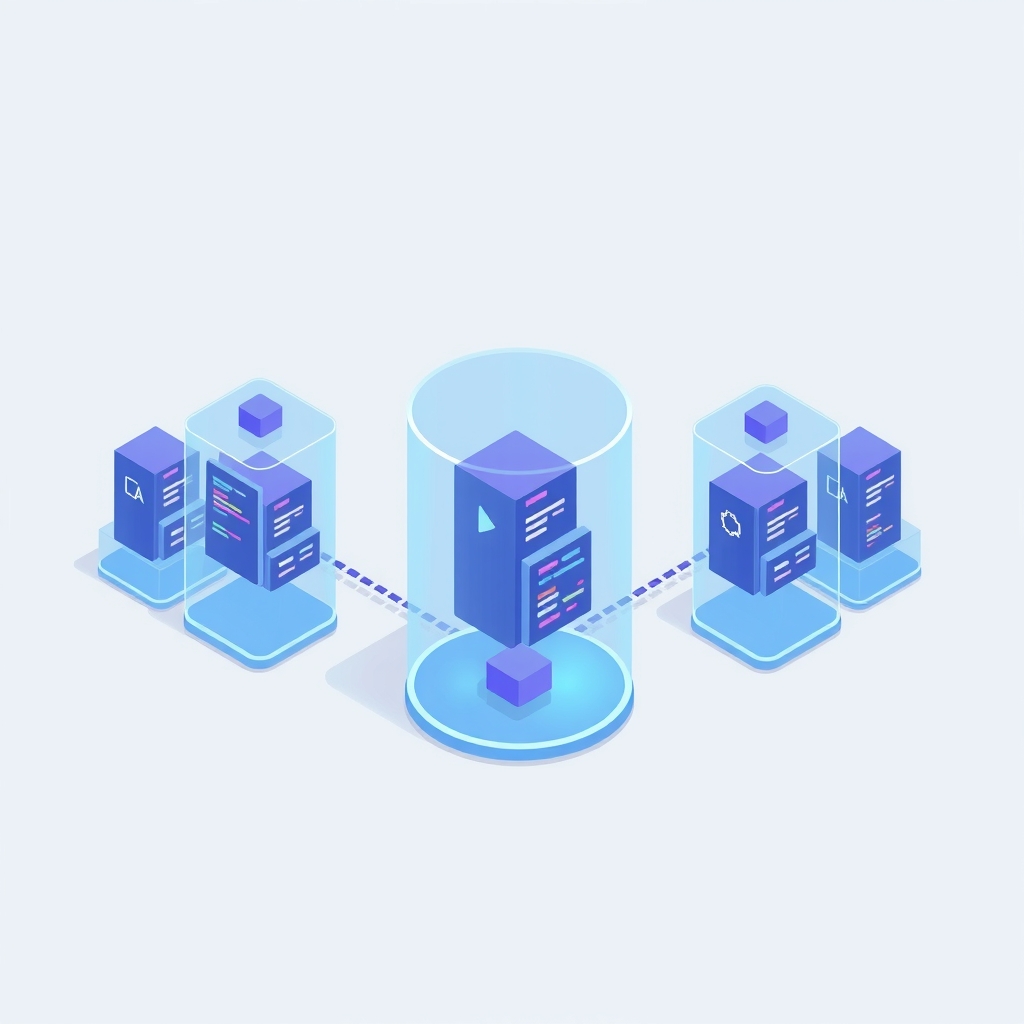
Paradev, an orchestration tool formerly known as Superset, enables developers to run multiple AI coding agents simultaneously within the same repository. Released with detailed architectural insights on November 9, 2026, the tool leverages Git worktrees to isolate each agent’s workspace, preventing file collisions and simplifying parallel development workflows for teams using CLI-based agents.
What happened
Most AI coding agents operate in a single terminal session, forcing developers to manually manage branches and switch contexts when running multiple tasks. Paradev addresses this friction by automating the creation of isolated environments for each agent task. Instead of juggling multiple terminal tabs or risking accidental overwrites, users can submit prompts that spawn independent agents, each working in its own directory and branch.
The application acts as infrastructure rather than a new AI model. It supports existing command-line interface (CLI) agents such as Claude Code, Codex, OpenCode, Gemini CLI, and Cursor Agent. By wrapping these tools in managed workspaces, Paradev provides a unified user interface for reviewing changes, committing code, and creating pull requests, effectively turning local agent usage into a structured, parallelizable workflow.
Key details
- Isolation via Worktrees: Each agent task runs in a separate Git worktree, which is a distinct filesystem checkout of the repository linked to a unique branch.
- Automated Branching: When a task starts, Paradev creates a new branch from the current HEAD, checks it out into a new directory, and launches the agent CLI within that context.
- Real-time Monitoring: The app watches for file changes in each worktree and streams terminal output to the UI, allowing users to track agent progress and status.
- Conflict Management: Agents can modify the same files in different worktrees without immediate conflict; merge issues are only surfaced when branches are pushed and pull requests are opened.
- Remote Execution: The Pro version supports running agents on remote Linux servers via a Node.js daemon, with results synced to macOS or mobile apps over SSH-tunneled WebSockets.
- Event Triggers: Scheduled tasks and webhook triggers allow agents to run automatically for use cases like nightly dependency updates or automated code reviews.
Background
Git worktrees are a feature that allows multiple branches of the same repository to be checked out into separate directories simultaneously. Unlike traditional cloning, worktrees share the same .git directory, meaning they all reference the same object database and history. This makes them lightweight and efficient for parallel work, as they do not require duplicating the entire repository history on disk.
In the context of AI agents, this isolation is critical. Agents often make broad changes to a codebase based on a prompt. If two agents work in the same directory, their file writes will collide, leading to corrupted states or lost work. By assigning each agent its own worktree, Paradev ensures that filesystem operations remain atomic and isolated until the developer explicitly decides to merge the results.
Why it matters
For engineering teams adopting AI-assisted development, parallelization is key to productivity. Without tools like Paradev, running multiple agents requires significant manual overhead: creating branches, switching terminals, and tracking which agent is working on which feature. This manual process is error-prone and slows down iteration. Paradev automates this orchestration, allowing developers to focus on reviewing outputs rather than managing infrastructure.
The architecture also supports better observability. By capturing terminal output and file changes in real time, developers gain visibility into how agents operate. This is crucial for debugging agent behavior and ensuring that automated changes meet quality standards before they are merged. The ability to run heavy workloads on remote servers further decouples development resources from local machine constraints, enabling more intensive tasks without impacting local performance.
However, the model has limitations. It does not support real-time collaboration between agents on the same file, nor does it auto-resolve merge conflicts. Teams must still rely on standard Git workflows for final integration, meaning that complex, interdependent tasks may require sequential execution rather than parallel processing.
What you can do
- Evaluate parallel tasks: Identify independent development tasks, such as bug fixes or refactors, that can be assigned to separate agents simultaneously.
- Configure port isolation: If using dev servers within worktrees, ensure agents are configured to use unique ports or auto-assignment to avoid binding conflicts.
- Monitor disk usage: Since worktrees persist on disk until explicitly closed, implement a routine to clean up completed tasks and prevent storage exhaustion.
- Test remote setups: For resource-intensive agents, consider setting up the remote daemon on a Linux server to offload processing while reviewing changes locally.
- Review merge strategies: Prepare your team to handle merge conflicts in the standard way via GitHub or GitLab, as Paradev does not automate this step.
- Secure API keys: Remember that Paradev is self-contained and does not proxy models; ensure your local environment securely manages the API keys required by your chosen CLI agents.