Recovering a self-hosted control plane without causing split-brain conflicts
A developer shares lessons on backing up management panels, preventing dual-control conflicts, and verifying encryption keys during disaster recovery.
A recent technical post highlights a critical gap in many self-hosting strategies: while application data is often backed up rigorously, the management control plane itself is frequently overlooked. The author, writing on November 13, 2026, details their experience with Nitrobase, a beta-stage management panel, and the specific challenges of restoring it without disrupting live infrastructure.
What happened
The author realized that their disaster recovery plan was incomplete because it focused solely on application databases and volumes. They had successful backup jobs for every deployed service but had not considered what would happen if the server hosting the Nitrobase management panel failed. This panel stores the operational map of the entire infrastructure, including SSH keys, environment variables, domain routes, and monitoring configurations. Losing the panel does not stop running applications immediately, but it halts centralized management, automated backups, and deployment capabilities.
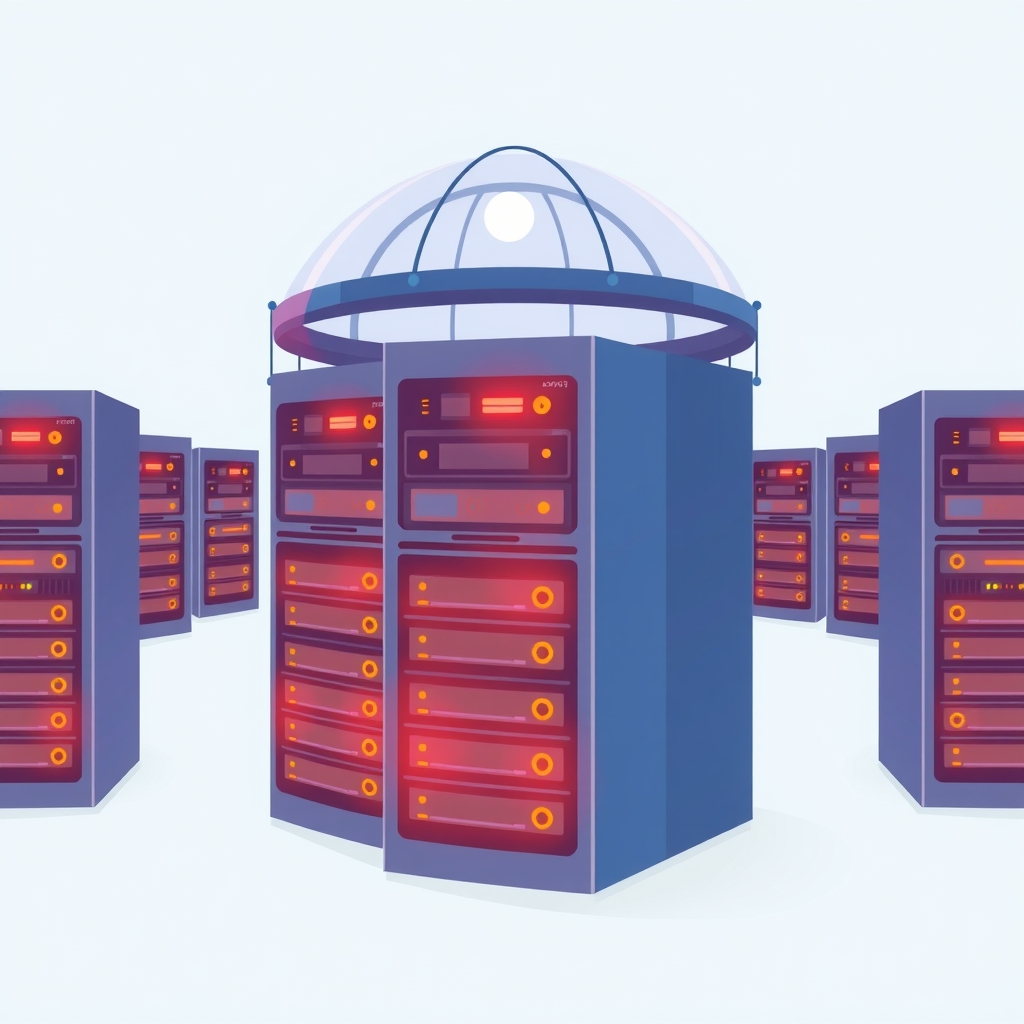
To address this, the author tested the Nitrobase self-backup and restore workflow. The process involves creating an encrypted archive of the panel’s state, verifying its checksum, and restoring it to a new instance. A key design feature discovered during this test is that the restored panel starts in a paused state. This prevents the new instance from immediately executing scheduled jobs or connecting to managed servers, which avoids a dangerous split-brain scenario where two panels attempt to manage the same infrastructure simultaneously.
The restore procedure also handles encryption key rotation securely. When restoring, the system uses the old encryption key to decrypt the backup and then re-encrypts the secrets using the new installation’s key. This ensures that the recovered panel does not depend on the old key indefinitely, allowing for secure key lifecycle management. The author emphasizes that a backup is only verified when a full recovery rehearsal is performed, confirming that the archive is readable and the restoration process works within an acceptable timeframe.
Key details
- Nitrobase is currently in Beta and includes a self-backup feature designed to preserve the operational map of managed infrastructure.
- Restored panels start in a paused state to prevent split-brain conflicts, ensuring no duplicate jobs run against live servers.
- The restore process verifies checksums before trusting the archive and re-encrypts secrets with the new instance’s key.
- Encryption key rotation requires keeping old keys available until all backups created with them have expired or been replaced.
- Application containers on managed VPSs continue running even if the management panel fails, buying time for recovery.
- Upgrading the panel requires a mandatory self-backup, as rolling back the container image does not reverse database migrations.
Background
In self-hosted environments, a control plane acts as the central brain for infrastructure management. It stores sensitive credentials, configuration maps, and automation schedules. Unlike application data, which is often static or append-only, the control plane’s state is highly dynamic and critical for operational continuity. A common risk in distributed systems is the split-brain problem, where two independent nodes believe they are the primary authority. In the context of a management panel, this could lead to conflicting deployment commands, duplicated backup jobs, or corrupted state if both the original and restored panels act on the same servers.
Encryption key rotation is another complex aspect of secure backups. As security practices evolve, encryption keys must be changed periodically. However, older backups remain encrypted with previous keys. A robust system must maintain access to these historical keys until the associated backups are no longer needed, ensuring that disaster recovery remains possible for the entire retention period. This creates a dependency chain where key management is as critical as the backup storage itself.
Why it matters
For teams running their own software, overlooking the control plane creates a single point of failure that can cripple operational visibility. Even if applications remain online, the loss of the management panel means losing the ability to deploy updates, rotate credentials, or respond to alerts automatically. This silence can be deceptive, leading administrators to believe systems are healthy while missing critical failures like disk space exhaustion or security breaches. By treating the control plane as a recoverable component, teams ensure they can restore full operational capability quickly after a hardware or software failure.
The paused restore mechanism is particularly valuable for safe testing. It allows administrators to verify the integrity of their backups and the correctness of their restoration procedures without risking accidental interference with production systems. This safety boundary encourages regular recovery rehearsals, which are essential for building confidence in disaster recovery plans. Without such mechanisms, teams may hesitate to test restores due to fear of disrupting live services, leaving them unprepared for actual emergencies.
What you can do
- Include your management panel in your backup strategy, treating its configuration and secrets as critical infrastructure data.
- Perform regular recovery rehearsals by restoring backups to isolated environments to verify integrity and process timing.
- Implement a paused start mechanism or manual confirmation step for restored control planes to prevent split-brain scenarios.
- Manage encryption keys carefully, retaining old keys until all associated backups have expired according to your retention policy.
- Document the steps required to restore the control plane, including key location and verification procedures, to avoid reliance on individual memory.
- Test the upgrade path for your management tools, ensuring you have valid backups before applying version updates that may involve database migrations.