Stabilizing self-hosted GitHub Actions runners on Windows and WSL2
A new open-source project details measured fixes for common failure modes in self-hosted CI/CD runners, including clock drift, memory pressure, and DNS timeouts on Windows machines.

Telluric has released Joggo, an open-source toolkit designed to stabilize self-hosted GitHub Actions runners on Windows machines using WSL2. Published in November 2026, the project addresses specific instability issues that arise when running production builds on ordinary desktop hardware rather than dedicated cloud infrastructure. It provides concrete scripts and documentation to handle failures like clock drift, memory exhaustion, and network timeouts.
What happened
The project emerged from a real-world deployment where a single Windows PC with 16 GB of RAM served as a CI/CD runner for several months. Starting in June 2026, the system evolved from a single runner to a containerized setup with multiple slots by October. Throughout this period, the operator encountered recurring issues such as Windows Update reboots killing jobs, Docker daemons becoming unresponsive, and available memory dropping to critical levels. Instead of hiding these struggles, the developers documented every failure mode, the measurements taken, and the specific fixes that worked.
Joggo is not a complex Kubernetes operator or an autoscaling fleet manager. It is a set of scripts and configuration files intended for small teams or individual developers who want to run builds on idle local hardware. The codebase is heavily commented, with each file explaining the failure that necessitated its creation. The documentation emphasizes practical troubleshooting, offering a "single most useful page" on memory pressure that details how terminal emulators and other background processes can starve build containers of resources.
Key details
- Target environment: The tool supports only Windows 10 (version 2004+) or Windows 11 with WSL2 enabled. It does not support native Linux or virtual machines outside of this specific configuration.
- Failure resolutions: It includes fixes for DNS packet loss causing timeouts, WSL2 clock drift invalidating OAuth tokens, and listener hangs that leave runners appearing active but unresponsive.
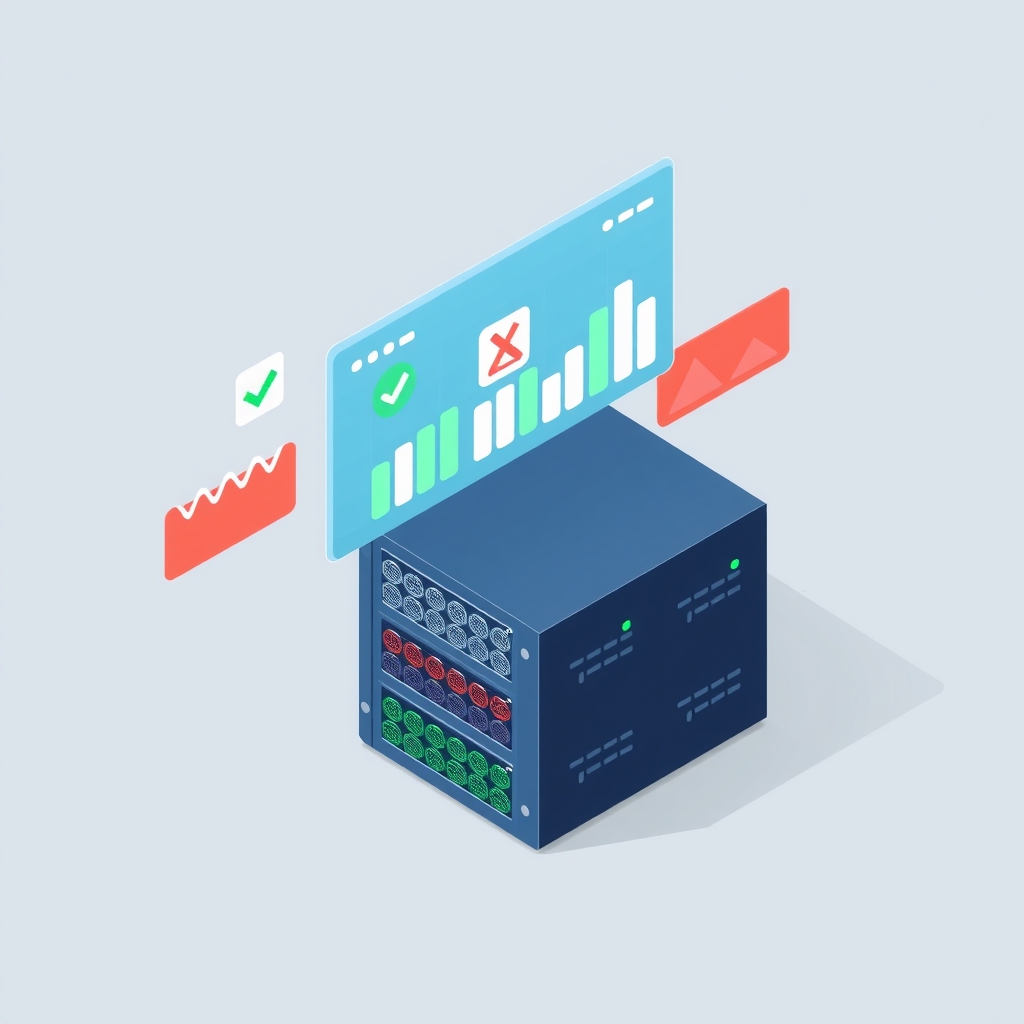
- Memory management: A built-in guard samples memory usage every five minutes. If free memory drops below 15% of total RAM, it pauses new job slots; if it drops below 7.5%, it may restart the VM if no jobs are running.
- Security model: The runner executes code from allowed repositories on local hardware. The project strictly advises against allowing public repositories or fork pull requests to trigger workflows on these runners.
- Installation: Setup is handled via PowerShell scripts that can run in interactive wizard mode or non-interactive mode for agents. It supports both personal account and organization scopes.
- Cost trade-off: While it eliminates metered GitHub Actions minutes for private repositories, it introduces costs in electricity, hardware wear, and slower job start times due to container rebuilds at handoff.
Background
Self-hosted runners allow organizations to execute GitHub Actions workflows on their own infrastructure. This is often done to reduce costs associated with metered minutes, especially for Windows and macOS runners which are priced higher than Linux equivalents in GitHub’s billing model. However, moving CI/CD workloads to local machines introduces operational challenges. Cloud providers manage hardware reliability, network stability, and security isolation automatically. When hosting locally, engineers must handle power outages, operating system updates, and resource contention manually.
WSL2 (Windows Subsystem for Linux 2) allows Linux binaries to run natively on Windows. While powerful, it has known quirks, such as clock synchronization issues when the host machine sleeps and memory management behaviors that differ from standard Linux kernels. Joggo addresses these specific intersection points, providing a bridge between the Windows host environment and the Linux-based runner containers.
Why it matters
For teams running their own software, the cost of cloud CI/CD can become significant as project complexity grows. Moving builds to local hardware can eliminate per-minute billing, but only if the local environment is reliable. Unstable runners lead to delayed deployments, frustrated developers, and potential security risks if not properly isolated. Joggo provides a tested framework for making this transition viable without requiring a dedicated DevOps team to manage custom infrastructure.
The detailed documentation on failure modes is particularly valuable for IT leads and sysadmins. Instead of guessing why a build failed, they can refer to specific diagnostic criteria provided by the project. For example, distinguishing between a job that never started and one that failed mid-execution requires checking specific payload fields. This level of operational clarity reduces mean time to recovery and helps teams maintain confidence in their self-hosted setup.
What you can do
- Audit your current CI costs: Check your GitHub billing settings to determine if your spend on Windows or macOS minutes justifies the effort of setting up self-hosted runners.
- Review security boundaries: Ensure that any self-hosted runner is configured to accept jobs only from trusted private repositories. Never enable public repository access on local hardware.
- Test memory thresholds: If you plan to use Joggo, run the preflight checks on your target machine to verify that your RAM allocation meets the minimum requirements for your desired number of runner slots.
- Implement monitoring: Use the provided tools to track runner status and memory usage. Set up alerts for when the memory guard activates so you can investigate resource-hungry processes on the host machine.
- Read the recovery docs: Familiarize yourself with the triage table in the recovery documentation. Knowing the difference between a frozen clock and a hung listener will save hours of debugging time.
- Start small: Begin with a single runner slot on a non-critical project to validate the setup before migrating your entire CI pipeline to local hardware.