Levelrail adds digest pinning and auto-rollback for Docker deploys
The Levelrail platform now pins image digests to prevent tag drift and supports automatic rollbacks based on error rates after cutover.
Cet article n’est disponible qu’en anglais.
Levelrail, an open-source self-hosted deployment platform, has introduced enhanced safety mechanisms for Docker applications. Released in early November 2026, these updates focus on preventing silent failures during deployment and ensuring that rollbacks restore exact previous states without relying on mutable tags.
What happened
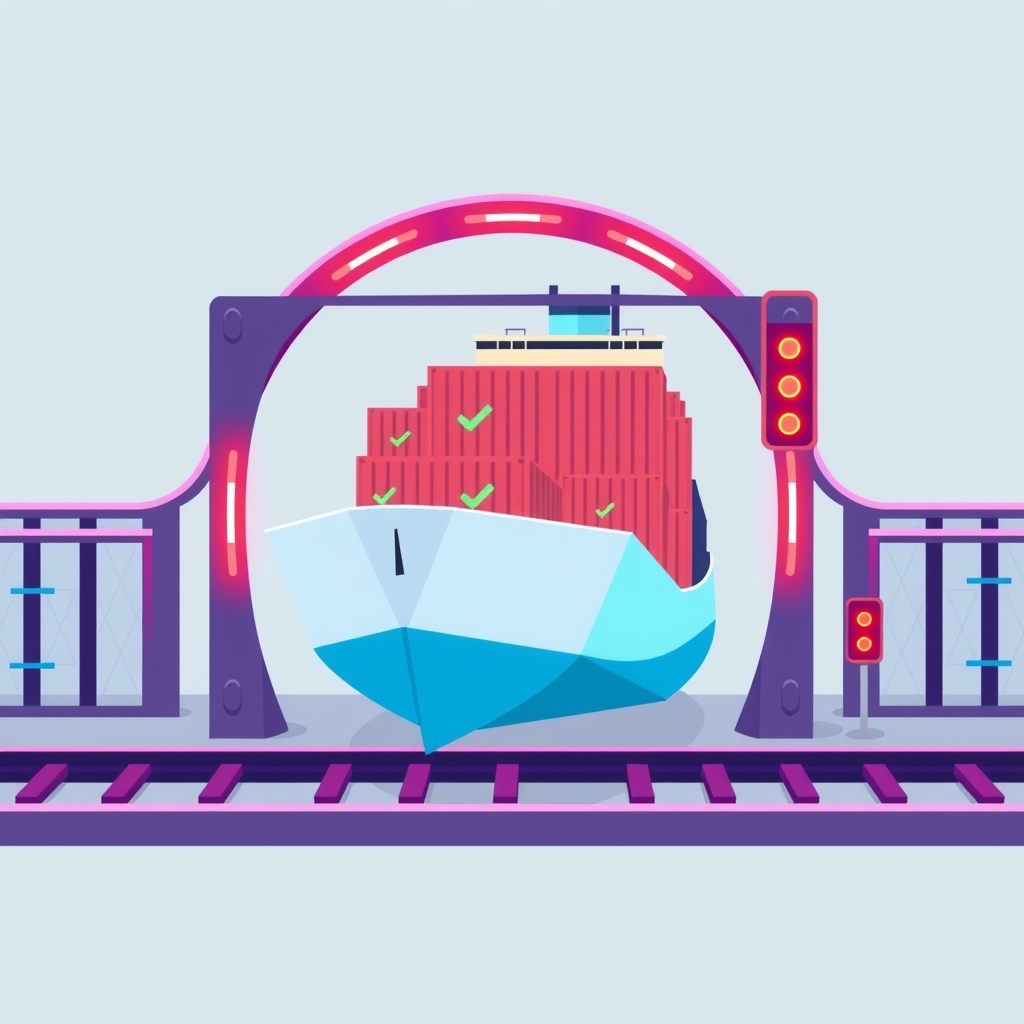
The core of the update is a stricter readiness gate that prevents traffic from reaching new containers until they prove stability. A new container must pass its readiness probe twice in a row and remain running for ten seconds without exiting, restarting, or being killed by the operating system for memory issues. If the container fails this stable window, the old release continues serving traffic, and the deploy records a specific failure reason such as ReadinessFailed or OOMKilledDuringStableWindow.
To address the common issue of floating tags like latest pointing to different content over time, Levelrail now resolves tags to their content digest at deploy time. This pins the desired image to a specific hash, ensuring that redeploying the same tag actually pulls new content if it exists. The controller verifies that the running image ID matches this pinned reference, rejecting mismatches with an ImageDigestMismatch status.
The platform also introduces automatic rollback capabilities after a successful cutover. For a configurable watch window, typically five minutes, Levelrail monitors the new release for critical failures. If the application crashes, restarts too frequently, or returns a high percentage of server errors, the system can automatically revert to the last known good release. This process restores the exact environment variables, ports, and resources of the previous version, provided the local image has not been cleaned up.
Key details
- Readiness Gate: New containers must pass two consecutive readiness probes and survive a 10-second stable window before receiving traffic.
- Digest Pinning: Deployments resolve tags to SHA256 digests, preventing scenarios where a tag points to old content despite a deploy command.
- Sequence Guard: Automatic deploys receive sequence numbers; older builds triggered by delayed webhooks are superseded and rejected to prevent regression.
- Automatic Rollback: The system can monitor for OOM kills, restart limits, or a 20% error rate after 20 requests and trigger an instant rollback.
- Freeze Windows: Administrators can set cron-based freeze periods that block deployments unless explicitly overridden with a reason, such as a critical security fix.
- Image Retention: Levelrail keeps the newest three rollback pins per app, protecting them from image cleanup processes to ensure fast, local rollbacks.
Background
In container orchestration, a "zero downtime" deployment usually implies that the old version remains active while the new version starts up. Traffic is only switched once the new version is healthy. However, many simple setups rely on HTTP health checks that may pass even if the application logic is broken, or they use mutable tags like latest which do not guarantee that the code running is the code you just built.
Levelrail operates as a lightweight alternative to complex orchestrators like Kubernetes, designed specifically for single-node or small-cluster self-hosted environments. It manages the lifecycle of Docker containers, handling the networking, storage, and process management required to swap versions safely. By introducing digest pinning and post-deploy monitoring, it addresses two major blind spots in basic Docker workflows: verifying that the correct binary is running and detecting failures that occur only under real user load.
Why it matters
For teams running their own infrastructure, the risk of a bad deployment taking down a service is a constant operational burden. Traditional scripts often lack the sophistication to detect when a new container is technically "up" but functionally broken. The new stable window and readiness gate in Levelrail provide a buffer period where the new version can be validated internally before external users are exposed to potential bugs. This reduces the likelihood of customer-facing outages caused by immediate crashes or memory leaks.
The automatic rollback feature is particularly valuable for small teams without dedicated on-call engineers. If a deployment introduces a subtle bug that causes intermittent 500 errors, manual detection might take hours. By setting the watch mode to auto, the platform can identify the degradation and revert the change within minutes, restoring service availability without human intervention. This turns a potential incident into a minor blip, preserving trust in the software.
Furthermore, the handling of floating tags solves a persistent source of confusion in continuous integration pipelines. Developers often assume that pushing a new image to a latest tag will trigger a fresh pull on the server. Without digest pinning, the server might reuse a cached layer, leaving the old code running despite a successful deploy report. By enforcing digest verification, Levelrail ensures that the deployed artifact matches the build output exactly, eliminating a class of hard-to-debug consistency errors.
What you can do
- Configure your app spec with a lightweight readiness probe, such as a
/healthzendpoint, to enable the new stability gate. - Use the
--pullflag during deployment to force the registry check and avoid cached fallbacks when network connectivity is uncertain. - Set the watch mode to
autofor non-critical environments to test the automatic rollback behavior against simulated failures. - Define freeze windows using cron expressions to block deployments during weekends or maintenance periods, reducing the risk of unattended incidents.
- Increase the
APP_DEPLOY_ROLLBACK_PINSvalue if you need a longer history of protected images for emergency rollbacks. - Monitor the deploy status using the CLI commands
levelrail-cli apps deploys gateandlevelrail-cli apps watch getto understand why a deployment succeeded or failed.