Aura brings scheduled AI agents and graph memory to self-hosted stacks
A new Go-based agent runtime offers temporal knowledge graphs, scheduled jobs, and multi-channel access via Telegram and WhatsApp for self-hosted environments.
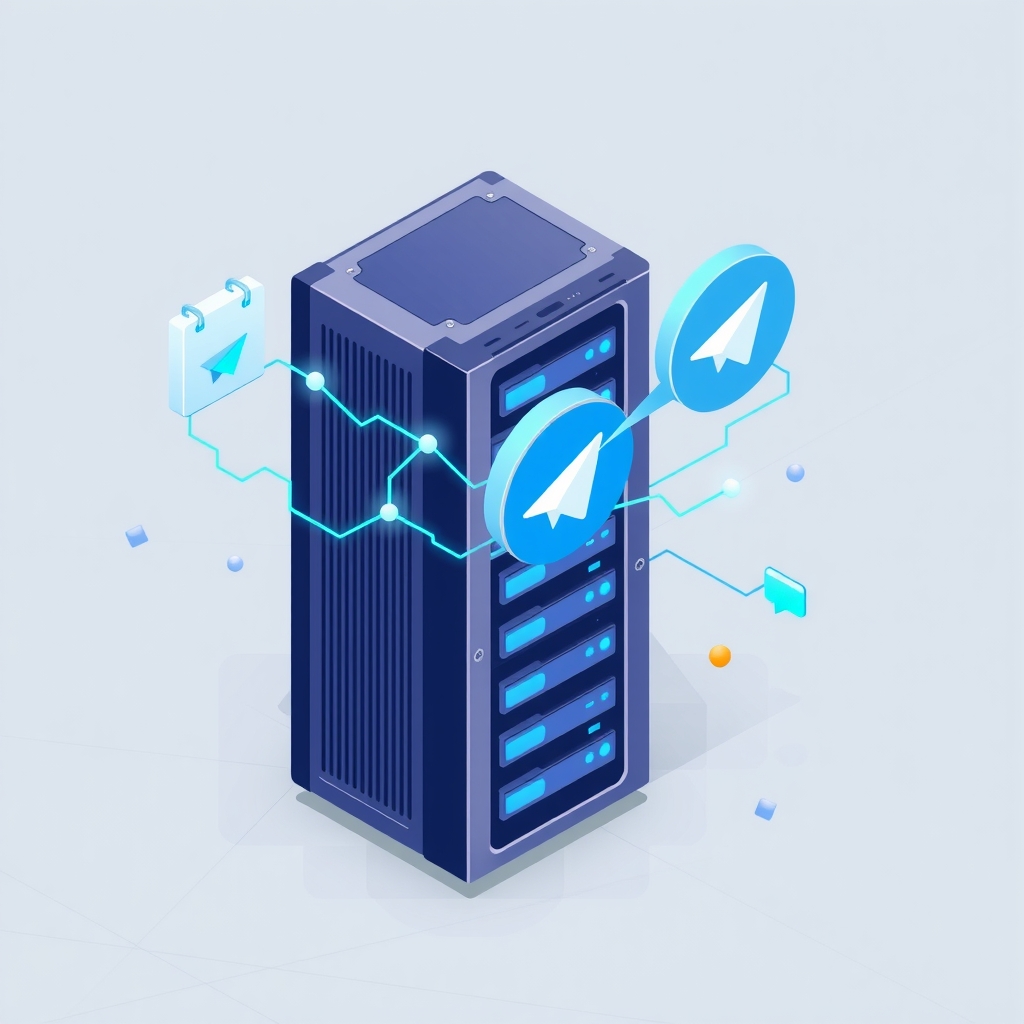
A new open-source project named Aura has emerged as a self-hosted AI agent runtime built in Go. Released by developer chetto1983, the tool positions itself not merely as a chat interface but as an autonomous worker capable of scheduling tasks, maintaining long-term memory, and interacting through messaging platforms like Telegram and WhatsApp.
The project reached its latest pre-release stage, version v1.0.2-rc1, on October 3, 2026. It targets engineers and homelab enthusiasts who want to run intelligent automation on their own infrastructure without relying on centralized SaaS platforms for core logic or data retention.
What happened
Aura is distributed as a Docker Compose appliance, meaning it bundles all necessary dependencies into a single deployable stack. The core runtime is a single Go binary that manages the agent loop, tools, and web interface. When deployed, it spins up several supporting services including PostgreSQL for relational data, ArcadeDB for graph-based memory, Garage for object storage, and various sidecars for embedding generation and speech processing.
Unlike standard chat bots that forget context after a session ends, Aura uses a temporal knowledge graph stored in ArcadeDB. This allows the agent to remember facts, sources, and validity windows over time. It can retrieve this information later to answer questions with provenance, linking back to specific moments or documents where the information was originally learned. The system supports multiple users, each with their own isolated database and workspace.
The agent can also perform scheduled work. Users can define tasks using cron syntax or simple natural language triggers like "remind me every Monday." These jobs run independently of active chat sessions and can deliver results back to the user via Telegram or email. The system includes safety features such as destructive command approval gates and secret redaction when executing shell commands or accessing the host filesystem.
Key details
- Language and License: Written in Go 1.27 and released under the MIT license, allowing for unrestricted commercial and private use.
- Memory Architecture: Uses ArcadeDB for graph-native memory with temporal paths, alongside PostgreSQL for authoritative conversation logs and user management.
- Model Flexibility: Supports OpenRouter (default), ChatGPT plans, local llama.cpp servers, or Ollama. The active model profile can be hot-reloaded without restarting the service.
- Hardware Requirements: The default stack consumes approximately 7 GB of RAM on a mini PC with 16 GB total capacity. Local LLM inference is optional; cloud inference is the default.
- Communication Channels: Primary interaction occurs via a web cockpit, CLI, or Telegram. WhatsApp and email are supported for sending messages and job results, though not for two-way chat in the current release.
- Testing Standards: The project maintains an owned-surface aggregate test coverage of at least 85%, including mutation testing and live integration checks.
Background
To understand Aura’s value, it helps to distinguish between a chatbot and an agent. A chatbot responds to prompts in real-time. An agent, however, can pursue goals over time, use tools, and maintain state between interactions. Most self-hosted AI tools today are front-ends for large language models, focusing on conversation history and prompt management.
Aura introduces the concept of "temporal graph memory." In traditional vector databases, information is stored as embeddings—mathematical representations of text similarity. While good for finding similar documents, they struggle with factual accuracy over time. A graph database, by contrast, stores entities and relationships explicitly. By adding a temporal dimension, Aura can track when a fact was learned and whether it is still valid. This reduces hallucinations and allows the agent to reason about changes in the world.
The Model Context Protocol (MCP) is another key component. MCP is an emerging standard that allows AI models to connect to external data sources and tools securely. Aura uses MCP to integrate with calendars, email, and web search engines, enabling the agent to act on behalf of the user rather than just providing text responses.
Why it matters
For teams running their own software, data privacy and control are paramount. Sending sensitive internal documents or operational data to third-party AI providers carries risk. Aura’s architecture ensures that while inference might happen in the cloud (if configured), the memory, tools, and execution environment remain entirely on-premise. The per-identity sandbox, which can use gVisor for isolation on Linux, prevents the agent from accidentally damaging the host system or accessing unauthorized files.
The ability to schedule jobs transforms the AI from a passive responder into an active participant in workflows. An IT manager could set up an agent to monitor server logs daily, summarize anomalies, and post them to a Telegram group. Because the agent has long-term memory, it can recognize recurring patterns over weeks or months, providing insights that simple alerting tools might miss.
Furthermore, the use of Go and a single-binary distribution simplifies deployment compared to Python-based alternatives that often suffer from dependency conflicts. The rigorous testing suite, including mutation testing, suggests a level of maturity that is rare for solo-maintained open-source projects, making it a more viable candidate for production-adjacent environments.
What you can do
- Test the installer: If you have a Linux machine with at least 4 CPU cores and 14 GB of RAM, run the interactive installer via
npx create-aura-applianceto set up the full stack locally. - Configure local inference: For complete data privacy, enable the
localllmprofile in Docker Compose to run Gemma 4 12B locally, ensuring no data leaves your network during inference. - Connect Telegram: Use the setup wizard to link a Telegram bot, allowing you to interact with the agent and receive scheduled job notifications directly on your phone.
- Review security settings: Enable the
sandboxprofile if running on native Linux to isolate agent tool execution using gVisor, protecting your host filesystem from accidental damage. - Explore the Studio: Use the built-in web cockpit to generate images or edit videos, leveraging the integrated media tools without needing separate creative software.
- Monitor updates: If you install the appliance mode, the system will auto-update via a systemd timer. Check the
payload_manifest.txtfile periodically to verify your installation matches the expected state.