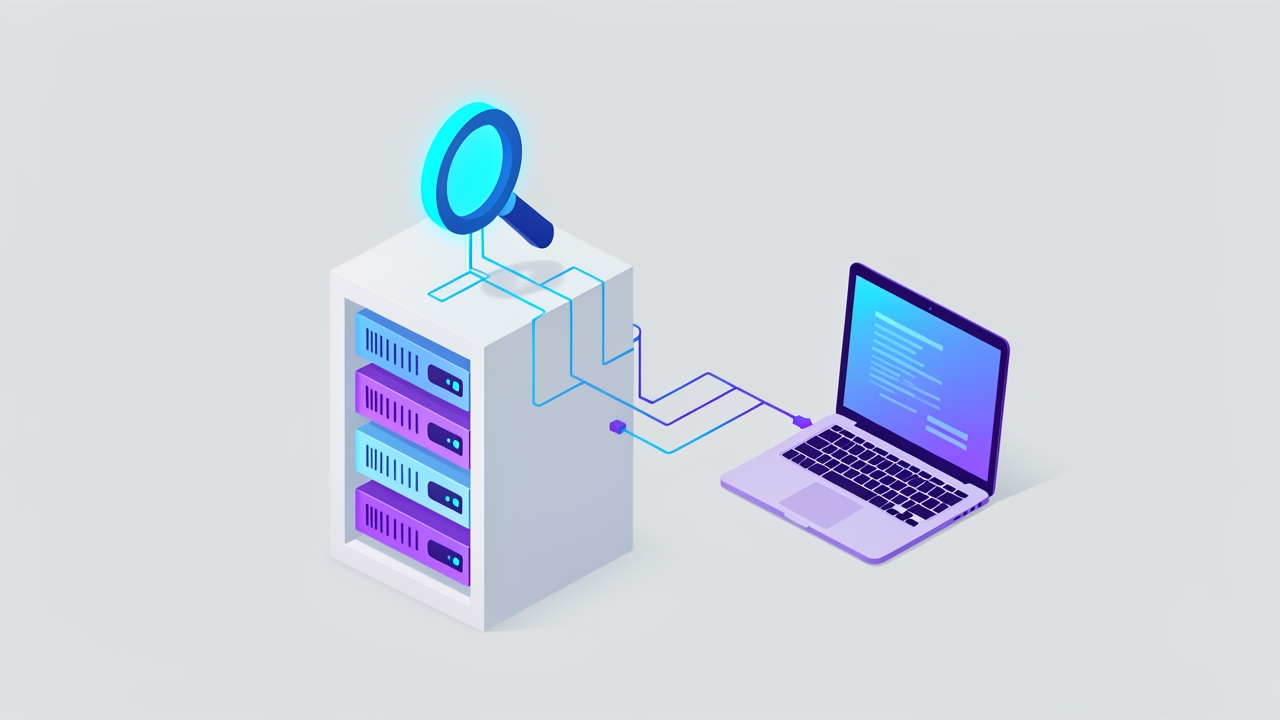
Sifthound offers a self-hosted, drop-in replacement for Tavily search API
GitHub user khsarvar released Sifthound, an open-source alternative to Tavily that runs on your own infrastructure using SearXNG and supports MCP.
Self-hosted document management that reads every scan and answers with page citations.
AI document management with 4 OCR engines, hybrid search and a chat assistant that cites the exact page. PostgreSQL or MariaDB.
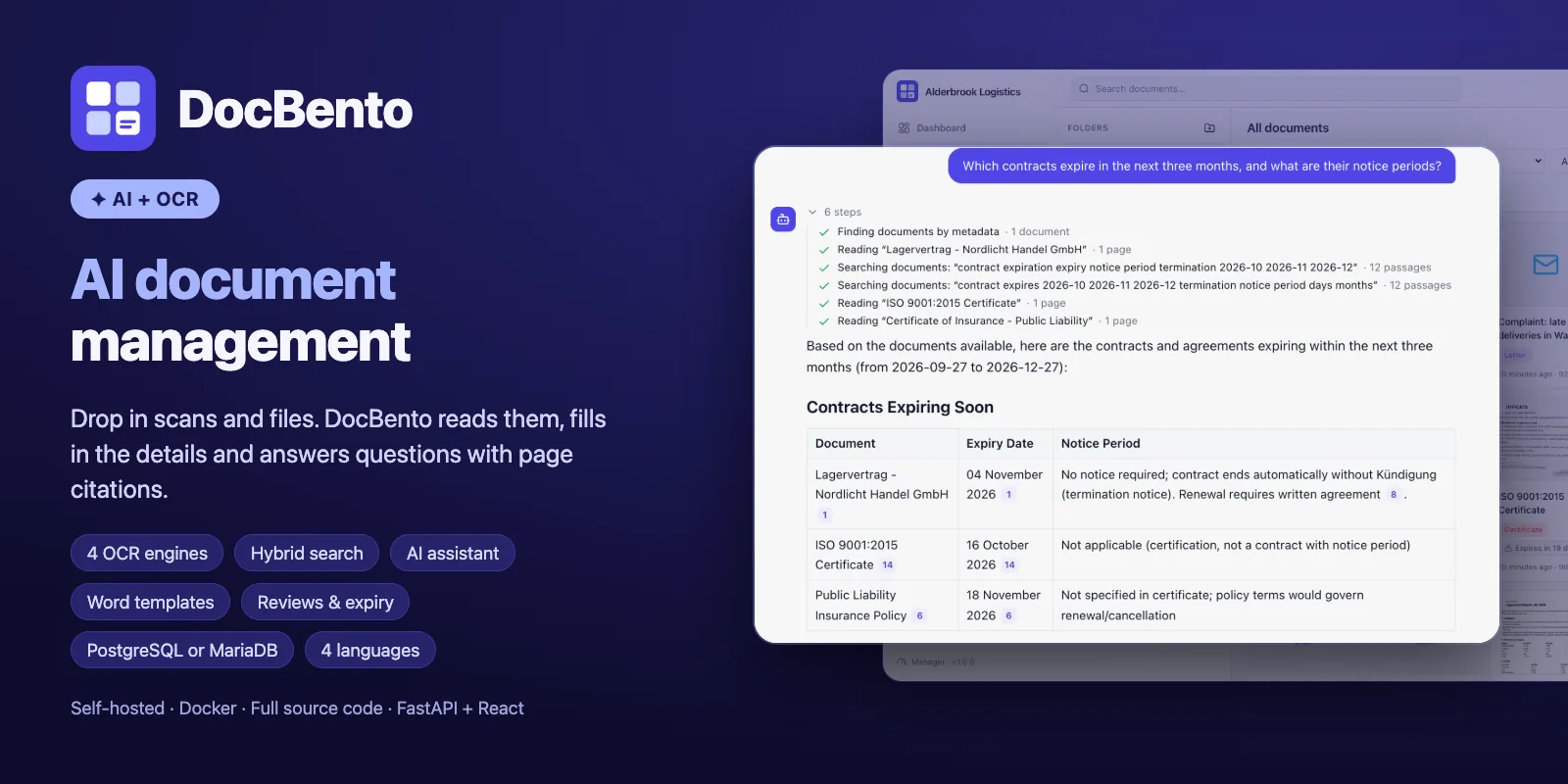
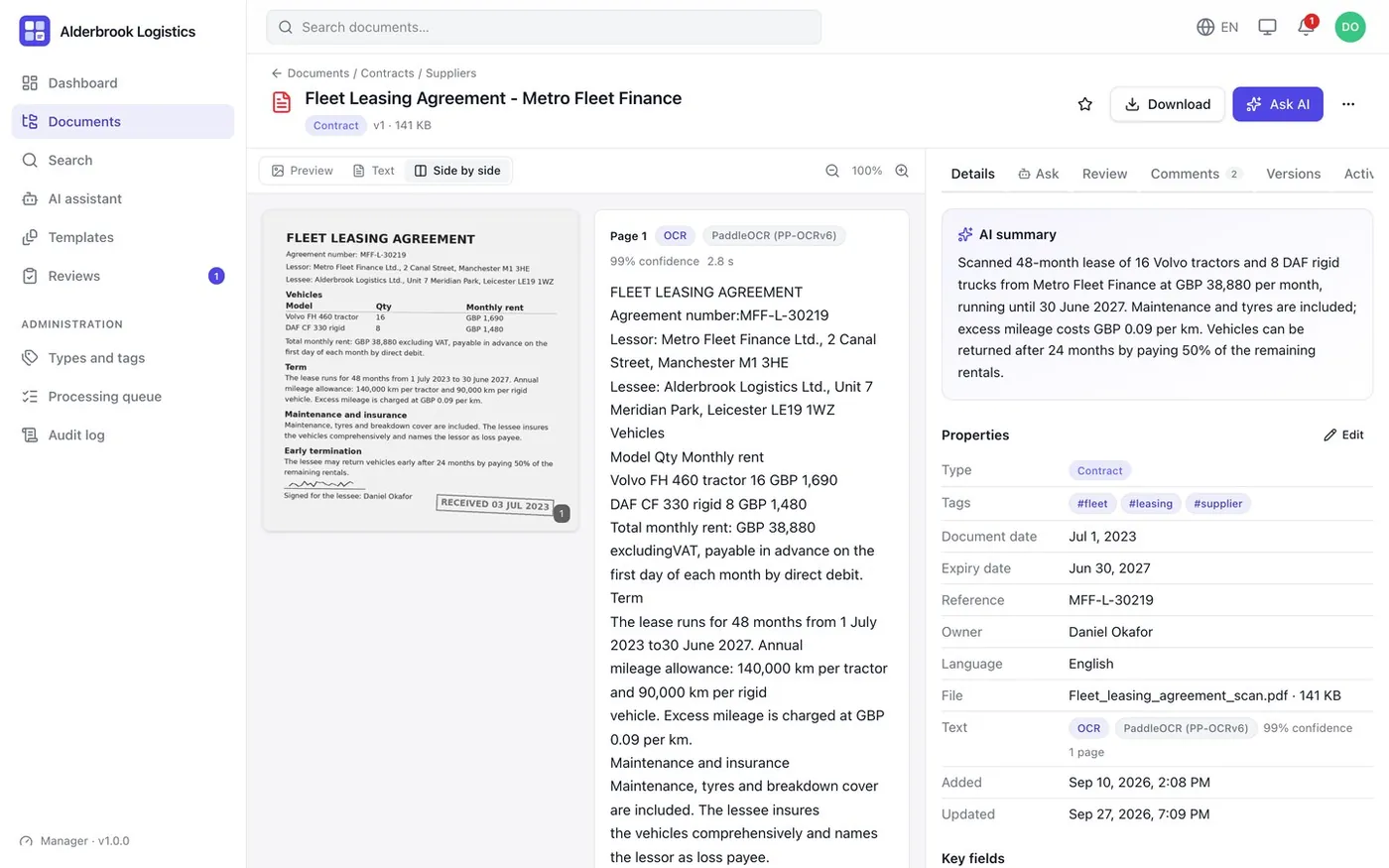
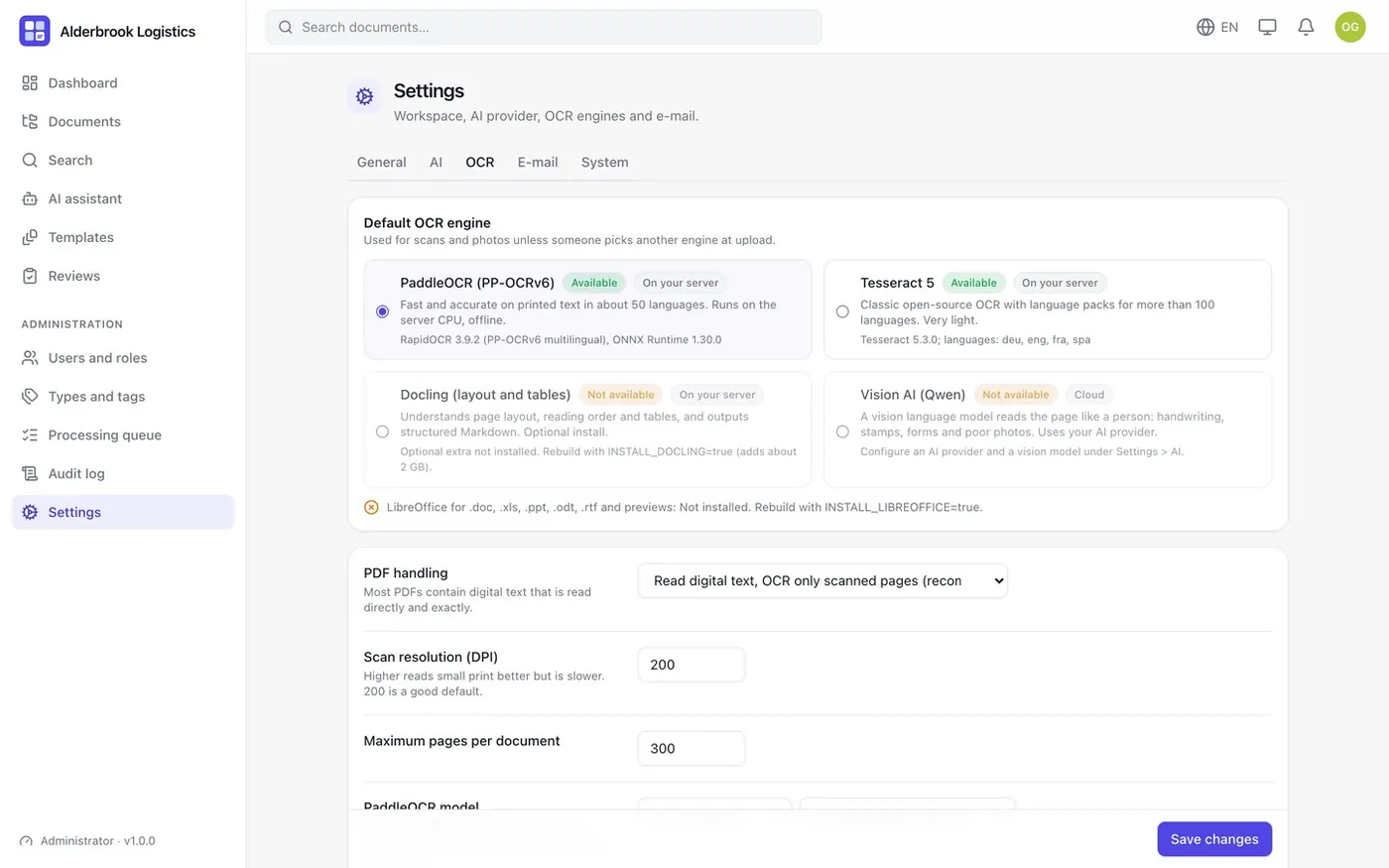
PaddleOCR PP-OCRv6 (offline on CPU), Tesseract 5, Docling for layout and tables, and Vision AI.
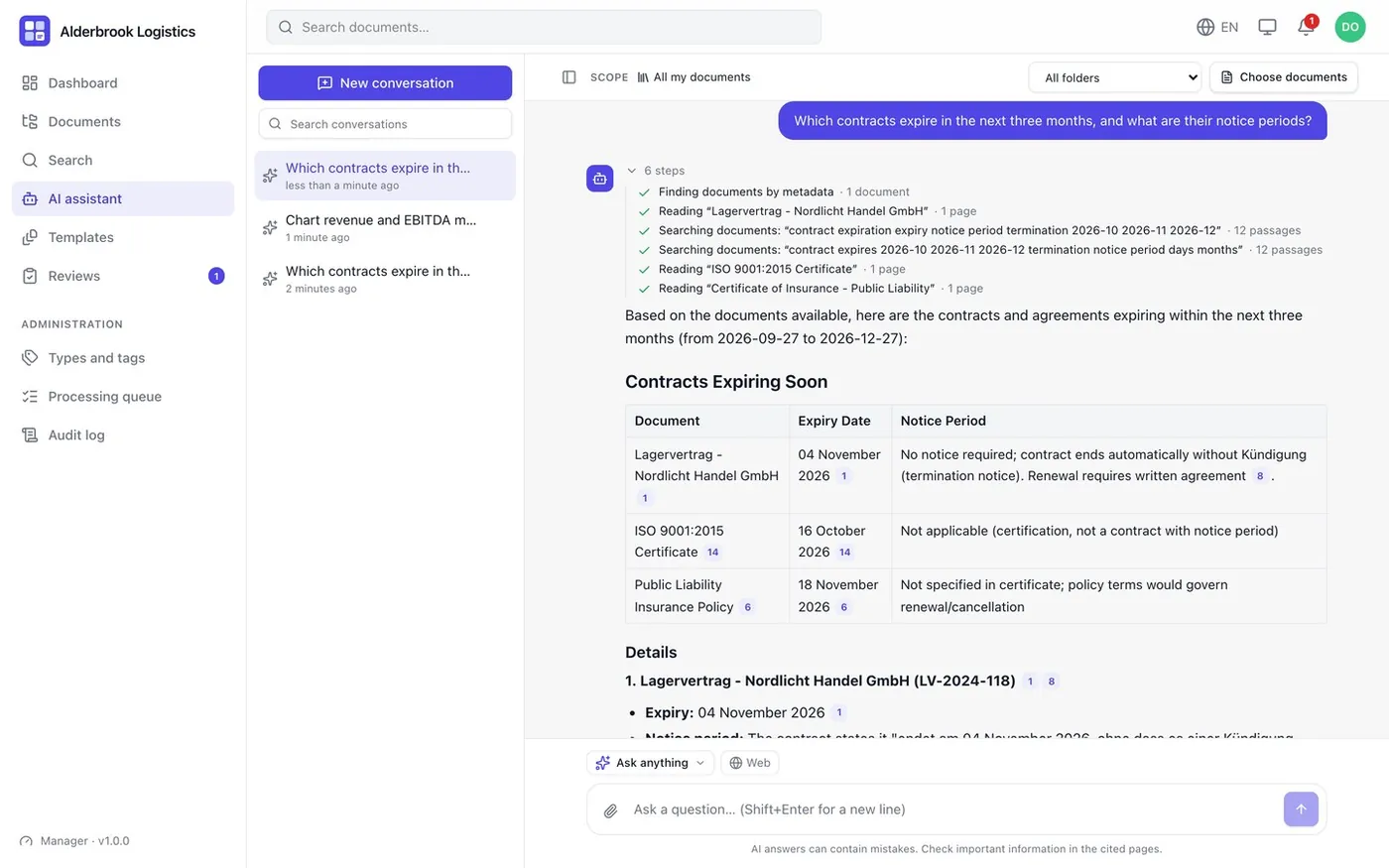
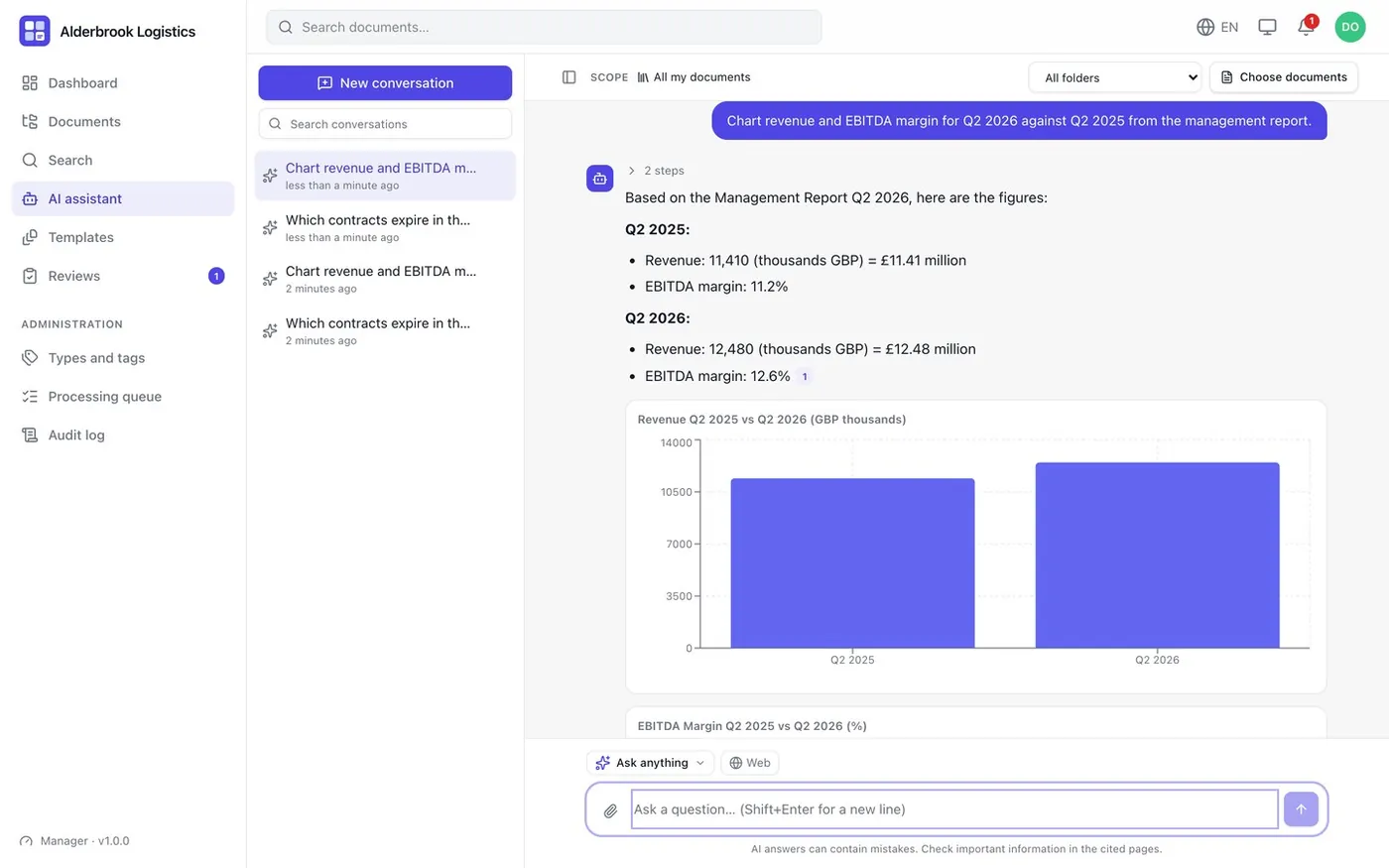
An agent-based assistant with 13 skills that answers questions and links to the exact page.
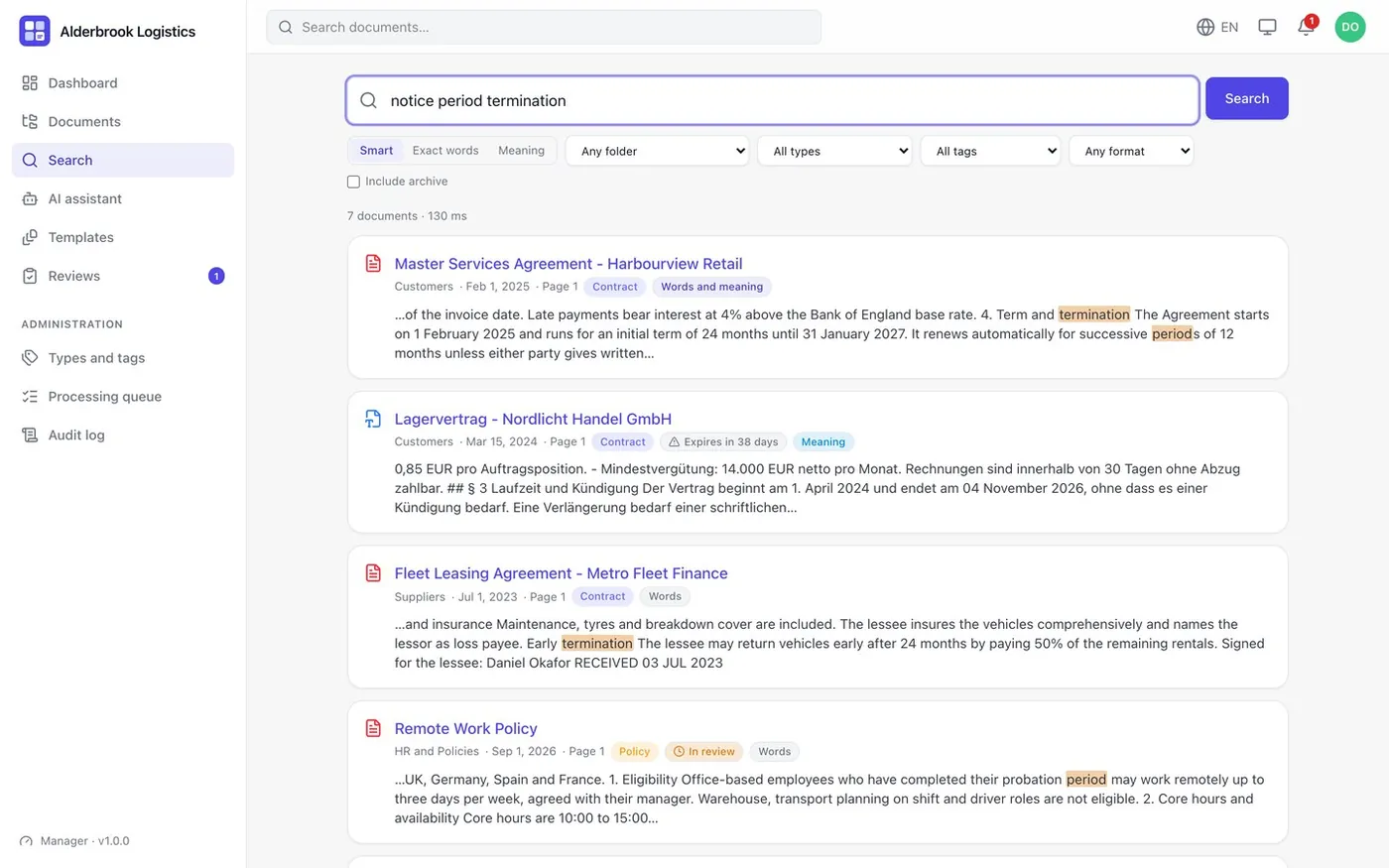
Full-text plus vector search across languages, filtered by what each user may see.
AI summary, document type, tags, expiry dates and custom key fields per document type.
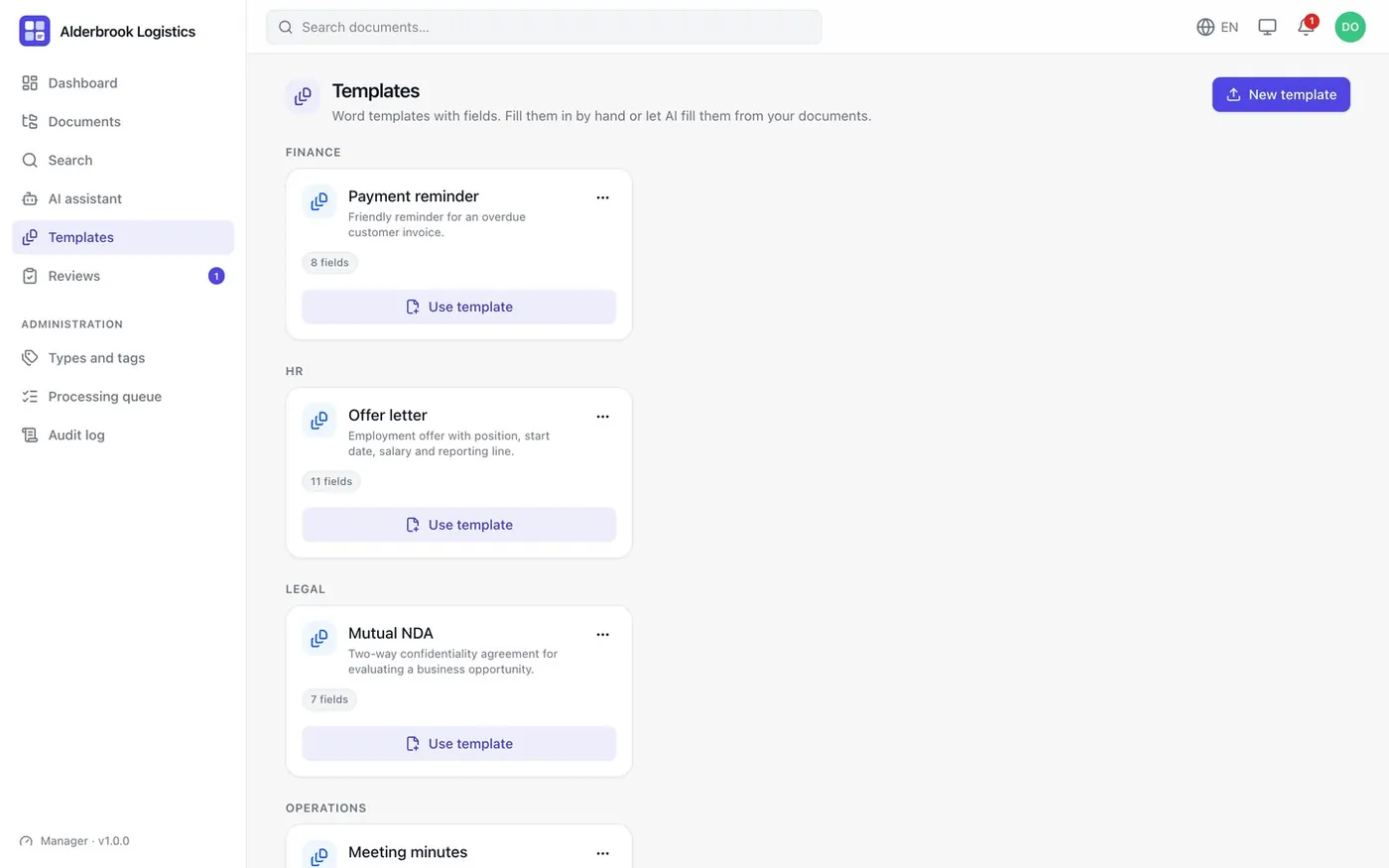
Templates with {{placeholders}}, filled by hand or by AI.
PostgreSQL with pgvector or MariaDB 11.8 with native vectors, chosen at install.
DocBento is a self-hosted document management system with AI built in. Drop in PDFs, scans, photos and Office files. DocBento extracts the text, runs OCR where needed, indexes everything for keyword and semantic search, and fills in the summary, document type, tags, dates and key fields. Your team can then ask questions and get answers that cite the exact page.
The assistant works like an agent: it finds documents by metadata, reads the relevant pages, searches passages and then answers. Its 13 skills include summarize, compare, extract, obligations, compliance checks, proofreading, number analysis with charts, drafting and translation.
The complete source code (FastAPI + SQLAlchemy backend, worker, React 19 + TypeScript frontend), Docker Compose with an HTTPS overlay, backups, sample data, a self-resetting demo mode and documentation.
Requirements: Docker 24+, 2 CPU / 4 GB RAM minimum (4 CPU / 8 GB recommended). An AI API key is optional.
Sample data only. Nothing you do there affects anyone else.
Anything else? Email [email protected].
Yes. Upload, OCR (PaddleOCR, Tesseract, Docling), search, templates, reviews and permissions all work offline. AI is optional and works with any OpenAI-compatible provider, including a local Qwen-VL on Ollama.
English, Spanish, French and German.
Docker 24 or newer, 2 CPU and 4 GB RAM at minimum; 4 CPU and 8 GB RAM are recommended.
Yes. Roles, groups and restricted folders are enforced in search results and in what the assistant can read.
GitHub user khsarvar released Sifthound, an open-source alternative to Tavily that runs on your own infrastructure using SearXNG and supports MCP.
AI-powered HRM and workplace suite you host yourself.
Live demoWhite-label AI document scanner for Android and iOS.
Live demoCross-platform desktop workbench for wearable development.
Know when scheduled jobs stop running.
Live demo