Soon
BandBridge
Cross-platform desktop workbench for wearable development.
White-label AI document scanner for Android and iOS.
On-device edge detection and page flattening, self-hosted OCR in 100+ languages, searchable PDFs and a cloud library. Full Flutter + FastAPI source.
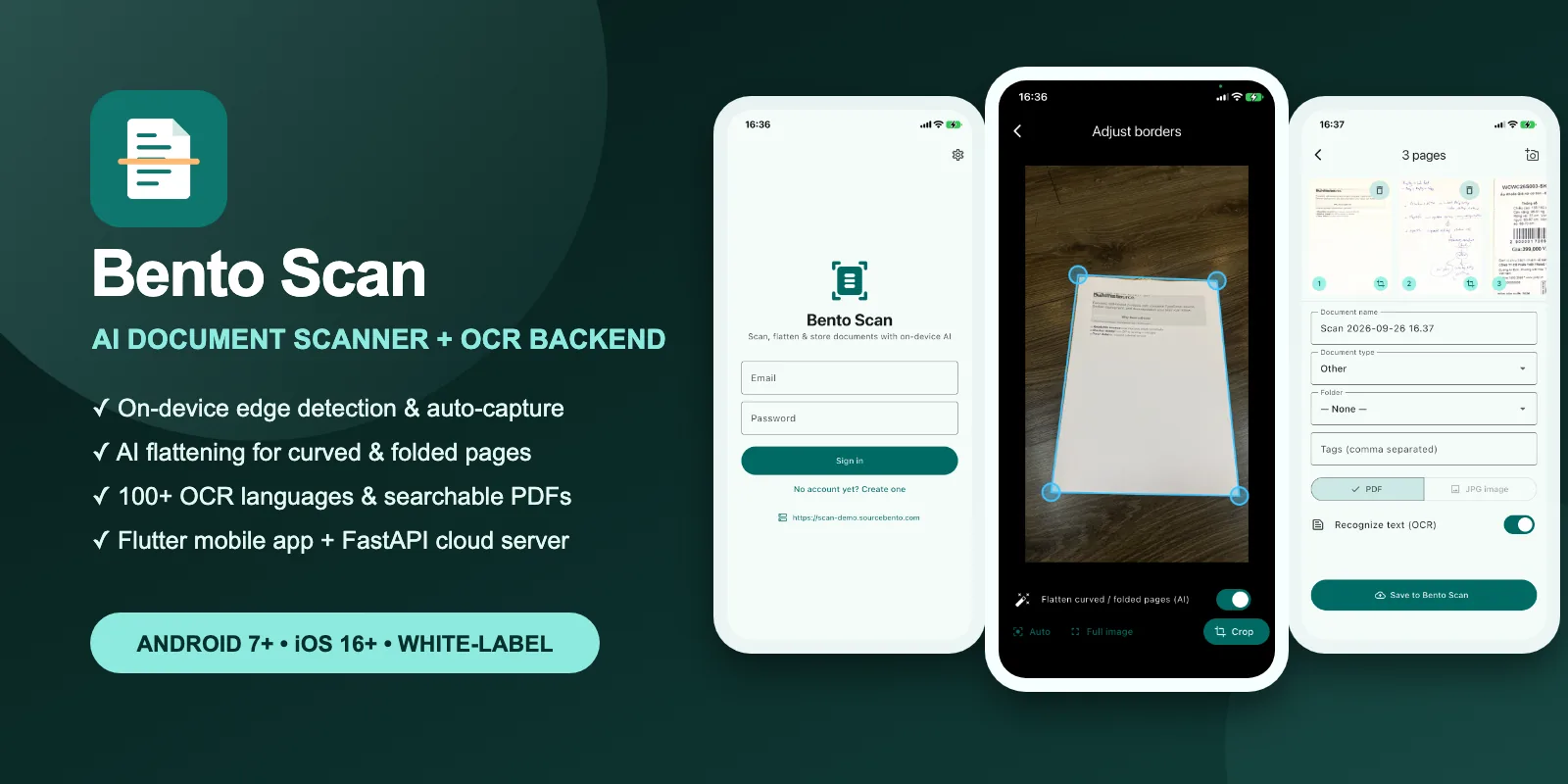
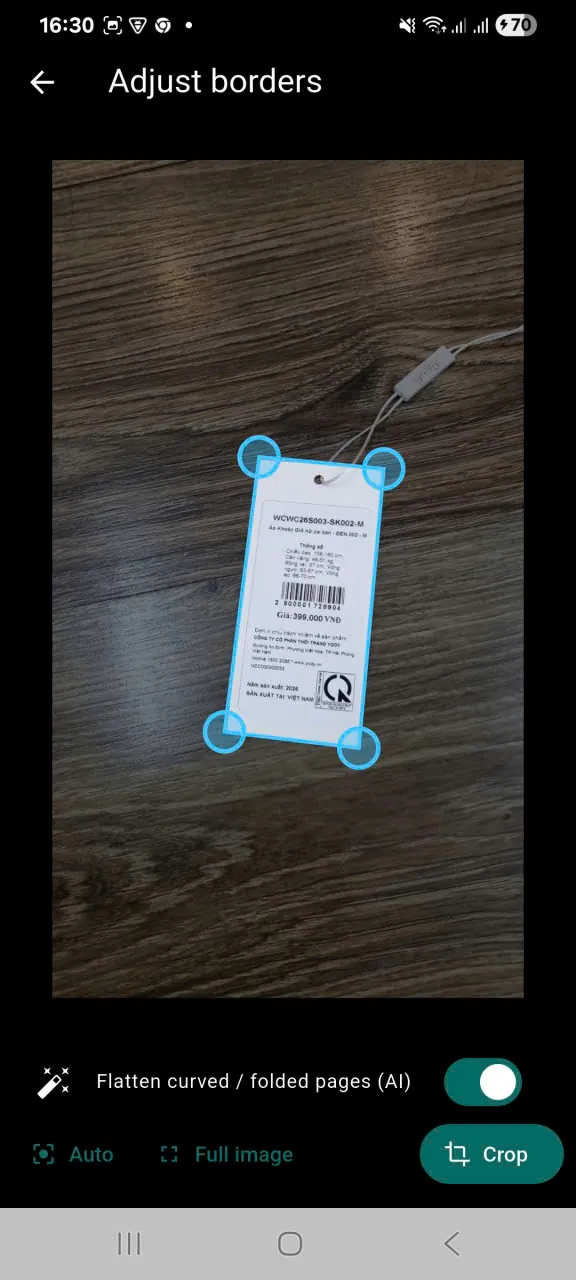
DocAligner finds the four document corners on the phone and supports stable auto-capture.
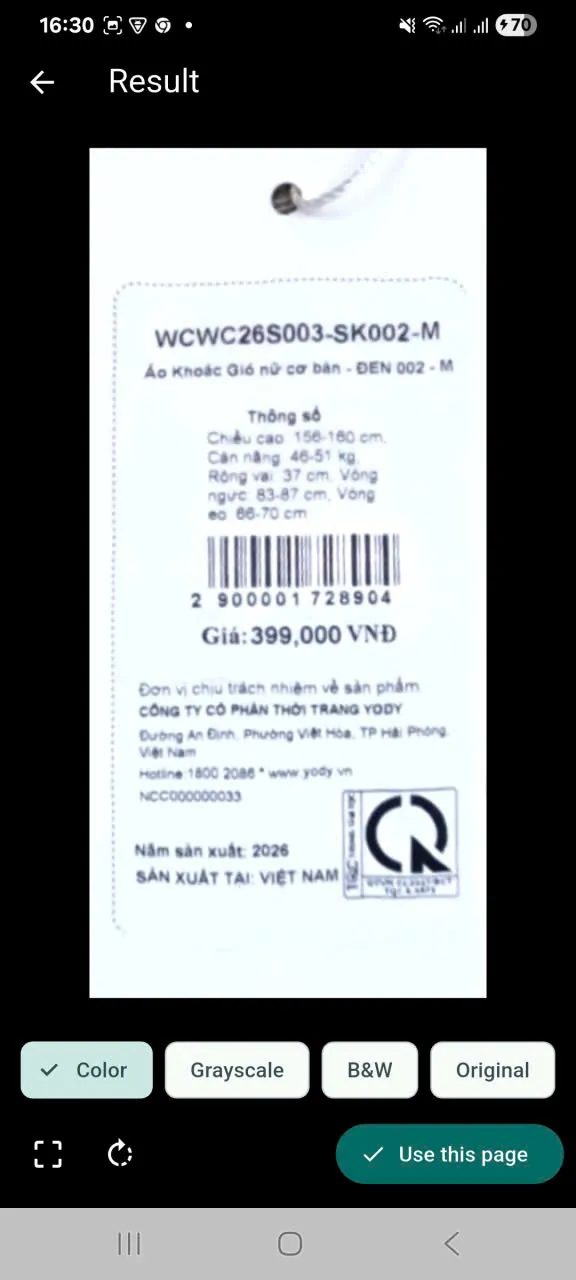
Perspective correction plus optional UVDoc deformation mapping straighten curled or folded pages.
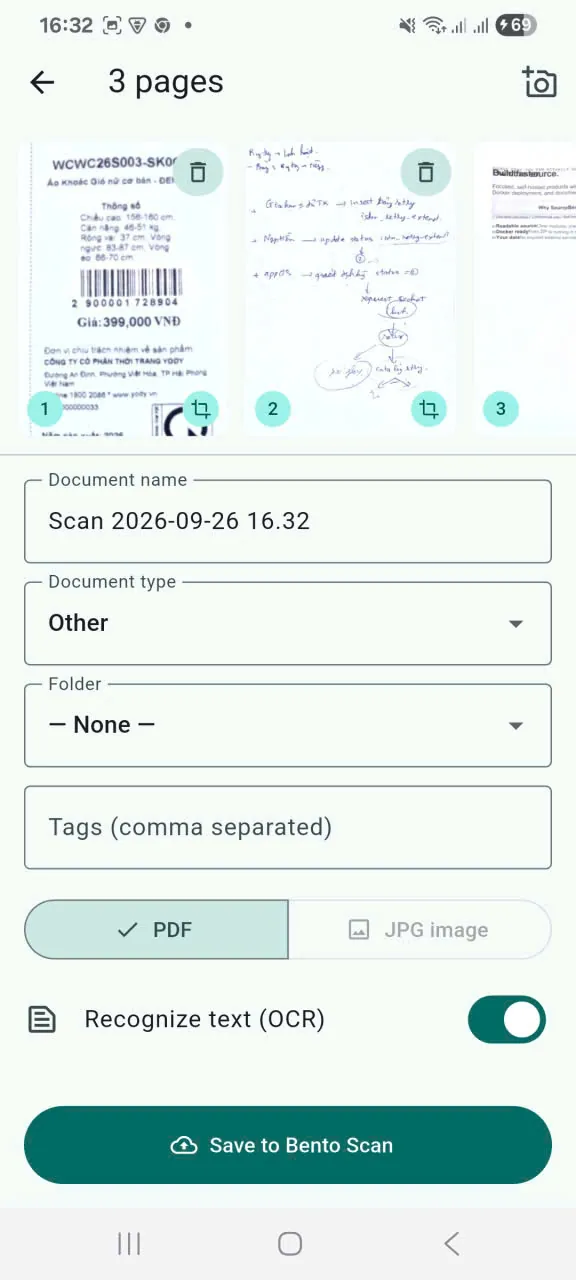
Reorder pages, apply filters, and add names, folders, document types and tags.
PaddleOCR extracts text in 100+ languages and produces indexed, searchable PDFs.
Capture, crop, flattening, filters and local PDF assembly run on the device, without Google Play Services.
FastAPI, PostgreSQL, an OCR worker and any S3-compatible bucket, all on infrastructure you control.
Real documents arrive curled, folded, shadowed, handwritten or photographed at an angle. Bento Scan detects the page, lets the user correct its corners, fixes perspective, optionally flattens curved paper, enhances the result and keeps every page together before export.
Core image processing runs on the phone. Cloud features run on infrastructure the buyer controls: a FastAPI service, PostgreSQL, a background OCR worker and any S3-compatible bucket. There is no scanning SDK subscription and no Google Play Services dependency for the core pipeline.
The Android build supports Android 7.0 (API 24) and newer.
The iOS build uses the same Flutter code and ONNX models while following iPhone camera, photo-library, sharing, signing and privacy conventions.
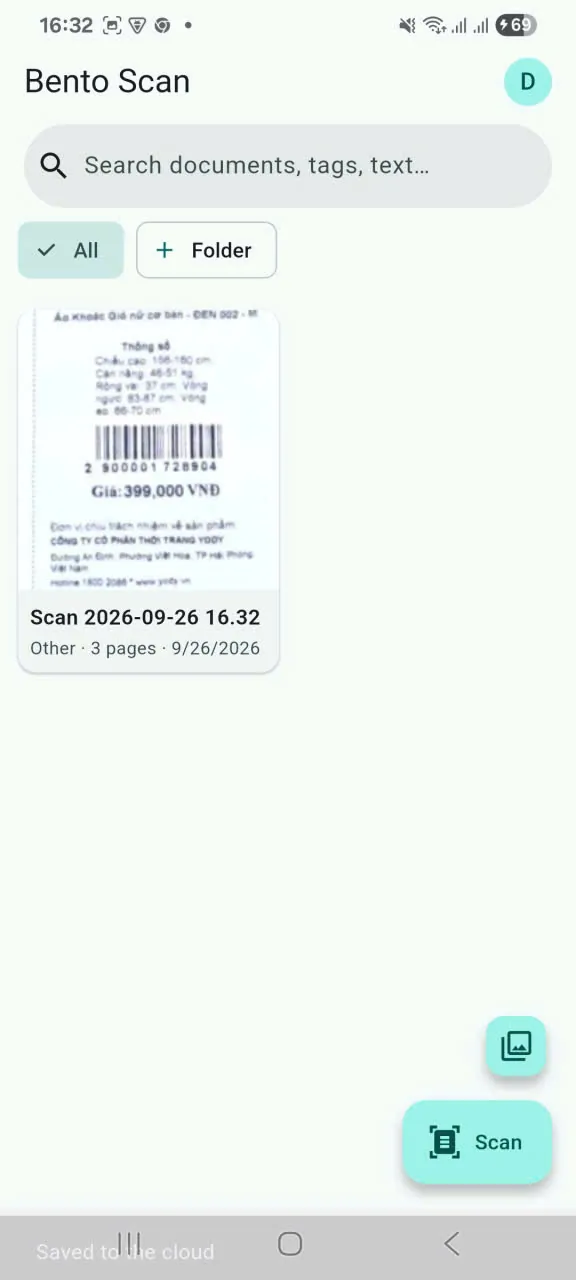
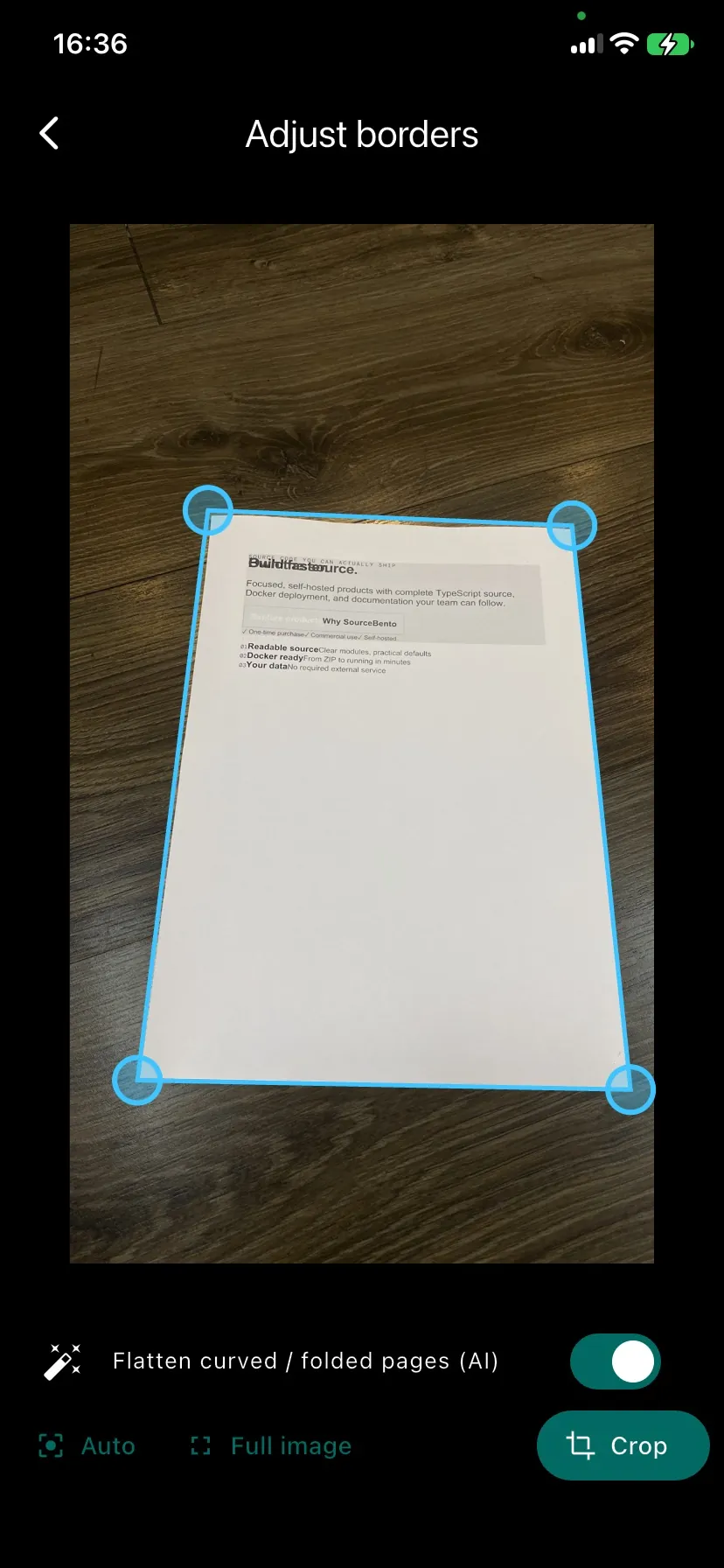
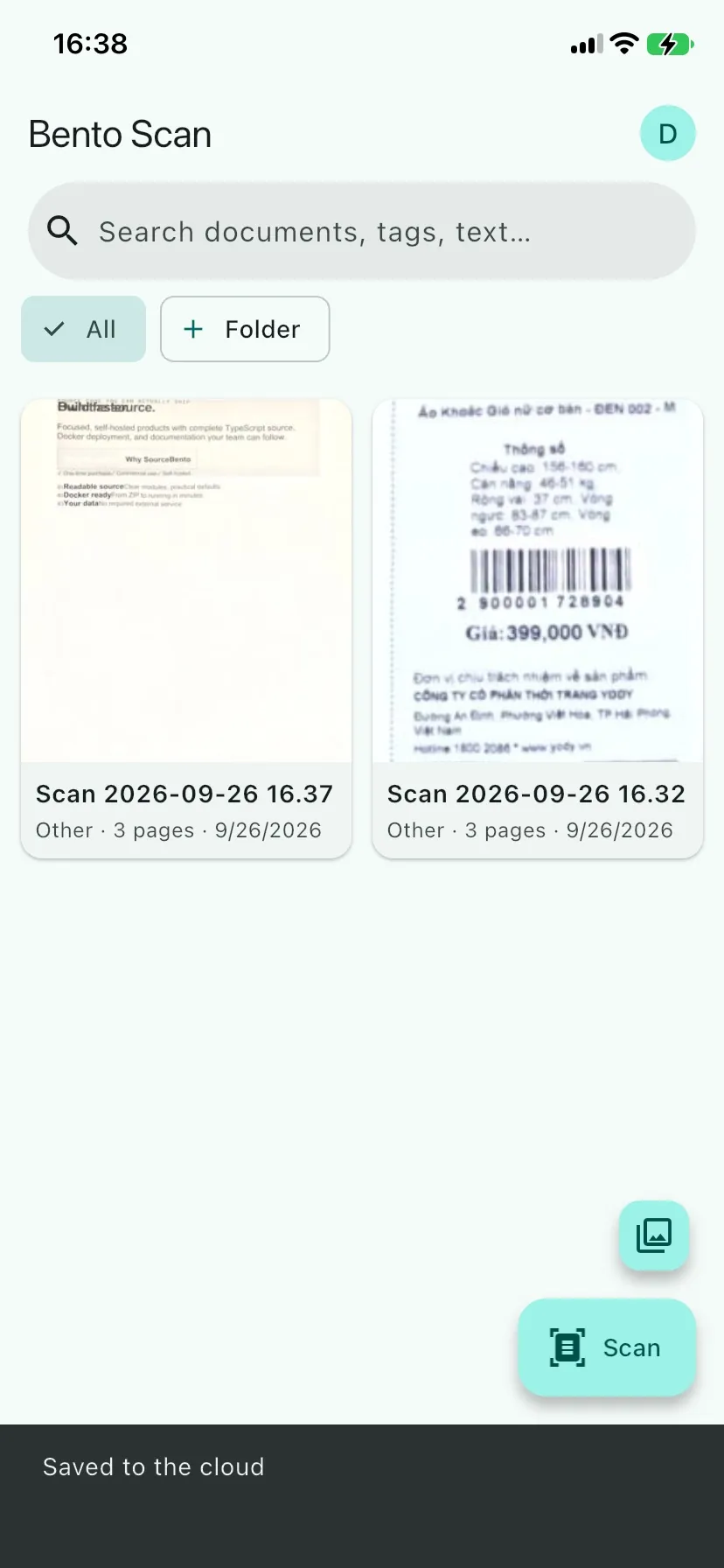
Sample data only. Nothing you do there affects anyone else.
Anything else? Email [email protected].
Yes. The package includes a white-label guide for the app name, icons, colors and bundle identifiers on both platforms.
No. Edge detection, auto-capture, cropping, flattening, filters and local PDF export work offline. OCR, the cloud library and search use your self-hosted backend.
Any S3-compatible bucket, for example Cloudflare R2, AWS S3, Backblaze B2 or MinIO.
A browser-hosted phone cannot reproduce every physical camera behavior, but navigation, sign-in, settings, cloud flows and both platform builds can be inspected.
Cross-platform desktop workbench for wearable development.
AI-powered HRM and workplace suite you host yourself.
Live demoSelf-hosted document management that reads every scan and answers with page citations.
Live demoKnow when scheduled jobs stop running.
Live demo