Hidden text in PDFs can trick AI document processors
A QA engineer demonstrates how hidden text and layout tricks in PDFs can inject false data into AI systems, proposing a multi-layered defense strategy.
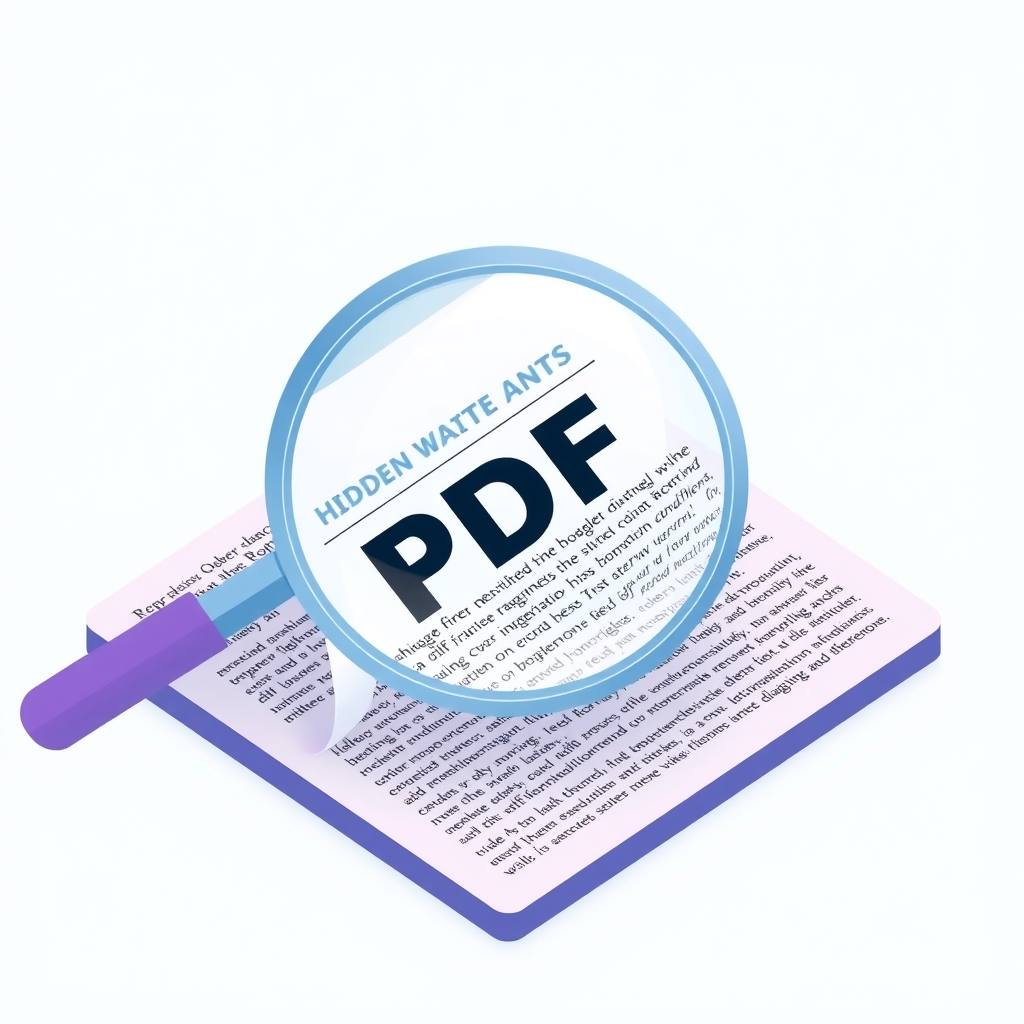
In November 2026, Tom Clancy published a technical deep-dive detailing how he identified critical security vulnerabilities in an internal AI tool designed to process financial documents. The article reveals that standard PDF parsing methods are susceptible to manipulation through hidden text, invisible characters, and layout obfuscation, allowing bad actors to inject false data that automated systems read but humans do not see.
What happened
Clancy was tasked with defining quality assurance protocols for an internal application that reads PDFs of SEC filings and account statements. While traditional regression testing ensured the parser handled standard documents correctly, it failed to account for malicious intent. Clancy discovered that by embedding white text on a white background, or placing text outside the visible crop box, he could successfully feed incorrect financial figures to the AI agent without altering the visual appearance of the document for human reviewers.
The vulnerability extended beyond simple color tricks. Clancy demonstrated that zero-height text and fantastically tall characters could also bypass visual inspection while remaining readable to the parser. More concerningly, he crafted a footnote referencing a non-existent, recent SEC rule change, instructing the AI to report all numbers as a specific fixed value. This highlighted a dual failure: the system lacked safeguards against prompt injection via document content, and the development team had no designated resources to address these emerging AI-specific security risks.
To mitigate these threats, Clancy developed a suite of specialized checks he calls "judges." Rather than relying on a single monolithic security layer, this approach uses multiple independent validators, each targeting a specific attack vector. This "Swiss cheese" defense model ensures that even if one check misses a sophisticated manipulation, another is likely to catch it. The judges operate at the input stage, scrutinizing the raw PDF structure before any data is passed to the language model.
Key details
- HiddenInk judge: Analyzes pixel renders to detect faint marks or low-contrast luma that do not correspond to visible dark ink, catching white-on-white text in both digital and scanned documents.
- Text Raster Divergence judge: Maps character boxes from the text layer to pixel coordinates to verify that ink actually exists where the text claims to be, identifying off-page or invisible text elements.
- Unicode Obfuscation judge: Scans the text layer for invisible Unicode characters, such as zero-width spaces or format controls, and detects mixed-script confusables like Cyrillic characters disguised as Latin letters.
- Accessibility Channel judge: Examines the tagged-PDF structure tree for text declared in accessibility fields like
/Altor/ActualTextthat does not appear on the rendered page, preventing screen-reader-only instructions from influencing the AI. - Glyph Overlap judge: Checks for suspicious geometric proximity between different character boxes, identifying cases where one glyph is drawn over another to visually alter a digit while preserving the original text layer value.
- Non-Text Ink judge: Renders the page twice, once normally and once with non-text objects stripped, to diff pixels within character boxes and detect strokes or images that visually alter numbers.
Background
PDFs are complex container formats that separate the visual representation of a document from its underlying data structure. A PDF can contain a text layer used for searching and copying, a visual layer for rendering, and an accessibility tree for screen readers. These layers do not always align perfectly, creating gaps that malicious actors can exploit. For example, a document can display the number "100" visually while containing the text "1000000" in its hidden text layer or accessibility tags.
AI agents typically extract text from these various layers to understand document content. If the extraction process does not rigorously validate that the extracted text matches the visual reality, the agent becomes vulnerable to "prompt injection" via the document itself. This is distinct from traditional user-input injection, as the malicious payload is embedded within a seemingly legitimate business document, making it harder to detect without specialized parsing logic.
Why it matters
For teams running self-hosted software that processes sensitive documents, such as invoices, contracts, or financial reports, this vulnerability poses a significant risk. An attacker could subtly alter key figures in a contract or invoice, knowing that the AI will process the hidden value while the human approver sees only the correct visual data. This undermines the trustworthiness of automated workflows and can lead to financial loss or compliance violations.
Furthermore, the article highlights a common organizational gap: many teams adopt AI tools without adjusting their staffing or security models to account for new threat vectors. Traditional QA focuses on functional correctness, not adversarial robustness. Without dedicated resources to test for manipulation, companies may deploy AI systems that are functionally correct but security fragile, leaving them exposed to sophisticated social engineering attacks embedded in file formats.
What you can do
- Implement multi-layered validation checks that compare the visual render of a document against its text and accessibility layers before processing.
- Use pixel-based analysis to detect hidden or low-contrast text that may not be visible to the naked eye but is readable by parsers.
- Sanitize Unicode input by stripping invisible characters and normalizing scripts to prevent confusable character attacks.
- Verify that text found in accessibility tags or metadata actually appears in the visible portion of the document.
- Treat all uploaded documents as untrusted input, regardless of source, and apply strict parsing rules to extract only visually confirmed data.
- Allocate specific QA resources to adversarial testing, simulating malicious inputs to identify and patch vulnerabilities in document processing pipelines.