Automating laptop returns with state machines and HRIS triggers
A guide to treating device retrieval as a state machine, using HRIS webhooks to trigger offboarding tickets and enforce accountability.
Retrieving hardware from departing employees remains a manual gap in many IT offboarding workflows, often relying on memory rather than system logic. A recent guide outlines how to automate this process by treating device returns as stateful records triggered directly by HR data, ensuring every laptop is tracked from termination to re-imaging.
What happened
The article proposes shifting away from email-based requests for hardware returns, which lack ownership and status tracking. Instead, it recommends modeling the return process as a state machine where each device has a specific record tied to its asset tag and serial number. This record moves through defined stages, such as requested, kit delivered, in transit, received, checked in, and reimaged, with clear owners and time limits for each step.
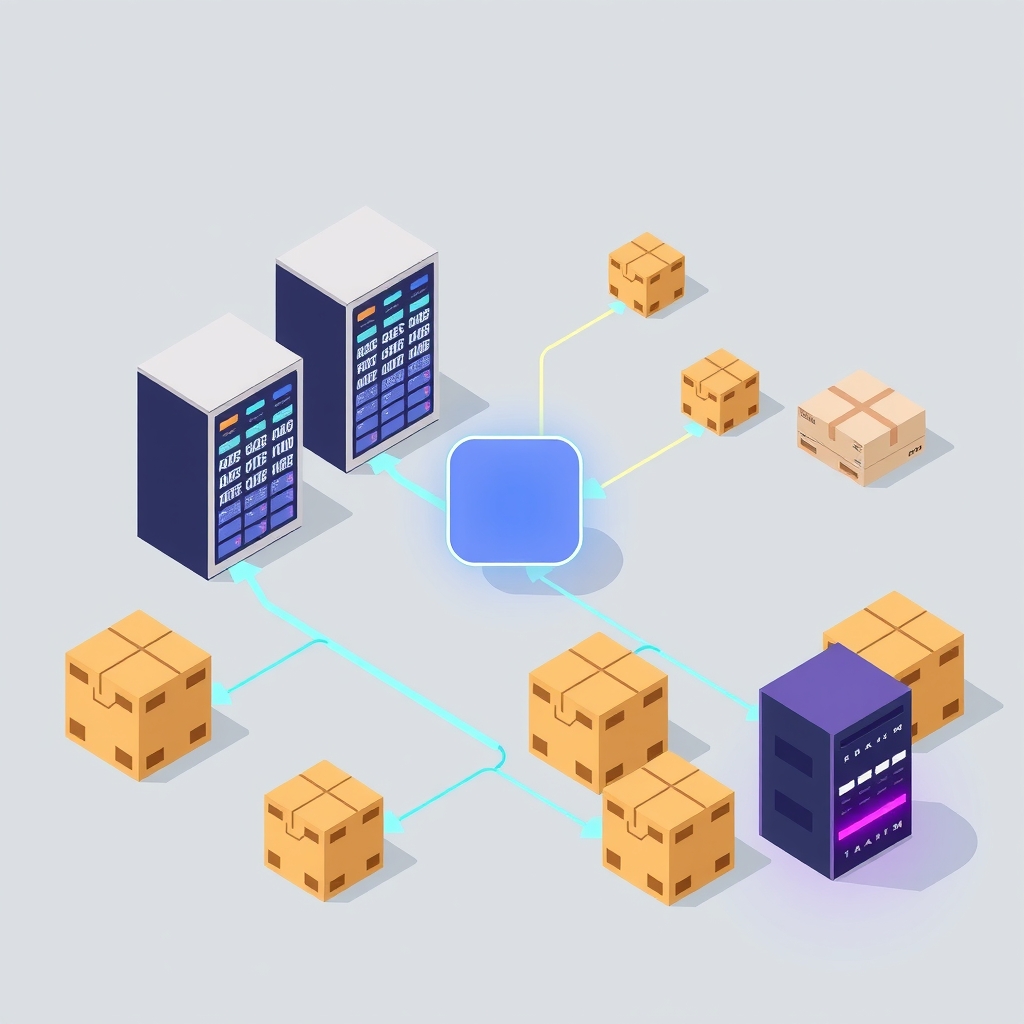
The workflow begins when an HR information system (HRIS) records a termination date. This event triggers a webhook or scheduled export that creates an offboarding ticket in an IT service management platform. The system automatically generates subtasks for every asset assigned to the departing employee, pulling data from mobile device management (MDM) or inventory tools rather than relying on employee recall. This ensures that even forgotten devices, like old tablets, are included in the return process.
Once the ticket is created, the IT team sends a remote lock command via MDM tools like Jamf or Intune. The guide advises against immediate wiping, as locking preserves the ability to verify the device and recover any missed files upon return. A prepaid return kit is then shipped to a confirmed address, and carrier scans update the state of the return record. Escalations are directed to managers or HR if states stall, rather than burdening IT support staff. Finally, physical check-in involves verifying seals and matching serial numbers before the device is wiped and re-enrolled for reuse.
Key details
- The workflow uses a state machine model with stages like requested, kit_delivered, in_transit, received, checked_in, and reimaged.
- Triggers originate from HRIS termination dates via webhooks or daily diff exports, creating automatic offboarding tickets.
- Remote locks are applied via MDM on the last day, but wiping is delayed until physical receipt to allow for verification.
- Prepaid return kits include packaging, labels, and tamper-evident seals to simplify the process for departing employees.
- Escalation rules notify managers or HR if a record remains in a state like kit_delivered for more than five days.
- Physical check-in requires confirming intact seals and matching serial numbers before moving the record to the checked_in state.
Background
A state machine is a computational model where an object exists in one of several predefined states at any given time. Transitions between these states occur only in response to specific events or triggers. In IT operations, this approach replaces ambiguous communication channels like email with structured data records. Each state has a clear definition, an assigned owner responsible for progress, and expected durations. If a record remains in a state longer than the threshold, automated alerts fire to prevent tasks from being forgotten. This method is commonly used in software deployment pipelines and incident response but is less frequently applied to physical asset management.
Mobile device management (MDM) solutions allow administrators to control, monitor, and manage mobile devices and computers. Features include remote locking, wiping, and application deployment. In the context of offboarding, MDM provides the technical capability to secure a device remotely. However, MDM alone does not track the physical location or shipping status of the hardware. Integrating MDM actions with a stateful tracking system bridges the gap between digital security and physical logistics, ensuring that a locked device is also physically returned and accounted for.
Why it matters
For teams that run their own software and manage internal IT processes, automating offboarding reduces administrative overhead and security risks. Manual tracking of hardware returns often leads to lost assets, delayed re-provisioning, and potential data leaks if devices are not properly wiped. By tying the process to HRIS data, organizations ensure that no departure goes unnoticed by IT. This integration eliminates the reliance on individual memory or ad-hoc emails, creating a consistent and auditable trail for every device.
The state machine approach provides visibility across departments. HR and IT share a single source of truth regarding the status of each return. This transparency prevents duplicate efforts and ensures that escalations reach the right people. For example, if a former employee fails to ship a device, the manager who maintains the relationship is notified to follow up, rather than an IT technician sending impersonal reminders. This division of labor improves efficiency and maintains professional relationships during the exit process.
Additionally, delaying the wipe until physical check-in supports better asset management. It allows IT staff to verify that the returned hardware matches the recorded serial number and assess its condition. This step helps identify discrepancies early, such as receiving a different device or missing accessories. Accurate records of when a device was locked, received, and wiped also satisfy compliance and audit requirements, demonstrating due diligence in data protection and asset recovery.
What you can do
- Configure your HRIS to send webhooks or daily exports when employee status changes to terminated.
- Set up your ticketing system to automatically create offboarding tickets with device return subtasks based on HRIS data.
- Define clear states for the return process, such as requested, in transit, and checked in, with assigned owners for each.
- Establish escalation thresholds for each state, ensuring notifications go to managers or HR if deadlines are missed.
- Implement a physical check-in procedure that requires serial number verification before marking a device as received.
- Separate the logging of remote locks from final wiping and re-imaging to maintain distinct audit trails for security and readiness.