Cloudflare Tunnel security limits for self-hosted services
An analysis of Cloudflare Tunnel reveals it hides IP addresses but does not replace application-level authentication or patching.
On October 12, 2026, Jeremy from Noted published an analysis of Cloudflare Tunnel security for home labs and self-hosted environments. The article examines the specific protections offered by the tunneling service and highlights critical gaps that administrators must address manually.
What happened
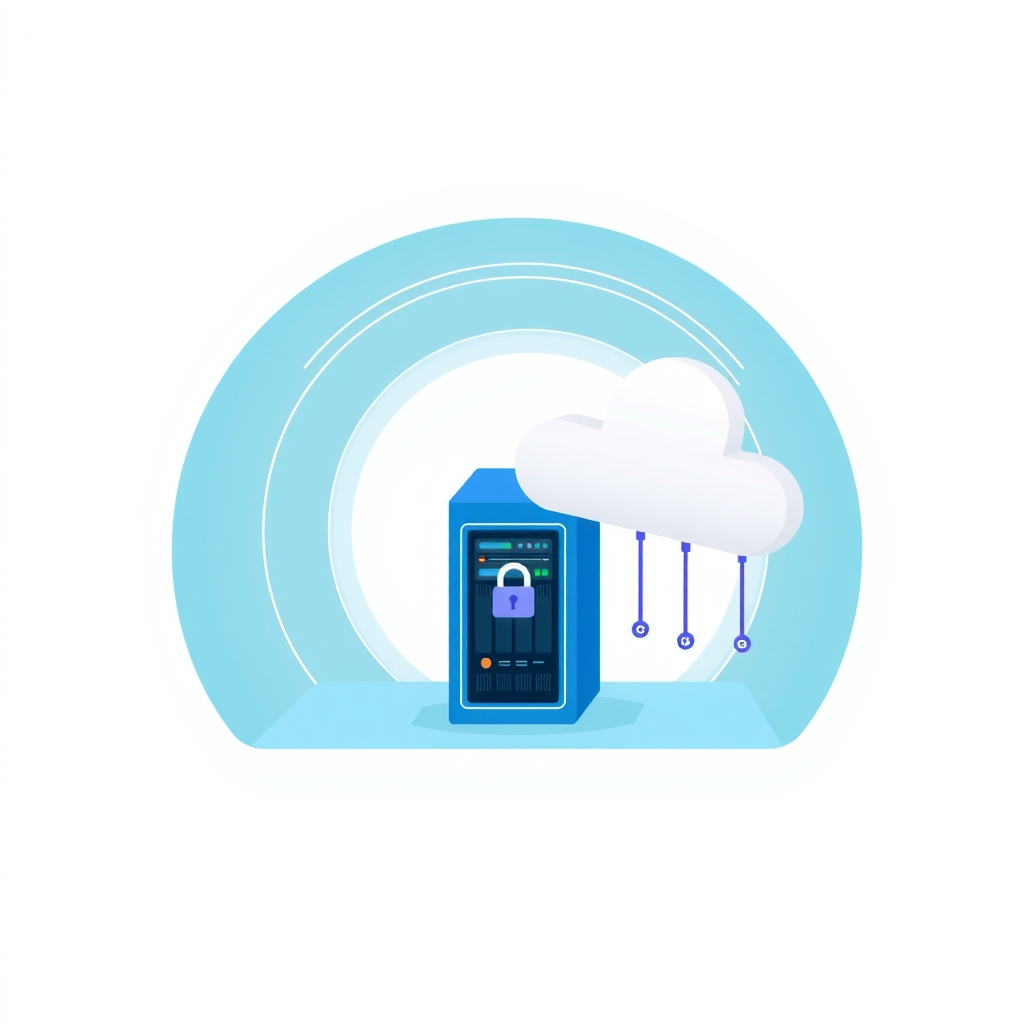
The author evaluates Cloudflare Tunnel as a method for exposing self-hosted applications without opening inbound ports on a router. The primary mechanism involves a local daemon, cloudflared, which creates an outbound connection to Cloudflare’s network. This architecture allows external users to reach internal services while keeping the server’s public IP address hidden. This approach eliminates the need for traditional port forwarding, reducing the attack surface associated with direct network exposure.
However, the analysis warns that hiding the IP address does not equate to securing the application itself. Publishing a service via a public hostname makes it accessible to anyone who knows the URL. Cloudflare Tunnel does not enforce authentication by default. If an administrator exposes a Docker dashboard or similar administrative interface, the login page remains publicly reachable. The tunnel merely transports traffic; it does not inspect or restrict who attempts to connect.
To mitigate this, the author recommends layering Cloudflare Access on top of the tunnel. This feature allows administrators to restrict access based on identity, such as allowing only specific email addresses to proceed. While effective for web-based interfaces, this solution may break compatibility with desktop or mobile clients that rely on direct API synchronization. Testing is required to ensure that additional authentication layers do not disrupt legitimate application functionality.
Key details
- Cloudflare Tunnel uses outbound connections via
cloudflaredto hide the server's public IP address. - The tunnel does not provide automatic authentication; public hostnames remain accessible to anyone with the URL.
- Cloudflare Access can restrict entry by email address but may interfere with non-browser clients.
- Application vulnerabilities, weak passwords, and misconfigurations remain exploitable despite the tunnel.
- Traffic between
cloudflaredand the local application may travel over unencrypted HTTP if not configured otherwise. - Using the service requires trusting Cloudflare to handle and route all incoming traffic.
Background
Cloudflare Tunnel is part of a broader shift toward zero-trust network access in self-hosting. Traditionally, exposing a home server required configuring router port forwarding, which maps a public port directly to an internal device. This method exposes the server’s IP address to the internet, making it visible to scanners and potential attackers. Tunneling reverses this flow by having the server initiate the connection to a trusted intermediary.
This model relies on the assumption that outbound connections are safer than inbound ones. However, it introduces a dependency on the intermediary provider. In this case, Cloudflare acts as a reverse proxy, terminating TLS connections from users and forwarding requests to the origin server. Understanding this flow is essential for diagnosing latency issues or security incidents, as the provider sits between the user and the application.
Why it matters
For teams and individuals running their own software, convenience often conflicts with security rigor. Cloudflare Tunnel offers a low-friction way to share services remotely, but it can create a false sense of security. Administrators might assume that because they did not open a firewall port, their service is safe. In reality, the application logic remains the primary defense. If a web interface has a known vulnerability, the tunnel will faithfully deliver exploit traffic to it.
The distinction between network security and application security is critical here. Network tools like tunnels protect against direct IP targeting and port scanning. They do not protect against brute-force attacks on login forms, SQL injection, or cross-site scripting. If an organization uses tunnels to expose internal dashboards, they must still maintain strict patching schedules and strong credential policies. Relying solely on the tunnel ignores the most common vectors for compromise.
Additionally, the trust model changes. Self-hosting is often chosen to maintain data sovereignty. By routing traffic through Cloudflare, administrators accept that a third party processes their metadata and traffic flow. For sensitive internal tools, this trade-off may not be acceptable. Teams must decide if the convenience of remote access outweighs the loss of complete network isolation.
What you can do
- Audit all published hostnames to ensure only necessary services are exposed to the public internet.
- Enable Cloudflare Access or similar identity-aware proxies for administrative interfaces.
- Test API and client connectivity after enabling additional authentication layers to avoid breaking workflows.
- Ensure local traffic between
cloudflaredand your application uses HTTPS where possible. - Maintain regular software updates and strong passwords for all exposed applications.
- Consider using a private VPN for highly sensitive services instead of public tunnels.