Debugging Cloudflare 1010 and 530 errors in self-hosted APIs
A developer shares how Browser Integrity Checks and tunnel failures caused API outages, offering diagnostic steps for self-hosters.
Two distinct service interruptions struck a single API endpoint within twenty-four hours, creating confusion for the engineering team. On October 19, 2026, a Python client received a 403 Forbidden response while browsers accessed the same URL without issue. Hours later, every hostname behind the infrastructure tunnel returned a 530 error, indicating a complete loss of connectivity to the origin server despite the local application running normally.
What happened
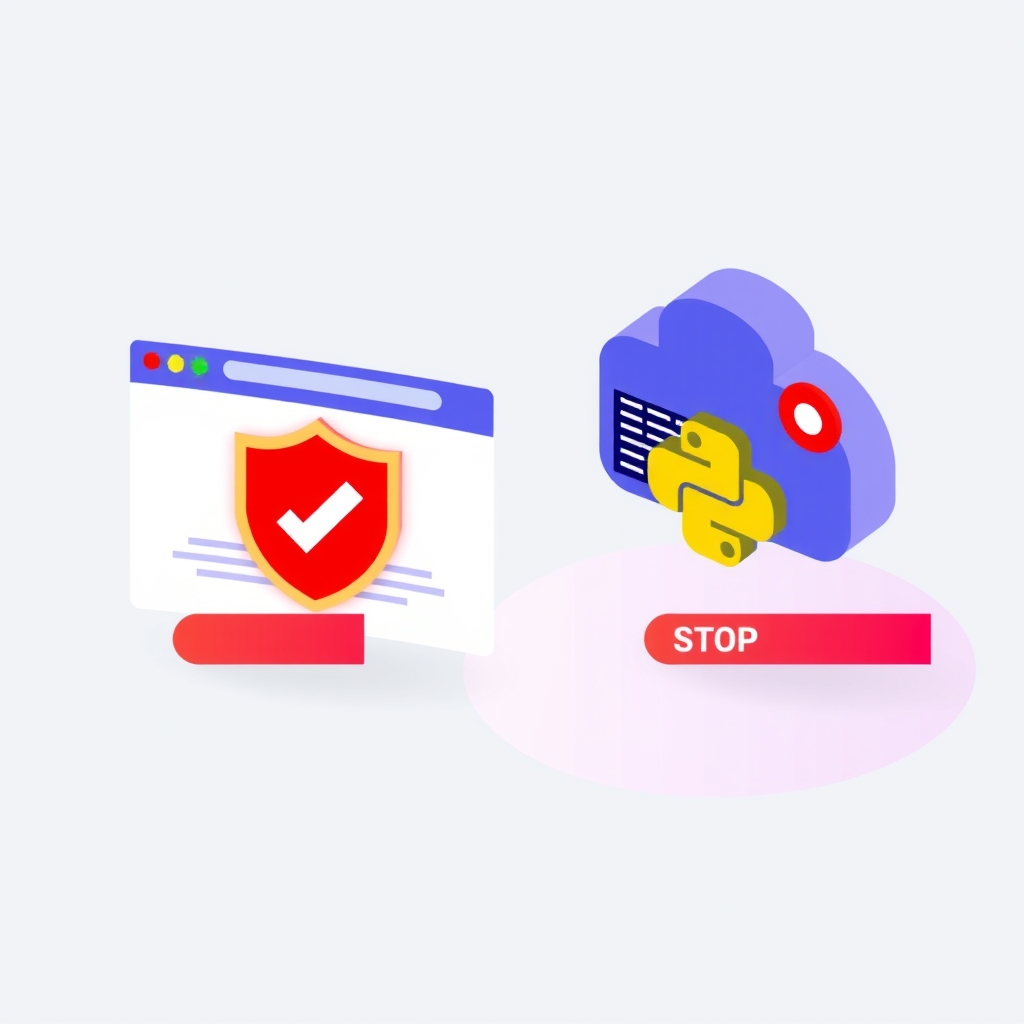
The first incident involved a Python script attempting to access an MCP endpoint. The browser loaded the page successfully with a 200 OK status, but the automated client failed with a 403 error containing the body "error code: 1010". This specific code corresponds to Cloudflare’s Browser Integrity Check (BIC), a security feature that analyzes request characteristics such as TLS fingerprints, headers, and User-Agent strings. Because the Python client used the default Python-urllib/3.x User-Agent, the Web Application Firewall classified it as a bot and blocked access before the request ever reached the application server. The client interpreted the HTML error page as a JSON parse failure, masking the true cause.
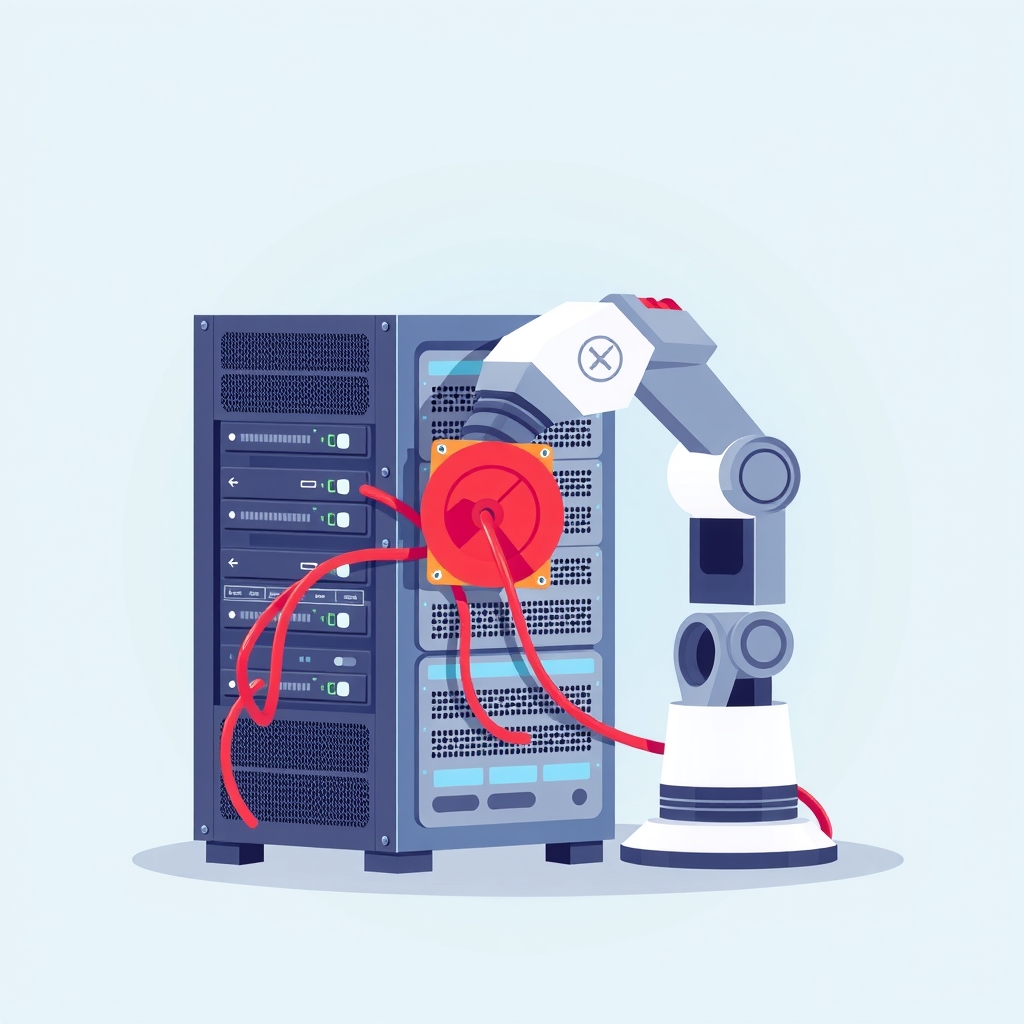
The second incident occurred later that day when all hostnames behind the Argo Tunnel began returning 530 errors with "error code: 1033". This status indicates that Cloudflare’s edge network could not connect to the origin tunnel. The local service remained healthy and responsive on 127.0.0.1, confirming the application itself was not at fault. The tunnel process had exited silently after losing its connection to the edge. Complicating the recovery, a stale VPN session on the host machine was routing traffic through a TUN interface with a fake IP gateway, causing TLS handshake timeouts with Cloudflare’s edge servers. Restarting the tunnel alone failed; the team had to restart the VPN client first to restore proper routing.
Key details
- Error 1010 is triggered by the Browser Integrity Check when a request lacks typical browser signatures, such as a valid User-Agent or TLS fingerprint.
- Error 1033 with HTTP 530 status means the Argo Tunnel connector is down or cannot reach the Cloudflare edge, not that the origin server is down.
- Default library User-Agents like
python-requestsorpython-urllibare frequently flagged by bot protection systems unless explicitly allowed. - Local health checks monitoring
localhostwill miss tunnel outages because the application remains running even when the public endpoint is unreachable. - Stale VPN connections can intercept traffic destined for Cloudflare IP ranges, causing connection timeouts that prevent tunnel re-establishment.
- Systemd units configured with
Restart=alwaysautomatically recover crashed tunnel processes, whereas manualnohupcommands do not.
Background
Cloudflare acts as a reverse proxy and content delivery network sitting between users and self-hosted servers. It offers security features like the Web Application Firewall (WAF) and tunneling services like Argo Tunnel (cloudflared). The WAF includes Browser Integrity Check, which scrutinizes incoming requests for signs of automation. If a request looks like a script rather than a human using a browser, Cloudflare blocks it with a 1010 error. This protects websites from scrapers and bots but can inadvertently block legitimate API clients if not configured correctly.
Argo Tunnel creates a secure outbound connection from the origin server to Cloudflare’s edge, eliminating the need to open inbound ports on the firewall. However, this dependency means that if the tunnel process crashes or loses network connectivity, the site becomes inaccessible from the public internet even if the local server is perfectly healthy. Understanding the distinction between application-level errors and infrastructure-level blocking is critical for efficient troubleshooting.
Why it matters
For teams running self-hosted software, these incidents highlight a common blind spot: testing APIs only via web browsers. A service that works in Chrome may be completely broken for automated tools, CI/CD pipelines, or third-party integrations. When a client receives a 1010 error, they see a generic "access denied" message that appears to be a server-side configuration issue. Without inspecting the raw response body, developers waste time debugging application code that is never actually executed. This misdirection delays resolution and erodes trust in the API’s reliability.
Similarly, relying on local health checks provides a false sense of security during tunnel outages. If monitoring systems only ping localhost, they will report green status while external users face 530 errors. This gap in visibility means outages are often discovered by customers rather than internal alerts. For small and mid-sized companies managing their own infrastructure, ensuring that monitoring validates the full public path is essential for maintaining service level agreements and user satisfaction.
What you can do
- Configure WAF rules to skip Browser Integrity Check for specific API paths, such as
/api/*, to allow machine clients while protecting public pages. - Document and enforce specific User-Agent strings for API clients, including version information and contact URLs, to reduce false positives.
- Separate public-facing hostnames from API endpoints, using distinct subdomains like
api.example.comwith relaxed bot protection settings. - Run systemd services for tunnel connectors with
Restart=alwaysto ensure automatic recovery if the process crashes or exits unexpectedly. - Monitor public URLs for health checks instead of local ports to detect tunnel disconnections and DNS issues immediately.
- Verify network routing when tunnel handshakes fail, checking for stale VPN sessions or firewall rules blocking Cloudflare IP ranges.