Immich self-hosting benchmarks reveal high RAM needs and critical backup requirements
A technical deep-dive into Immich shows the Google Photos alternative requires over 4 GB of RAM, strict database backups, and careful network configuration for secure mobile access.
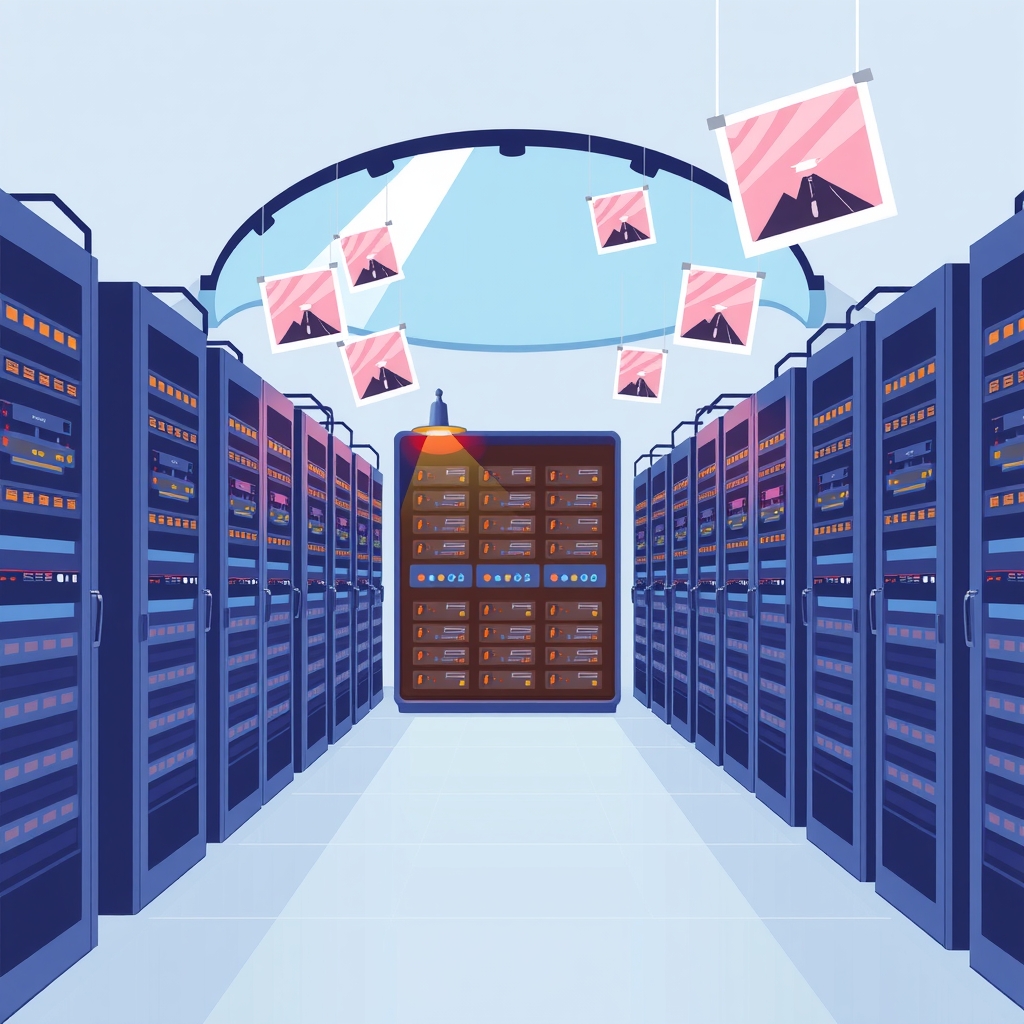
Self-hosting enthusiasts looking to replace Google Photos with Immich face significant hardware and operational trade-offs, according to a recent deployment analysis published on October 30, 2026. The review highlights that while the open-source platform offers powerful machine-learning features, it demands substantially more system resources than typical lightweight self-hosted applications. Users must prepare for a complex setup involving multiple containers, strict password policies, and rigorous backup procedures to avoid data loss.
What happened
The author deployed Immich version 3 on a workstation equipped with an Intel Core Ultra 7 255H processor, 30 GB of RAM, and NVMe storage running Ubuntu 24.04.5 LTS. The goal was to measure the actual resource consumption of the stack, which includes the main server, a machine-learning service, VectorChord for Postgres, and Valkey. Unlike simpler tools such as Vaultwarden or Uptime Kuma, which operate within megabytes of memory, Immich proved to be a heavy application. The measured working set settled at approximately 2.4 GB of RAM, with noticeable spikes during machine-learning processing tasks like thumbnail generation and embedding creation.
Beyond raw resource usage, the deployment revealed several operational pitfalls that can break the installation or compromise security. The author noted that the Docker Compose file changes frequently between releases due to the project's rapid development cycle. Simply pulling new images without updating the Compose configuration can lead to failures. Additionally, the database component is not disposable; it holds all metadata, albums, face recognition data, and edit history. This makes regular backups of both the library folder and a Postgres dump essential before importing large photo collections.
Key details
- Memory requirements: The stack requires at least 4 GB of spare RAM to function reliably, with a baseline usage of around 2.4 GB and higher spikes during ML tasks.
- Database complexity: Postgres stores critical metadata and cannot be treated as ephemeral; users must back up both the database dump and the library folder.
- Password restrictions: Special characters in the
DB_PASSWORDenvironment variable break the connection string, requiring alphanumeric-only passwords despite standard warnings. - Configuration volatility: The official Docker Compose file updates frequently, necessitating a fresh download for every upgrade rather than just pulling new container images.
- Network security: Mobile backup functions require HTTPS via a reverse proxy or a secure tunnel like Tailscale, as exposing the service directly to the internet is unsafe.
- Optional services: The machine-learning service can be removed for weaker hardware, though this disables smart search and face recognition features.
Background
Immich has gained popularity as a self-hosted alternative to Google Photos, boasting over 115,000 GitHub stars. It provides mobile apps with automatic backup capabilities and uses machine learning to enable natural language search, such as finding photos by describing "sunset over water." This functionality relies on generating embeddings for images, a process that is computationally intensive compared to simple file storage. While many self-hosted tools are designed to run on minimal virtual private servers, Immich’s architecture mirrors the resource-heavy nature of commercial cloud services, shifting the cost from subscription fees to local hardware capacity.
The distinction between a gallery viewer and a full backup solution is critical in this context. Google Photos provided durability and off-site redundancy, whereas a self-hosted Immich instance represents a single point of failure unless properly backed up. The "3-2-1" backup rule—keeping three copies of data, on two different media, with one off-site—applies strictly here. Without an off-site backup of the database and library, the server is merely a second copy of the data on hardware the user manages, not a true safety net against hardware failure or ransomware.
Why it matters
For IT leads and developers managing small-scale infrastructure, understanding the true cost of self-hosting complex applications is vital. Immich demonstrates that "free" software often incurs hidden costs in terms of hardware specifications and maintenance overhead. A standard 1 GB VPS or free-tier PaaS option is insufficient for this workload. Teams considering such migrations must evaluate whether their existing hardware, such as an Oracle free VM with 12 GB of RAM, can sustain the continuous load of background ML processing and database operations.
Furthermore, the operational discipline required for Immich exceeds that of simpler stateless applications. The need to manage database schemas, handle breaking changes in configuration files, and secure remote access channels adds to the administrative burden. For organizations or individuals with intermittent home lab availability, the risk of data synchronization failures increases. If the server is offline when mobile devices attempt to sync, the backup utility is negated. This makes Immich suitable only for always-on environments with robust power and network connectivity.
What you can do
- Audit hardware resources: Ensure your server has at least 4 GB of free RAM and sufficient NVMe storage before starting the deployment.
- Implement strict backups: Configure automated scripts to perform both
pg_dumpoperations and file-level backups of the library folder to an off-site location. - Secure remote access: Use a reverse proxy with valid TLS certificates or a mesh network tool like Tailscale to enable mobile backups without exposing ports to the public internet.
- Follow upgrade protocols: Always download the latest official Docker Compose file from the specific release tag when upgrading, rather than relying on cached configurations.
- Validate credentials: Use only alphanumeric characters for database passwords to avoid connection string parsing errors during initial setup.
- Consider scaling down: If running on limited hardware, disable the machine-learning service to reduce RAM usage, accepting the loss of smart search capabilities.