New DeepSeek Harness plugins add mail, phone, and encrypted channels
Developer Loukas Tzekos released twelve MIT-licensed plugins for DeepSeek Harness, adding email, telephony, and enhanced security features to the self-hosted AI platform.
Loukas Tzekos, a solo developer, has published a suite of twelve plugins and one companion service for DeepSeek Harness (DSH). Released in late October 2026, these tools extend the self-hosted AI agent platform with capabilities for email management, telephony, artifact visualization, and network-level encryption. The code is available on GitHub and npm under open-source licenses.
What happened
Tzekos developed these extensions over two months to fill gaps in his daily workflow using DSH. He utilized AI coding agents running within DSH itself to write the majority of the code, while he directed the architecture, reviewed changes, and performed testing. The resulting packages range in version from 0.1 to 2.1, indicating they are still in beta. Most are licensed under MIT, with one component using Apache-2.0.
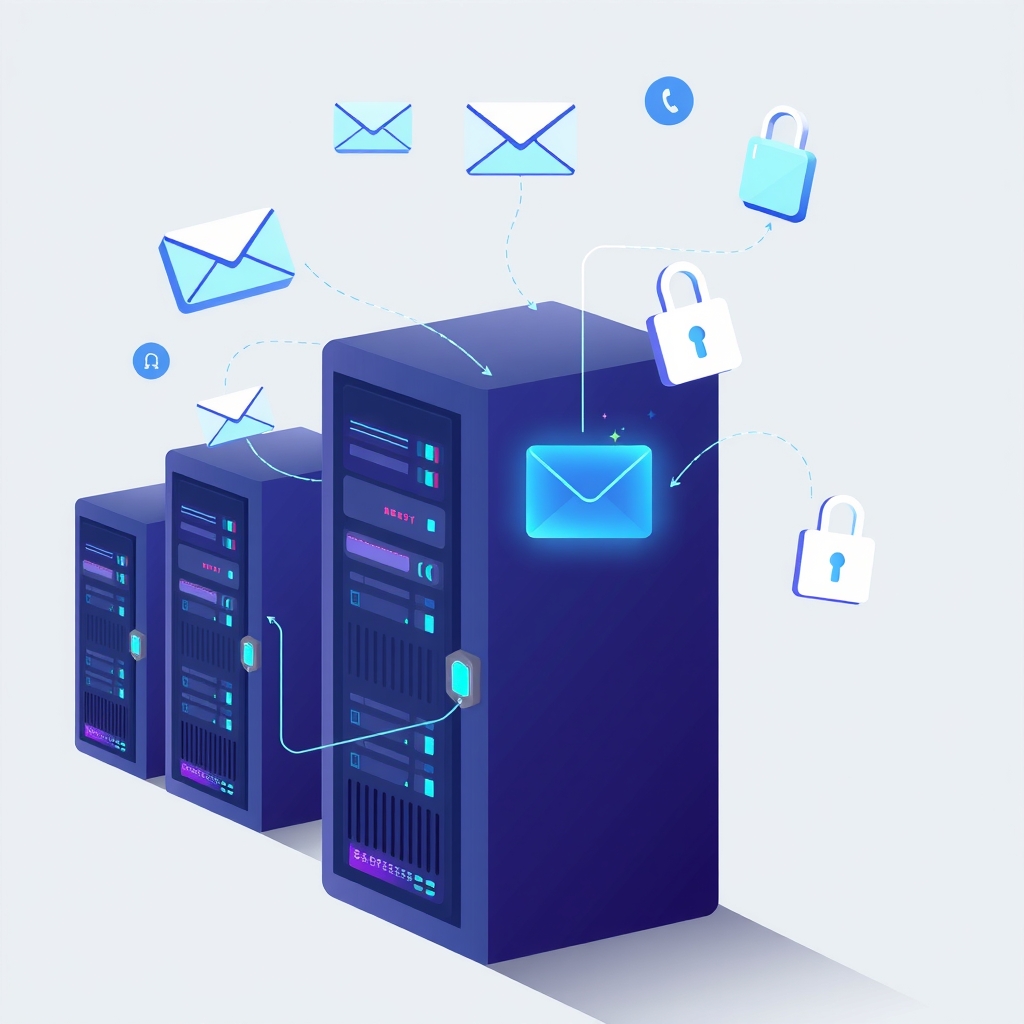
The release includes four major feature additions. The dsh-artifacts plugin introduces a sidebar tab that lists files generated by agents, offering live previews, version history, and diff views. It renders Markdown into themed pages with charts and diagrams server-side. The dsh-mail plugin connects to IMAP, POP3, and SMTP accounts, including Gmail and Microsoft 365 via OAuth2. It enforces a safety rule where agents create drafts by default, clearly labeling send results as SENT, DRAFT ONLY, or SCHEDULED. Remote images are proxied through the server to protect user privacy.
The dsh-phone plugin adds SMS, voice calls, and voicemail capabilities. It supports Twilio numbers and SIP lines bridged through Asterisk, and can host a Telegram account. Call audio travels through an encrypted socket on the user’s server, bypassing networks that block WebRTC. Finally, dsh-seal provides an additional layer of security. It is a Go-based reverse proxy and service worker that creates an encrypted channel for all DSH traffic after the initial page load. This prevents middleboxes from inspecting paths, queries, or chat text, though it does not hide the hostname or traffic volume.
Key details
- Twelve plugins and one companion service were released for DeepSeek Harness versions 0.1.5 and 0.2.1.
- The dsh-mail plugin restricts agents to creating drafts by default to prevent accidental sends.
- dsh-seal uses ECDH P-256 for key exchange and AES-256-GCM for stream encryption to hide content from network inspectors.
- dsh-phone supports live voicemail transcripts and works on networks that block standard WebRTC traffic.
- Several utility plugins address specific bugs, such as capping image dimensions to avoid Anthropic API limits.
- All code is hosted on GitHub under the @lucagiftzek scope, with installation available via npm or direct GitHub links.
Background
DeepSeek Harness is a self-hosted platform that allows users to run AI agents capable of writing code, executing shell commands, and generating documents. Unlike cloud-based assistants, DSH runs on the user’s own infrastructure, giving them full control over data and compute resources. The platform supports a plugin system that lets developers extend its functionality. These plugins can add new user interface elements, such as sidebar tabs, or provide new tools that agents can use, such as sending emails or making phone calls.
Self-hosting AI tools often requires bridging the gap between local execution and external services. For example, an AI agent might need to send an email or make a call, but doing so securely from a local server requires careful handling of credentials and network protocols. Plugins like dsh-mail and dsh-phone handle these integrations by routing traffic through the user’s server, keeping sensitive data like IP addresses away from third-party providers. This approach aligns with the broader trend of keeping AI workflows private and controlled within an organization’s own network perimeter.
Why it matters
For teams running their own software, these plugins reduce the friction of integrating AI agents into daily operations. The ability to view artifacts directly within the interface saves time switching between editors and browsers. Safety features in the mail plugin prevent costly errors by ensuring agents do not send messages without human review. This is critical for businesses that want to automate communication but cannot risk unauthorized or incorrect outbound messages.
The security enhancements provided by dsh-seal address a common concern for enterprises operating in restrictive network environments. By encrypting traffic beyond standard TLS, organizations can protect sensitive query data from inspection by intermediate network devices. This allows teams to use AI tools even when strict network monitoring policies are in place, ensuring that proprietary information remains confidential during transmission.
Additionally, the telephony and SMS capabilities open up new automation possibilities. Support teams could use agents to handle initial customer inquiries via text or voice, with the system running entirely on their own infrastructure. This reduces reliance on external SaaS platforms for basic communication tasks, lowering costs and increasing data sovereignty. The modular nature of the plugins means teams can adopt only the features they need, keeping their DSH instance lean and focused.
What you can do
- Install the dsh-better-sidebar plugin first, as it is required to host the UI tabs for most new plugins.
- Test the dsh-mail plugin with a dedicated test account to verify OAuth2 connections and draft safety rules.
- Deploy dsh-seal if your network environment inspects TLS traffic, ensuring you understand its limitation regarding hostname visibility.
- Use dsh-artifacts to streamline the review process for code and reports generated by your AI agents.
- Review the README files for each plugin, as they contain specific installation instructions and screenshots.
- Report bugs or feedback via the GitHub issue templates provided in each repository, noting that versions are currently in beta.