Migrating from Zapier to self-hosted n8n requires a full rebuild, not a simple import
Moving automation from Zapier to self-hosted n8n involves rebuilding workflows manually due to format incompatibilities and missing native nodes for niche apps.
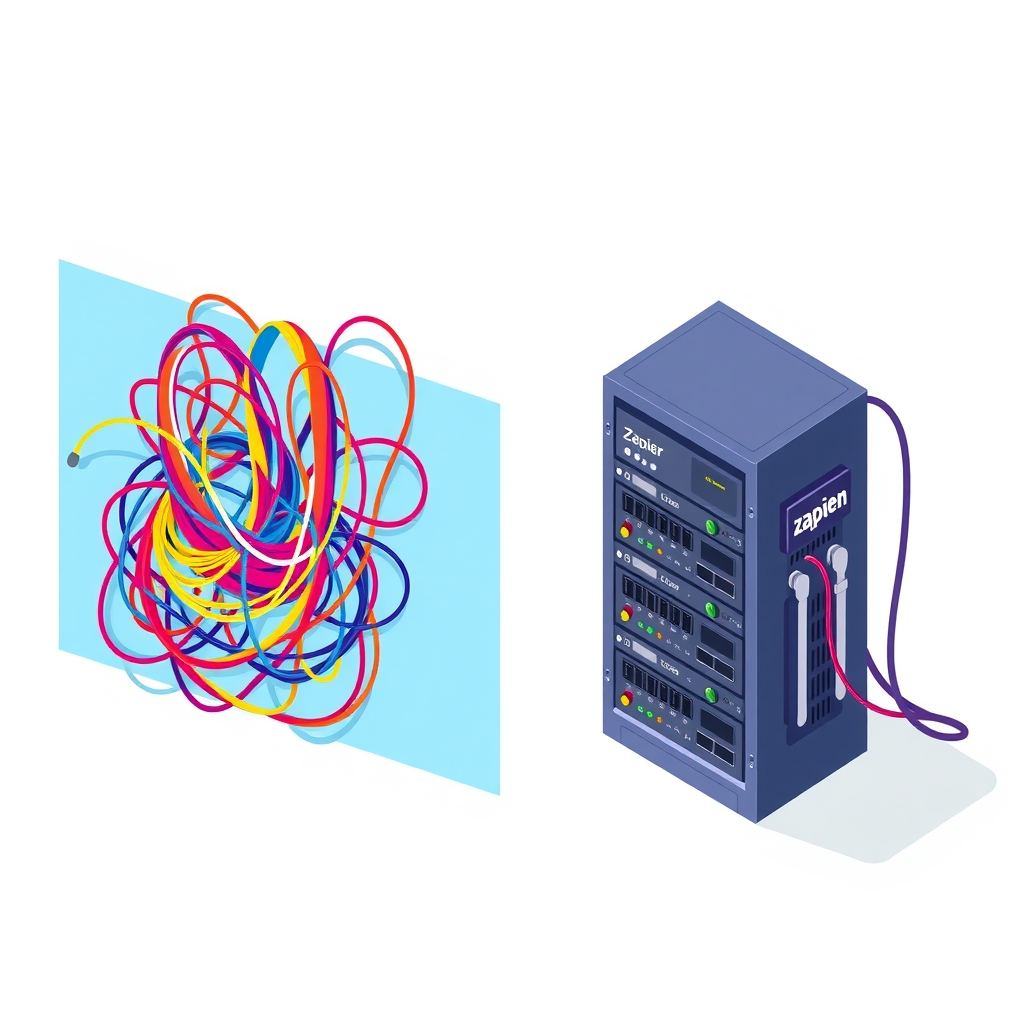
Transitioning from Zapier to a self-hosted instance of n8n is fundamentally a reconstruction project rather than a direct migration. As detailed in a recent guide published on DEV Community on October 31, 2026, there is no native importer capable of translating Zapier Zaps into n8n workflows. Teams must anticipate significant manual effort to recreate automations, particularly those relying on proprietary Zapier features or niche third-party applications.
What happened
The core issue driving this workload is the structural difference between the two platforms. Zapier stores workflow data in a format that n8n cannot natively parse or execute. Even if a user exports their Zap data from Zapier, the resulting file serves only as documentation for the rebuild process rather than an executable input for n8n. Consequently, every single automation must be recreated from scratch within the n8n interface.
This reality shifts the focus from counting total Zaps to auditing specific dependencies. The guide emphasizes that a small number of complex Zaps using Zapier-specific tools like Tables or Interfaces can require more work than dozens of simple linear workflows. The difficulty lies not in the volume of automations but in the specific apps and triggers involved. Teams are advised to sort their inventory by risk factors such as missing native nodes, OAuth requirements, and reliance on Zapier-hosted infrastructure before committing to the move.
Key details
- No direct import: n8n cannot import Zapier JSON exports; all workflows must be rebuilt manually using the exported data as a reference.
- Proprietary tool replacement: Zaps using Zapier Tables, Interfaces, Storage, or Email must find alternative solutions, as these features do not exist in n8n.
- OAuth complexity: Self-hosted instances require users to register their own OAuth clients with vendors, which may involve developer console access and approval waits.
- Missing native nodes: Many niche SaaS applications available on Zapier lack native n8n nodes, requiring custom API calls via the HTTP Request node.
- Webhook management: Users must manage their own public HTTPS endpoints and ensure external services point to the new n8n URLs instead of
hooks.zapier.com. - Credential security: The
N8N_ENCRYPTION_KEYmust be backed up separately, as losing it renders all stored credentials unusable.
Background
Self-hosting automation software gives organizations control over their data and infrastructure but transfers operational responsibility from the vendor to the internal team. In a managed service like Zapier, the provider handles server uptime, security patches, and the maintenance of thousands of API connectors. When moving to n8n, typically deployed via Docker, the team becomes responsible for server maintenance, backup strategies, and ensuring the instance remains accessible via public HTTPS for webhooks.
A critical technical distinction involves how triggers operate. Zapier manages polling intervals and webhook listeners automatically. In a self-hosted environment, the team must configure polling schedules within API limits and ensure their server has a valid domain and SSL certificate to receive inbound webhooks. This shift requires DevOps or IT skills to manage reverse proxies, port forwarding, or tunneling services if the server is not on a static IP.
Why it matters
For teams running their own software, understanding the true cost of migration is vital for resource planning. The guide notes that while simple webhook and API-based Zaps transfer relatively cleanly, complex workflows involving niche apps can stall projects. If a team relies on a specialized CRM or regional invoicing tool without a native n8n node, developers must read API documentation and build custom HTTP requests. This increases the time investment significantly compared to the drag-and-drop experience of Zapier.
Data sovereignty is another major factor. Organizations handling sensitive customer data, such as clinics or legal firms, may prefer self-hosting to keep execution data on their own infrastructure. However, this benefit comes with the burden of securing that infrastructure. The tradeoff is clear: you gain control over data and workflow logic, but you pay for it in rebuild time and ongoing maintenance responsibilities. Non-technical teams without server management expertise may find the transition prohibitive.
What you can do
- Audit dependencies first: Create a spreadsheet listing every Zap’s trigger, steps, and connected apps to identify those using Zapier-only tools or missing native nodes.
- Check node availability: Verify each app in the n8n integrations directory to confirm support for your specific triggers and actions before starting the rebuild.
- Plan for OAuth registration: Identify which connections require OAuth and begin registering client apps in vendor developer consoles early to avoid approval delays.
- Use HTTP Request node: For apps without native nodes, use the HTTP Request node with cURL imports to speed up the creation of custom API integrations.
- Consolidate workflows: Use the rebuild phase to merge duplicate or similar Zaps into single n8n workflows using sub-workflows to reduce long-term maintenance.
- Secure credentials: Back up the
N8N_ENCRYPTION_KEYsecurely and consider using service accounts for shared workflows to prevent breakage when employees leave.