Inside n8n's execution engine: how the workflow scheduler actually works
A technical breakdown of n8n’s internal execution model, covering its serializable run objects, scheduling logic, and queue architecture for self-hosted automation.
n8n has gained significant traction as a self-hosted alternative to commercial automation platforms, but its internal mechanics remain opaque to many users. A recent technical analysis reveals that the platform relies on a single serializable execution object and a deterministic loop rather than complex thread management. Understanding this architecture helps engineers debug workflows and scale deployments effectively.
What happened
The article provides a deep dive into the core engine of n8n, specifically examining the WorkflowExecute class written in TypeScript. It explains that when a user triggers a workflow, the system does not spawn individual threads for each node. Instead, it constructs a comprehensive state object called IRunExecutionData. This object contains the entire context of the run, including the stack of nodes waiting to execute, a map for handling multi-input joins, and the historical results of completed steps.
This state object is designed to be portable. It moves from the editor interface to the server, and potentially into a Redis queue for worker processes. The engine processes this object in a loop, shifting nodes from the execution stack, running them, recording their output, and enqueueing any downstream dependencies. This linear approach simplifies the mental model for developers, removing the need to reason about hidden thread pools or asynchronous race conditions within the graph itself.
Key details
- Serializable State: The
IRunExecutionDataobject carries all runtime state, allowing executions to pause, resume, or move between processes without losing context. - Execution Order Settings: Users can choose between v0 (breadth-first) and v1 (depth-first) scheduling, which changes whether the engine prioritizes completing all siblings at one level or chasing a single branch to completion.
- Waiting Map for Joins: Nodes with multiple inputs do not execute until all required upstream data is available. Partial data is parked in a waiting map until every necessary slot is filled.
- Branch Termination: If a node returns empty data, the downstream branch stops unless the
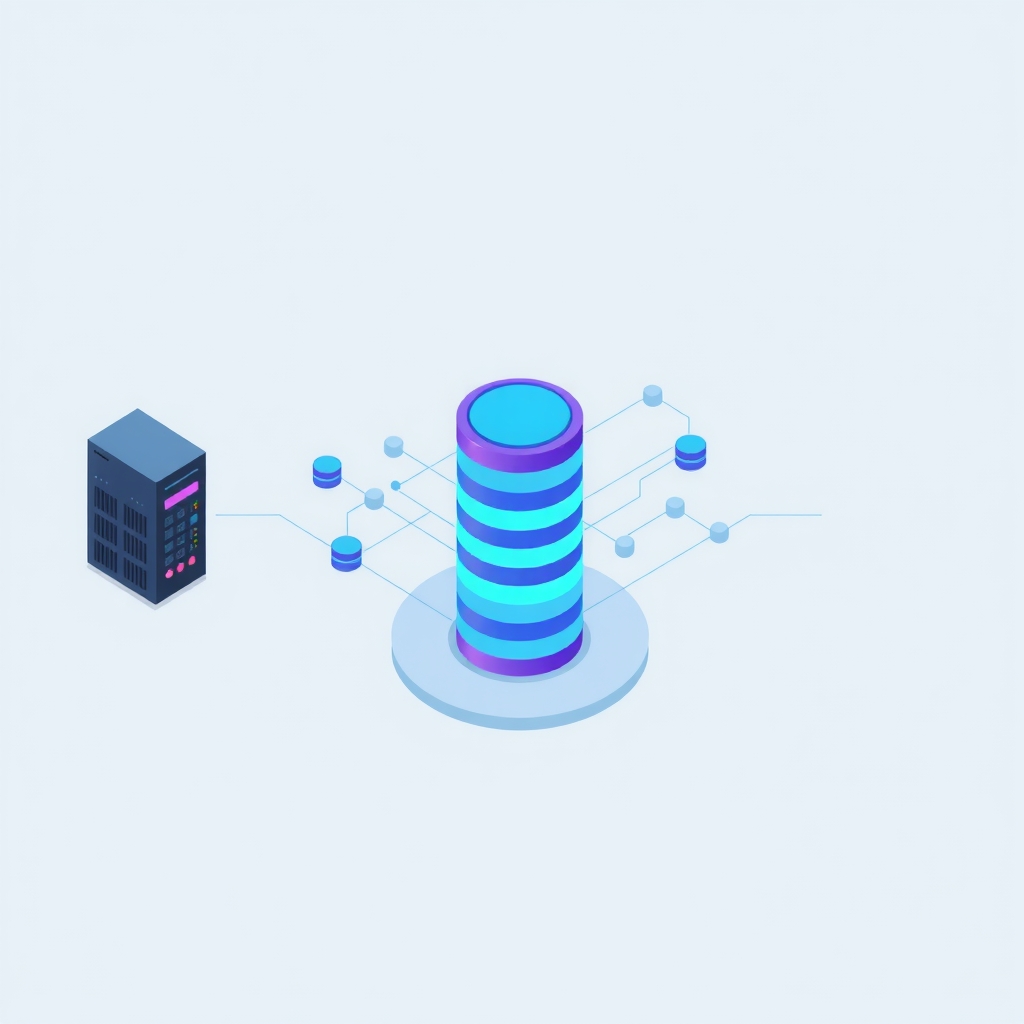
alwaysOutputDataflag is set, which forces the engine to fabricate an empty item to keep the flow alive. - Queue Mode Architecture: In production setups, the main process handles UI and webhooks while stateless workers pull jobs from Redis, execute the same engine loop, and write results to PostgreSQL.
- Fair-Code License: n8n uses the Sustainable Use License, permitting free internal business use and modification but prohibiting resale as a competing hosted SaaS product.
Background
To understand n8n’s design, it helps to distinguish between graph traversal and task scheduling. Many visual automation tools abstract away the order of operations, leading to unpredictable behavior when branches merge or split. n8n exposes this logic through its execution order settings. Breadth-first execution ensures that all parallel tasks at a given depth complete before moving deeper, which is useful for batch processing. Depth-first execution follows one path entirely before backtracking, which can reduce memory usage for long chains.
The concept of "fair-code" is also central to n8n’s adoption. Unlike pure open-source licenses, fair-code allows companies to use and modify the software freely for their own internal operations. However, it restricts entities from offering the software as a managed service to others. This model supports a vibrant community of self-hosters while protecting the commercial interests of the core maintainers.
Why it matters
For teams running their own infrastructure, predictability is more valuable than raw speed. Knowing that n8n uses a single-threaded loop for each execution means that debugging is deterministic. If a workflow fails, the state object captures exactly what happened at each step. Engineers can inspect the runData to see the input and output of every node, making it easier to identify where data transformations went wrong. This visibility is often missing in black-box SaaS alternatives.
Scalability is another critical factor. Because the execution state is serializable, n8n can scale horizontally using queue mode. The main application server remains lightweight, handling only API requests and webhook intake, while dedicated worker processes handle the heavy lifting of workflow execution. This separation allows DevOps teams to tune resources based on queue depth rather than guessing how much CPU the main process needs. It also prevents high-volume webhook traffic from blocking the user interface.
What you can do
- Audit Execution Order: Review your complex workflows and switch between v0 and v1 execution orders to see if performance or logic improves for specific use cases.
- Handle Empty Branches: Explicitly set
alwaysOutputData: trueon nodes where downstream actions must occur even if the previous step yields no results. - Monitor Queue Depth: If using queue mode, set up alerts for Redis queue length to scale worker pods automatically using Kubernetes HPA or KEDA.
- Inspect Run Data: Use the built-in execution viewer to examine the
pairedItemlineage when debugging data mapping errors in complex joins. - Verify License Compliance: Ensure your usage aligns with the Sustainable Use License, particularly if you are building custom automations for external clients.
- Test Webhook Resilience: Simulate high-throughput webhook events to verify that your dedicated webhook processors are not blocking the main UI thread.