OneMemory offers a shared SQLite store for AI agents via MCP and REST
A new self-hosted tool called OneMemory lets developers share memory across AI agents using a single SQLite file, accessible via Model Context Protocol or REST API.
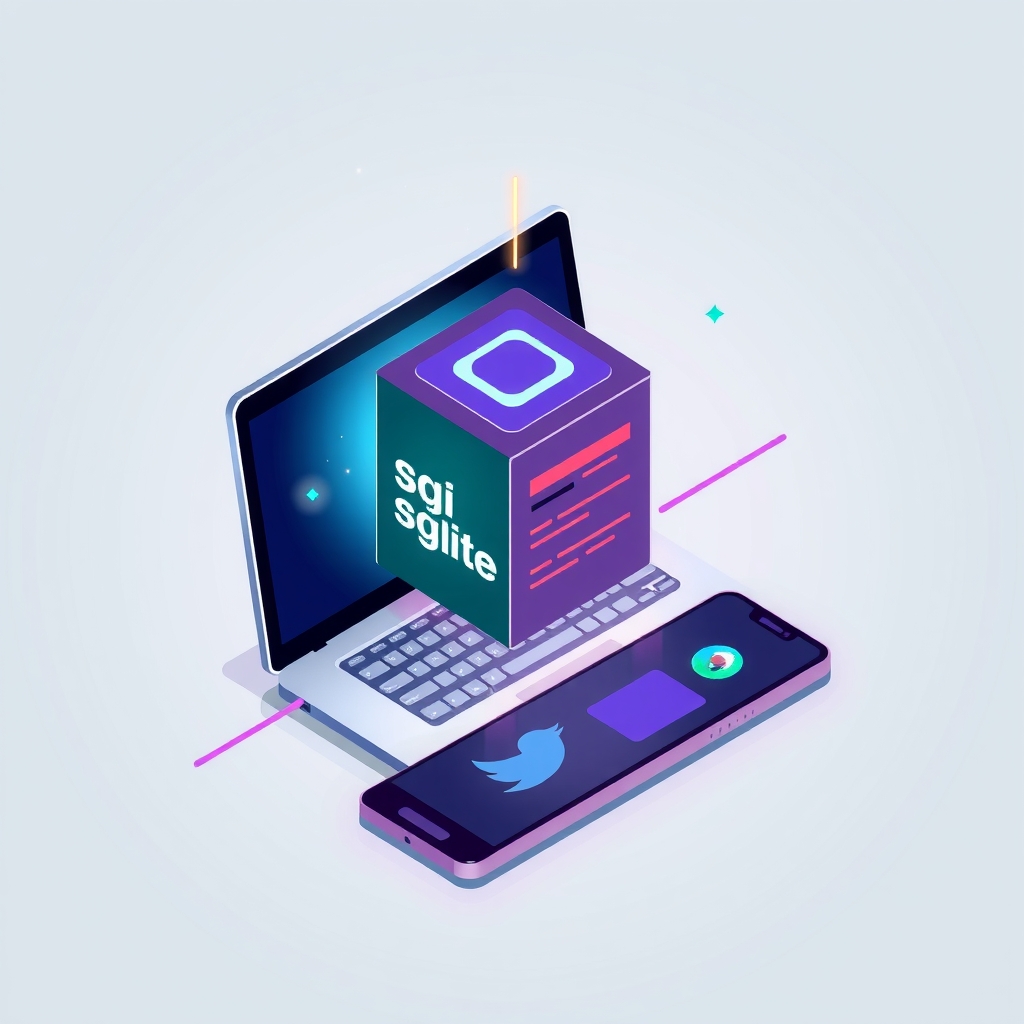
A new open-source project named OneMemory provides a lightweight, self-hosted memory store designed to be shared across multiple AI agents and interfaces. Released in late October 2026, the tool uses a single SQLite database file to persist notes, tasks, and context, making them accessible from desktop coding assistants, mobile apps, and web interfaces simultaneously.
The project targets developers who use various AI tools like Claude Code, Cursor, or Copilot and want a unified way to retain context between sessions and devices without relying on external cloud services or complex vector databases.
What happened
The repository, published under the name calasdan-sketch/onememory, introduces a Node.js-based server that acts as a central memory hub. It requires Node.js version 24 or newer, leveraging the built-in node:sqlite module to avoid external database dependencies. The setup process is designed to be non-destructive, offering dry-run modes and automatic backups of configuration files before modifying any client settings.
OneMemory connects to AI clients through two primary methods: the Model Context Protocol (MCP) over standard input/output for local desktop applications, and a plain REST API for remote access. This dual approach allows a developer to write a note on their desktop machine using a local coding agent and retrieve it moments later on a phone or via a web-based chat interface. The system supports scoped bearer tokens, ensuring that remote connections can be restricted to read-only access if desired.
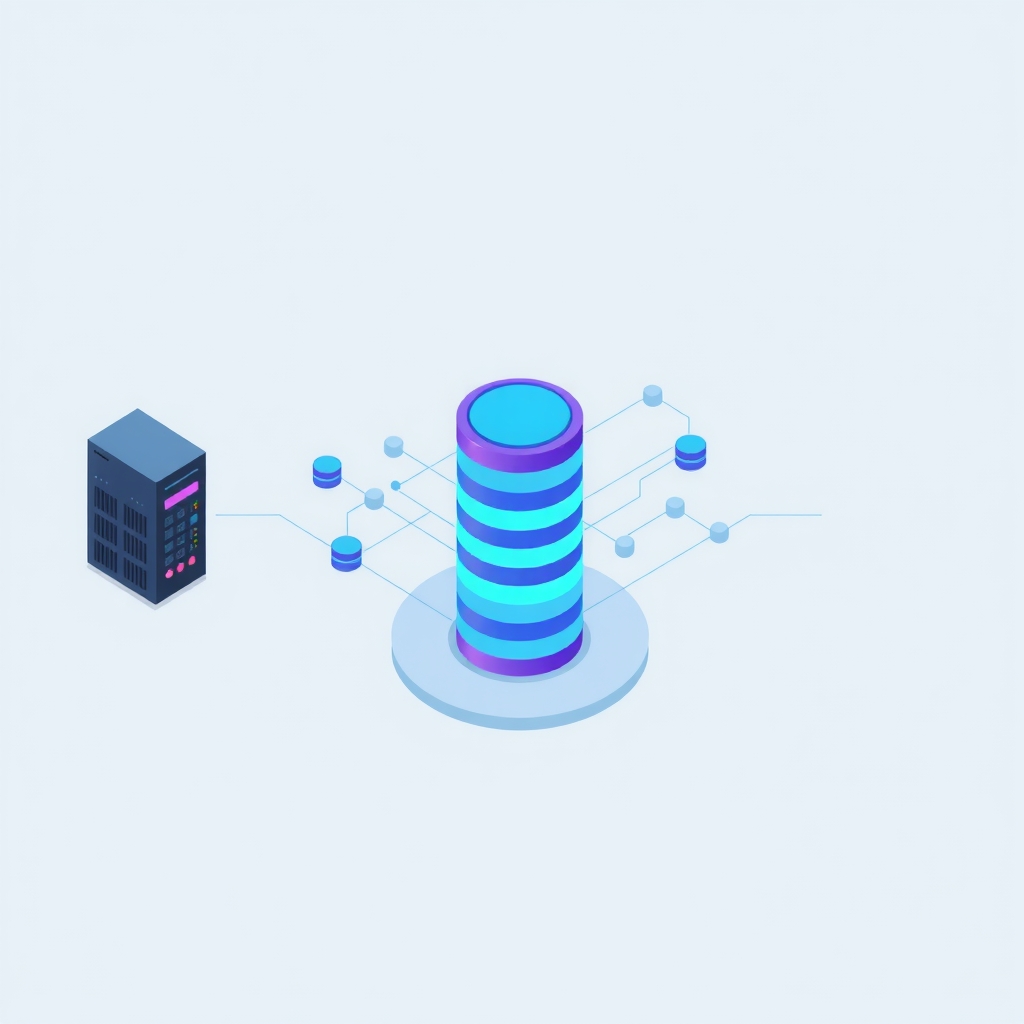
The architecture is intentionally minimal. It runs as a single Node process with only two direct runtime dependencies, avoiding the need for Python environments, native modules, or separate vector search engines. All data, including the database file, encryption keys, and configuration, resides in a user-controlled directory outside the installed package, simplifying backups and upgrades.
Key details
- Single-file storage: The entire state is kept in one SQLite file, making backups as simple as copying a single file while the server is running.
- Dual access protocols: Supports both MCP for local desktop integration and a REST API for remote access via tunnels or direct network connections.
- Security features: Includes a memory linter that scans writes for secrets like API keys and blocks prompt-injection attempts before they are stored.
- Change feed: Provides a live wait mechanism that allows clients to poll for changes efficiently, receiving updates within seconds rather than waiting for long polling intervals.
- Task management: Built-in support for a shared task board, allowing agents to claim, complete, and hand off tasks across different sessions and devices.
- Data portability: Notes can be exported to Markdown files with YAML front-matter for version control via Git or synchronized across machines using tools like Syncthing.
Background
For teams managing multiple AI assistants, context fragmentation is a common challenge. An agent working on a local codebase may not know about decisions made in a web-based chat session, leading to redundant explanations or inconsistent advice. Traditional solutions often involve complex vector databases or proprietary cloud memory services, which can introduce latency, cost, and privacy concerns.
The Model Context Protocol (MCP) has emerged as a standard for connecting AI models to local data and tools. OneMemory leverages this protocol to allow desktop applications to read and write to a shared store seamlessly. By combining MCP with a standard REST API, the tool bridges the gap between local development environments and remote or mobile interfaces, ensuring that all agents operate with the same set of facts and history.
Why it matters
For engineering teams and individual developers who self-host their tools, OneMemory offers a way to maintain continuity across fragmented workflows. Instead of treating each AI interaction as an isolated event, users can build a persistent knowledge base that grows with their projects. This is particularly valuable for complex debugging sessions or long-term development tasks where context from previous days is crucial.
The emphasis on local storage and simple dependencies reduces operational overhead. There is no need to manage a PostgreSQL cluster or configure intricate vector indexing pipelines. The ability to back up the entire memory state by copying a single file aligns well with existing disaster recovery practices for small infrastructure setups. Additionally, the built-in secret scanning helps prevent accidental leakage of credentials into AI contexts, a growing risk as agents gain more access to local systems.
However, users must be aware of the trade-offs. The system does not provide per-edit history snapshots in its standard backup, meaning restores will only recover the latest version of each note. Teams requiring detailed audit trails of every change may need to supplement this with external logging or rely on the Markdown export feature for version control.
What you can do
- Test the setup safely: Use the
--dry-runflag during installation to see exactly which configuration files will be modified before committing to changes. - Secure remote access: If exposing the REST API to mobile devices, place an authenticated tunnel such as Cloudflare Tunnel or Tailscale in front of the service to enforce access controls.
- Implement regular backups: Schedule automated copies of the SQLite database file and store the encryption key separately from the backup to ensure data recoverability.
- Audit stored data: Periodically review the quarantine queue for any flagged content and use the scoped tokens to limit write access from less trusted devices.
- Integrate with version control: Export notes to Markdown format and commit them to a private Git repository to maintain a human-readable history of your AI-assisted decisions.
- Monitor resource usage: Keep an eye on the similarity graph rebuilds after large imports, as these operations can be computationally intensive, though they are deferred to keep the interface responsive.