MentaAgent brings self-hosted AI business analysis to local Docker setups
Daniel Kim released MentaAgent, an open-source tool that runs locally to analyze business documents and answer questions with source citations.
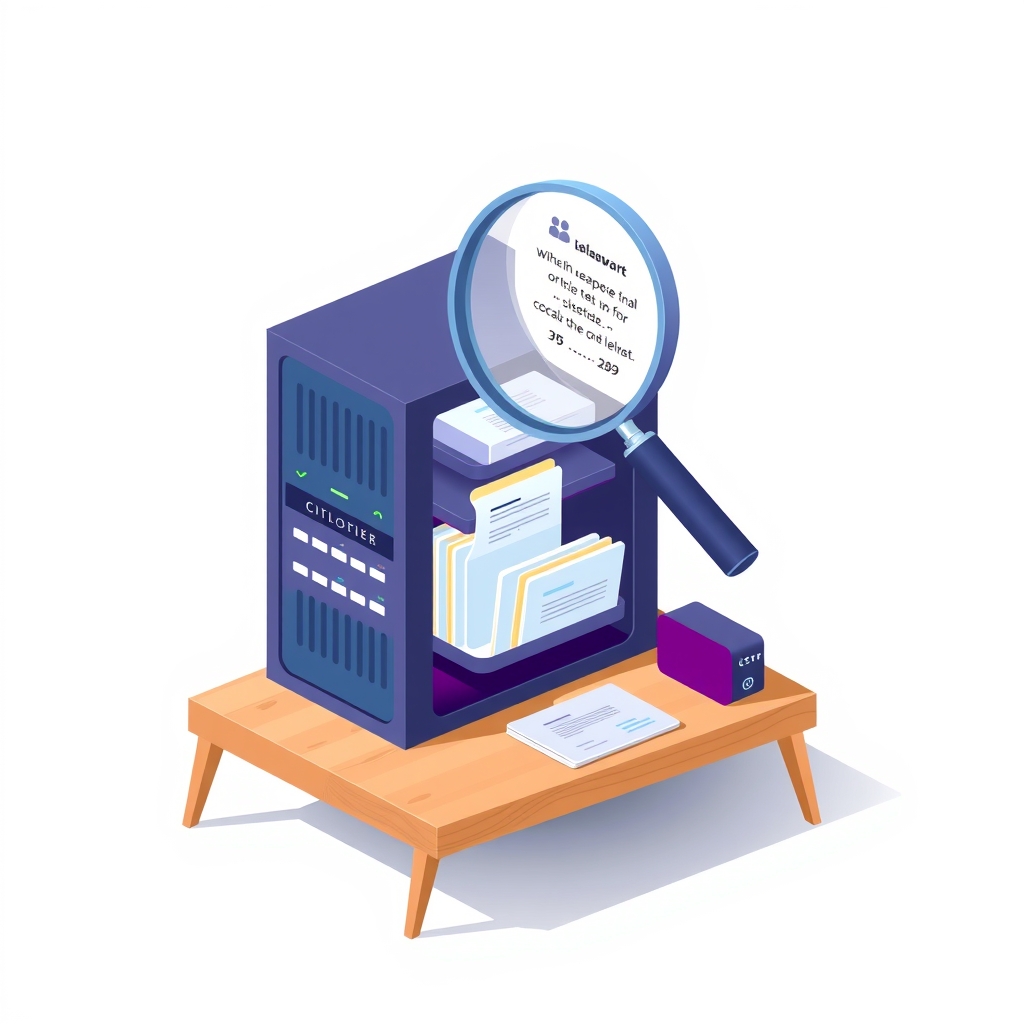
Developer Daniel Kim has released MentaAgent, an open-source project designed to function as a self-hosted AI business analyst. Published on GitHub in October 2026, the tool allows users to upload spreadsheets, contracts, PDFs, and emails to a local instance running on their own hardware. The system processes these documents and answers natural language questions about the business, providing responses that explicitly cite the source files used to generate the answer.
What happened
The release provides a complete application stack that runs via Docker Compose, requiring no account creation or subscription fees. Users clone the repository, start the containers, and access the interface through a local web browser. The application is built to keep all data on the user’s machine, sending only the necessary text chunks to a large language model provider chosen by the user. This architecture ensures that sensitive business documents remain under local control while leveraging external intelligence for analysis.
MentaAgent supports a wide range of model providers, including OpenAI, Anthropic, Google Gemini, and local options like Ollama. It includes presets for various services and handles the technical differences between them, such as parameter adjustments for thinking modes or tool calling capabilities. The system also features a stub model mode that works without an API key, allowing users to test the interface and workflow before committing to any costs associated with external model usage.
The application performs several advanced tasks beyond simple question answering. It builds a knowledge graph linking documents to entities like customers, vendors, and products. It also generates weekly and monthly reports, monitors for specific changes in data, and maintains a bounded memory of business facts and user preferences. These features are designed to help users identify risks, gaps, and improvement opportunities within their business operations based on the uploaded data.
Key details
- The project is licensed under Apache 2.0 and was built in June 2026 before being released as finished work.
- It supports CSV, Excel, PDF, Word, EML, plain text, and image files through vision models.
- Users can set a daily spending cap for model usage to prevent unexpected costs from external providers.
- The system uses Postgres with pgvector for storage and Redis for job queues and inter-process communication.
- Security measures include binding services to localhost only and marking document text as untrusted data to reduce injection risks.
- The maintainer has indicated they will be slow to respond to issues and pull requests until April 2028.
Background
Self-hosting AI applications involves running the software infrastructure on private servers or local computers rather than relying on a vendor’s cloud platform. This approach gives organizations full control over their data and reduces dependency on third-party service availability. However, it requires managing the underlying components, such as databases, vector stores, and application servers, which can be complex for teams without dedicated DevOps resources.
Retrieval-augmented generation is a technique where an AI model accesses external data sources to answer questions. Instead of relying solely on its training data, the system searches a database of uploaded documents for relevant information. It then feeds this context to the language model, which generates an answer based on both the retrieved facts and its general knowledge. This method helps reduce hallucinations and allows the AI to provide citations, making its outputs verifiable against the original source material.
Why it matters
For teams that manage their own software, MentaAgent offers a way to implement intelligent document analysis without sending sensitive corporate data to a third-party SaaS provider. By keeping files on local storage and only transmitting text snippets to the model provider, organizations can maintain stricter compliance with data privacy regulations. This is particularly valuable for industries handling contracts, financial records, or personal employee information where data sovereignty is a priority.
The tool also demonstrates how open-source projects can package complex AI workflows into manageable units. By using Docker Compose, it abstracts away the difficulty of setting up vector databases and message queues. This lowers the barrier to entry for small and mid-sized companies that want to experiment with AI-driven business intelligence but lack the engineering bandwidth to build such systems from scratch. It provides a functional baseline that can be extended or integrated into existing internal tools.
However, the maintenance status of the project is a critical consideration for production use. With the maintainer signaling limited availability for support until 2028, teams must be prepared to handle security updates and bug fixes independently. The reliance on external model providers also means that operational costs are variable and depend on usage volume, requiring careful monitoring to avoid budget overruns despite the available spending caps.
What you can do
- Test the application locally using the provided sample data to evaluate its accuracy and citation quality before uploading real business documents.
- Configure the daily USD cap in the environment settings to strictly control costs when connecting to paid model providers.
- Use a reverse proxy or VPN like Tailscale if you need to access the tool from other devices, ensuring authentication is enforced since the app has no built-in login.
- Review the security advisories for Next.js 14 and Fastify 4 to understand the current risk profile and plan for future upgrades to newer major versions.
- Consider forking the repository if you intend to use it in a production environment, given the limited maintainer support window.
- Start with the stub model mode to familiarize your team with the interface and query structure without incurring any API charges.