Migrating from Easypanel to Tugport: five breakages and lessons learned
A developer migrated 57 services from Easypanel to Tugport using a single command. The process revealed five specific bugs involving environment variables, health checks, and network conflicts.
On October 24, a developer migrated their primary production server from the Easypanel deployment platform to Tugport, a new tool they are building. The migration involved moving 14 projects and 57 services, including databases, blogs, and bots, using a single command line instruction. While the transition was largely successful, five specific issues emerged during the process, highlighting common pitfalls in automated infrastructure migrations.
What happened
The migration process began with a dry run to map services without making changes, followed by the actual execution of the tugport migrate easypanel command. Tugport, a Rust-based binary that runs alongside Docker, imported the state from Easypanel, including projects, environment variables, domains, and certificates. It then moved databases one by one, ensuring the old instance stopped before the new one started on the same data directory to prevent corruption. Applications were started next to their old counterparts using the exact same images, avoiding rebuilds during the switch.
The traffic switch occurred when Tugport’s proxy took over ports 80 and 443 from Easypanel’s Traefik proxy within half a second. A safety mechanism ensured that if the new proxy did not respond within 30 seconds, the old proxy would resume control. The system journaled every step, allowing for resumption or rollback if necessary. Volumes and bind mounts remained in place, and certificates were imported rather than re-issued. Ultimately, 54 services ran on Tugport, while three previously scaled-down services remained stopped.
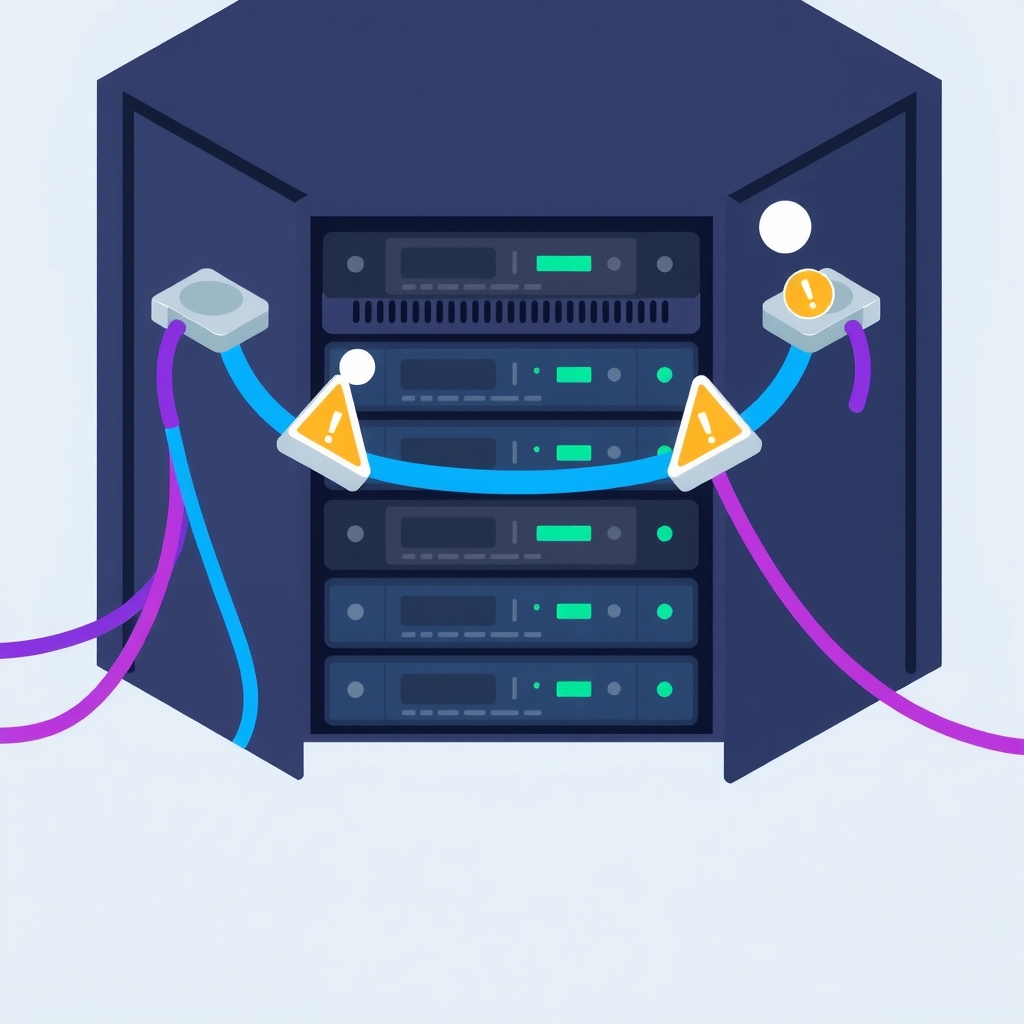
Despite the careful design, five bugs surfaced during this first production migration. First, environment variable templates from Easypanel, such as $(PROJECT_NAME), were copied literally instead of being resolved, requiring manual correction. Second, placeholder domains assigned by Easypanel confused Tugport’s health checks, causing non-web services to hang while waiting for HTTP responses. Third, a network subnet conflict occurred because the old CI runner stack still held its pinned network, requiring manual cleanup. Fourth, a harmless error code was displayed during reruns, causing unnecessary alarm. Finally, Telegram polling bots experienced temporary conflicts as both old and new instances attempted to fetch updates simultaneously.
Key details
- The migration moved 57 services across 14 projects, including Postgres, MySQL, and Mongo databases.
- Five specific bugs were identified: literal env template copying, placeholder domain health check failures, network pool overlaps, cosmetic error logging, and bot polling conflicts.
- Database health checks initially timed out under high load because they ran every 5 seconds with a 5-second timeout; these were adjusted to 30-second intervals with 15-second timeouts.
- A floating Docker tag (
mysql:9) caused an unintended minor version upgrade from 9.7.0 to 9.7.4, resulting in three minutes of downtime. - The migrator now pins database images to their exact versions and resolves environment variable templates automatically.
Background
Tugport is a self-hosted deployment panel written in Rust. It operates next to Docker on a user-owned server, handling builds from git pushes, HTTPS termination, and service management. Unlike some platforms that abstract away the underlying infrastructure, Tugport is designed for transparency and control, offering scoped API keys for AI agents and built-in migration tools for competitors like Easypanel and Coolify. The tool is open-source under the MIT license.
Easypanel is a popular server management panel that simplifies deploying applications via Docker. It uses Traefik as a reverse proxy and manages services through a graphical interface. When migrating between such panels, the challenge lies not just in moving data, but in translating configuration nuances, network settings, and health check logic that are often implicit in the original platform.
Why it matters
For teams running self-hosted software, this case study illustrates that automated migrations are rarely seamless. Even with a well-designed tool, differences in how platforms handle environment variables, internal networking, and health checks can cause service disruptions. Understanding these failure modes helps engineers anticipate risks when switching infrastructure providers or tools. It emphasizes the need for thorough testing and the importance of reading dry-run outputs carefully before executing live changes.
The incident with the floating Docker tag serves as a critical reminder for production environments. Relying on mutable tags like latest or major-version-only tags can lead to unexpected upgrades and downtime. Pinning images to specific versions ensures reproducibility and stability, a best practice that is often overlooked until a migration forces a re-evaluation of deployment configurations.
What you can do
- Always run a dry run migration first to identify mapping issues, missing configurations, and services that will not transfer automatically.
- Pin all container images to specific versions rather than using floating tags to prevent unintended upgrades during redeployments.
- Review and adjust health check intervals and timeouts after migration, especially if the new platform has different default resource usage patterns.
- Manually verify environment variables that use template syntax, as automated tools may not resolve platform-specific placeholders correctly.
- Plan for temporary conflicts in polling-based services, such as chat bots, by ensuring old instances are fully stopped before new ones start processing requests.
- Clean up old networks and unused resources after a successful migration to free up disk space and prevent subnet conflicts.