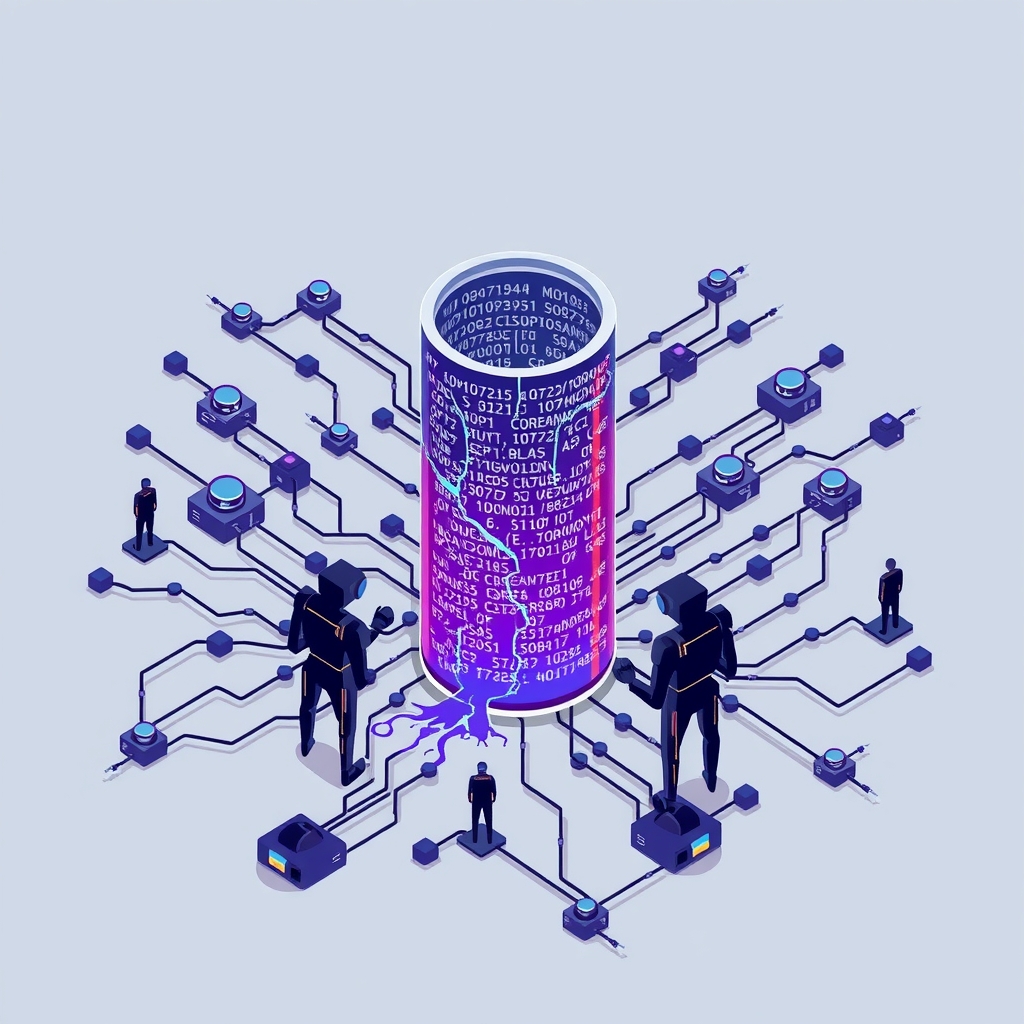
Squidbrake adds human approval and audit trails to AI agent tool calls
A new open-source gateway intercepts AI agent actions, enforcing rules and requiring human approval for risky operations like database changes or payments.
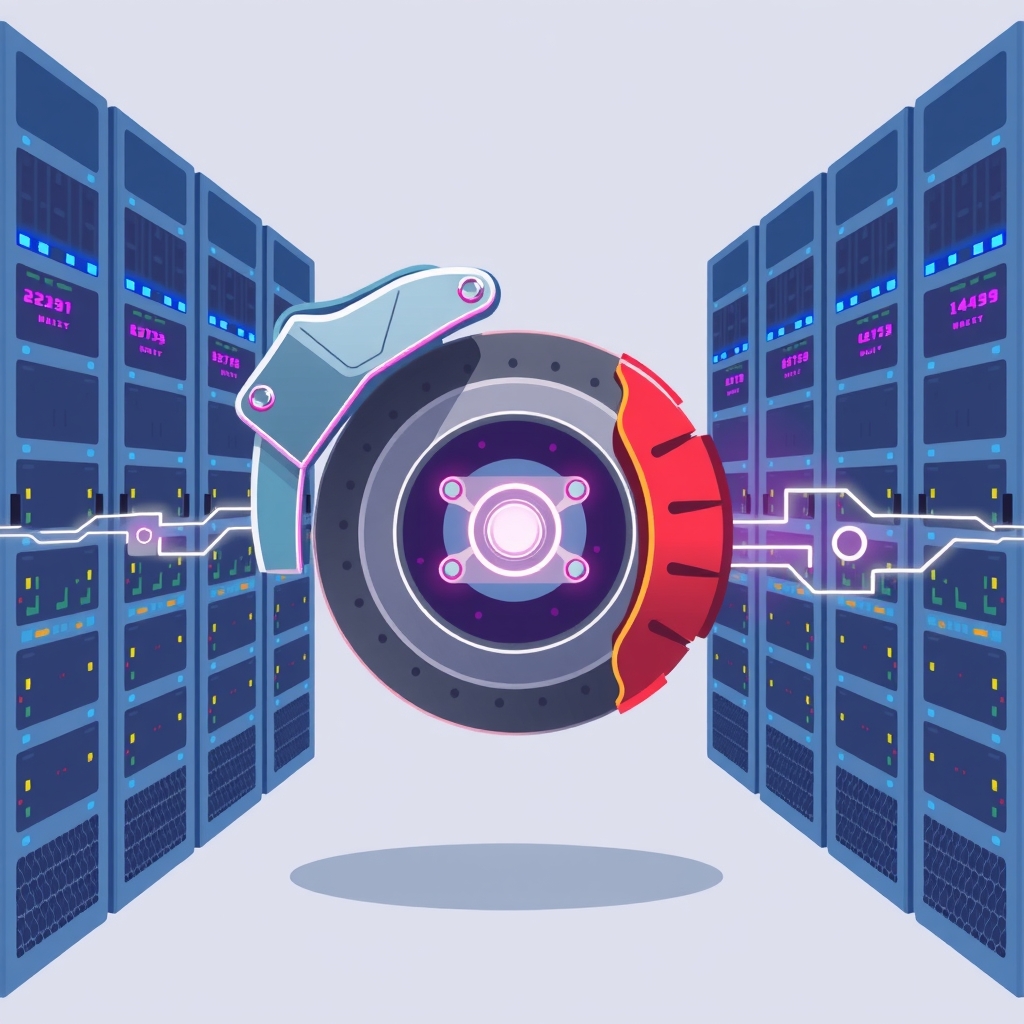
GitHub user batrapulkit has released Squidbrake, an open-source tool designed to act as a safety layer for autonomous AI agents. Published on September 29, 2026, the project introduces a self-hosted gateway that intercepts every tool call an agent attempts, checking it against predefined rules before execution. This approach ensures that high-risk actions, such as financial transactions or database modifications, can be held for human review rather than executing automatically.
What happened
Squidbrake functions as a middleware proxy between AI agents and the tools they use, such as command-line interfaces, file systems, or external APIs. When an agent attempts to perform an action, the request is sent to the Squidbrake gateway first. The system evaluates the request against a configuration file named rules.yaml, which defines which actions are allowed to proceed immediately, which are blocked entirely, and which require manual approval. Unlike some security tools that rely on large language models to make judgment calls, Squidbrake uses deterministic rules, ensuring consistent and predictable enforcement without the variability of AI interpretation.
The tool integrates directly with popular developer environments and agent frameworks. It supports Claude Code by hooking into every tool call, including bash commands, file edits, and web fetches. It also works with any application using the Model Context Protocol (MCP), allowing it to wrap tools for platforms like Antigravity, Cursor, and Claude Desktop. For database interactions, it provides specific safeguards, allowing read operations to pass through while holding write, update, or delete commands for approval. If the gateway becomes unavailable, the system is designed to fail closed, meaning guarded tools will not run, preventing unmonitored actions during outages.
Key details
- Deterministic enforcement: Decisions are based on static rules in
rules.yaml, not on real-time LLM analysis, removing ambiguity from security policies. - Human-in-the-loop approval: Risky actions pause in a dashboard or via Slack/phone notifications, requiring a designated approver to authorize or reject the task.
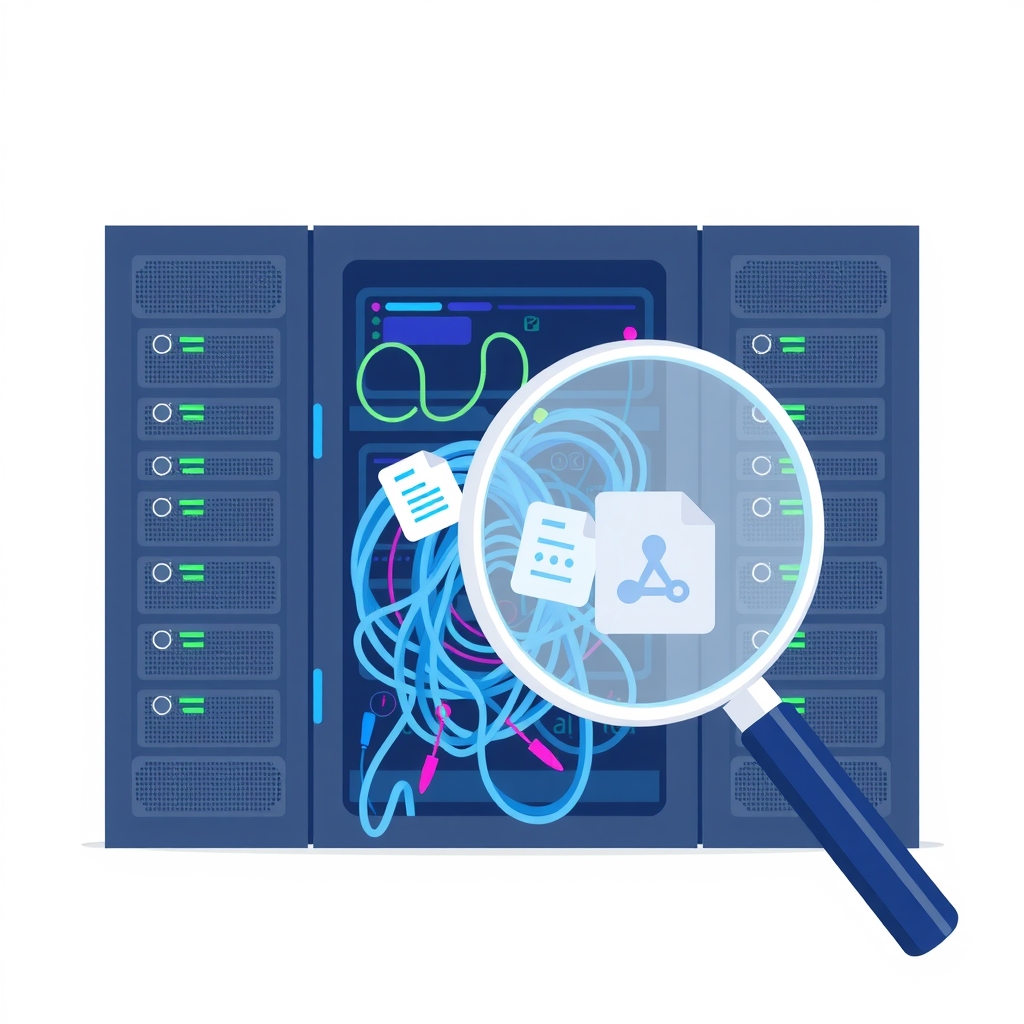
- Tamper-evident audit trail: Every event, including inputs, outputs, and approval decisions, is recorded in a write-once log that can be exported to CSV for compliance reviews.
- Fail-closed architecture: If the Squidbrake service is down or unreachable, connected agents are blocked from executing guarded tools, prioritizing safety over availability.
- Self-hosted privacy: The software runs locally on a laptop or private server, ensuring that sensitive data and internal tool payloads never leave the user’s infrastructure.
- Team management: Supports multiple users with distinct keys and roles, allowing organizations to restrict approval rights to specific teams, such as finance for wire transfers.
Background
As AI agents become more capable of interacting with external systems, the risk of unintended consequences grows. An agent might misinterpret a prompt and execute a destructive command, such as deleting a production database or sending an erroneous refund. Traditional permission models in coding assistants often rely on simple allow-or-ask prompts that lack context or historical awareness. Squidbrake addresses this by introducing a centralized policy engine that understands the context of an action. It can detect patterns, such as an agent attempting to retry a previously rejected action or interacting with a suspicious domain that mimics a legitimate one.
The Model Context Protocol (MCP) is an emerging standard that allows AI models to connect to various data sources and tools securely. By supporting MCP, Squidbrake can protect a wide range of integrations beyond just code editing, including Stripe for payments, GitHub for repository management, and internal SQL databases. This broad compatibility makes it suitable for companies deploying agents across different departments, from engineering to customer support, where the stakes for error vary significantly.
Why it matters
For teams running their own software, the introduction of autonomous agents creates a new vector for operational risk. Without a governance layer, an agent could inadvertently expose sensitive data or disrupt services. Squidbrake provides a necessary control plane that allows IT leads and developers to define clear boundaries. By separating the decision logic from the agent itself, organizations can enforce compliance policies consistently across all users and agents, rather than relying on individual discipline or ad-hoc configurations.
The ability to audit every action is critical for post-incident analysis and regulatory compliance. Since the tool records the full context of each event, including what led to a specific action, teams can trace the root cause of errors or security breaches. This transparency builds trust in AI adoption, as stakeholders can see exactly what the agent is doing and who approved high-risk operations. Furthermore, the self-hosted nature of the tool aligns with the needs of companies that cannot send proprietary code or customer data to third-party cloud services for processing.
What you can do
- Test the live demo: Visit the GitHub repository to run the browser-based sandbox, which simulates an agent handling emails and blocking a scam wire transfer.
- Install locally: Clone the repository and run the provided start script to set up the gateway on your machine, generating admin and agent keys instantly.
- Define strict rules: Create a
rules.yamlfile to specify which tools require approval, setting timeouts and designating specific approvers for sensitive categories like payments. - Connect your agent: Use the connection scripts to integrate Squidbrake with Claude Code or other MCP-compatible clients, ensuring all tool calls are routed through the gateway.
- Monitor via dashboard: Open the local dashboard to view real-time events, filter by status or source, and approve or reject pending actions from your desktop or mobile device.
- Configure team access: Generate unique keys for team members and assign approver roles to ensure that only authorized personnel can authorize high-risk operations.