Why a 200 OK health check can hide a total service outage
A cached GET request returned success while the origin server was down, causing all buyer submissions to fail silently for hours.
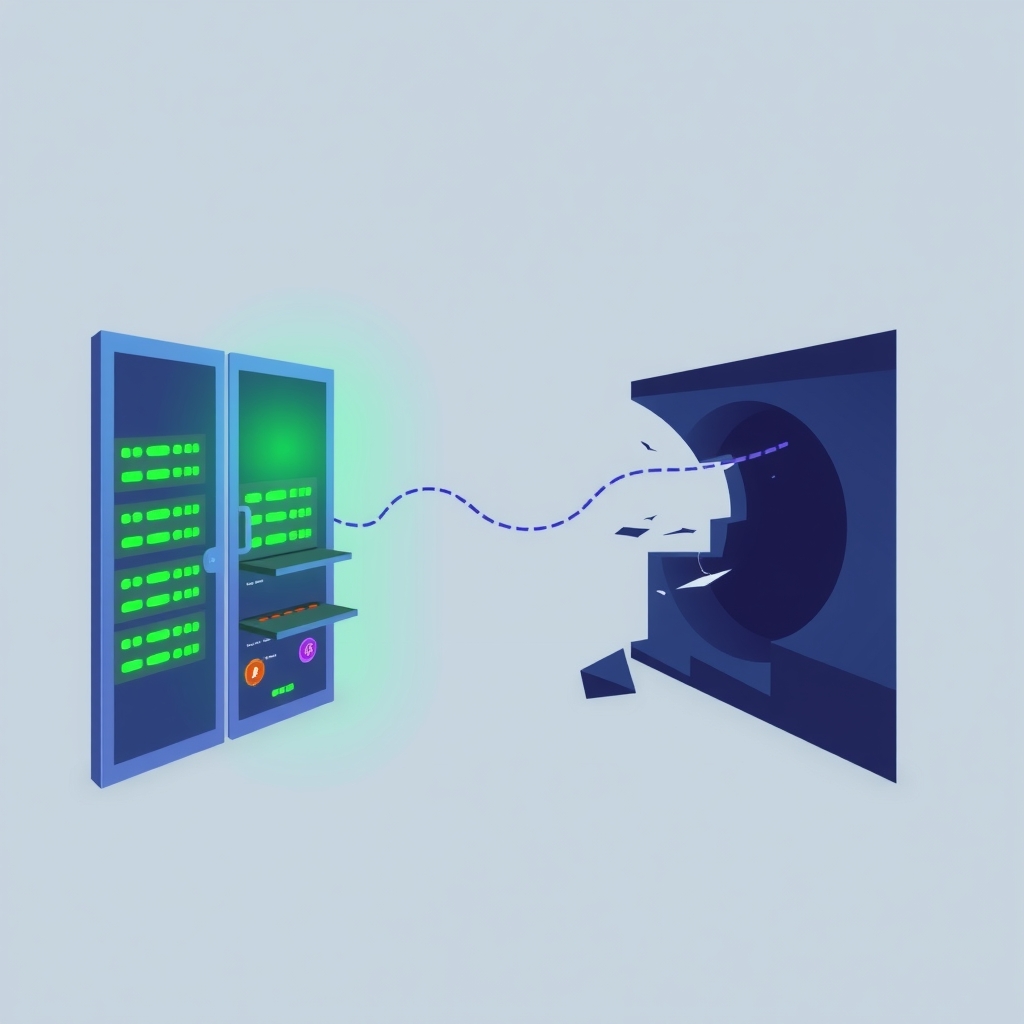
A self-hosted e-commerce service appeared fully operational to its monitoring system for an entire evening, returning successful status codes every five minutes. In reality, the backend origin tunnel had died hours earlier, causing every single buyer submission to fail while the frontend page remained accessible via cache.
What happened
The incident began when the origin tunnel connecting the content delivery network (CDN) edge to the backend server stopped responding. Despite this critical failure, the automated health check continued to report that the service was healthy. The check performed a simple GET request to the buyer-facing page, which the CDN served from its cache using the last known good version of the HTML. This resulted in a 200 OK status code, signaling to the monitoring system that everything was functioning correctly.
Meanwhile, actual users attempting to make purchases experienced a complete breakdown. Their browsers sent POST requests with form data to submit orders. Unlike the static HTML page, these dynamic API calls could not be served from the CDN cache. They were routed directly to the origin tunnel, which was dead. The edge node returned a 1033 error page for these requests, but because no one was actively watching the user-facing error logs, the failure went unnoticed by the operations team. Five real submissions from three different networks failed during this window, yet no alerts were triggered.
This situation arose from a previous fix intended to solve a different problem. An earlier incident had involved a static path that the edge answered independently of the origin, leading to false positives. The team corrected this by pointing the health check at the buyer page, which indeed depends on the origin. However, they retained the GET method for the check. While the path was correct, the method was not, as a cached GET does not verify the liveliness of the backend processing logic.
Key details
- The health check ran every five minutes and consistently received a 200 OK response from the CDN cache.
- The origin tunnel was down for several hours, causing all POST requests from buyers to fail with a 1033 error.
- Five real purchase attempts failed across three separate networks without triggering any operational alerts.
- The previous fix changed the health check target to the buyer page but incorrectly kept it as a GET request.
- A POST request to a JSON-RPC endpoint would have forced the origin to respond, revealing the outage immediately.
- The final resolution required only a one-line change to switch the health check method from GET to POST.
Background
To understand this failure, it is helpful to distinguish between how CDNs handle different HTTP methods. A GET request retrieves data and is often cacheable. CDNs store copies of these responses at edge locations close to users to reduce latency and load on the origin server. If the origin goes down, the CDN can continue serving these cached copies, making the site appear live even when the backend is unreachable. This is useful for reading content but misleading for checking system health.
In contrast, POST requests are used to send data to the server, such as submitting a form or creating a record. These requests are generally not cached because they change the state of the application. When a POST request arrives, the CDN must forward it to the origin server for processing. If the origin is down, the request fails immediately. Therefore, a health check that uses GET may only verify the availability of the cache, while a POST check verifies the availability of the actual application logic and database connectivity.
Why it matters
For teams running their own software, this incident highlights a common pitfall in observability: measuring the wrong thing. A status code is evidence about a specific request, not the entire service. If your health check does not mimic the critical path of your users, it provides a false sense of security. In this case, the check measured the resilience of the CDN cache rather than the health of the application backend. This distinction is crucial for self-hosters who rely on automated monitoring to detect outages before customers do.
The cost of this misconfiguration was significant in terms of lost trust and revenue. Because the monitoring system reported success, no engineer was paged, and the issue persisted for hours. The silence of the logs was deceptive; the CDN logs showed successful 200 responses, masking the 1033 errors occurring on the uncached paths. This demonstrates that comprehensive logging and alerting must account for the difference between edge-level success and origin-level functionality. Without aligning health checks with user behavior, teams risk missing silent failures that only become apparent when customers complain.
What you can do
- Audit your health checks to ensure they use the same HTTP method and path as your most critical user actions.
- Replace simple GET checks on cached pages with POST requests to dynamic endpoints that require origin processing.
- Validate that your health check expects specific content in the response body, not just a 200 status code.
- Test your monitoring by deliberately taking down the origin server to see if the health check correctly reports a failure.
- Implement separate checks for CDN availability and origin health to distinguish between edge caching and backend issues.
- Review logs for both successful and failed request types to ensure your alerts cover uncached, dynamic interactions.