Vindle optimizes massive CSV imports by replacing PHP with Rust
Vindle reduced processing time for 27 GB of product data by moving CSV filtering from PHP to a custom Rust tool, eliminating redundant parsing passes.
Turn messy spreadsheets into clean, validated data.
Self-hosted XLSX and CSV importer with visual column mapping, row-level validation and clean CSV export.
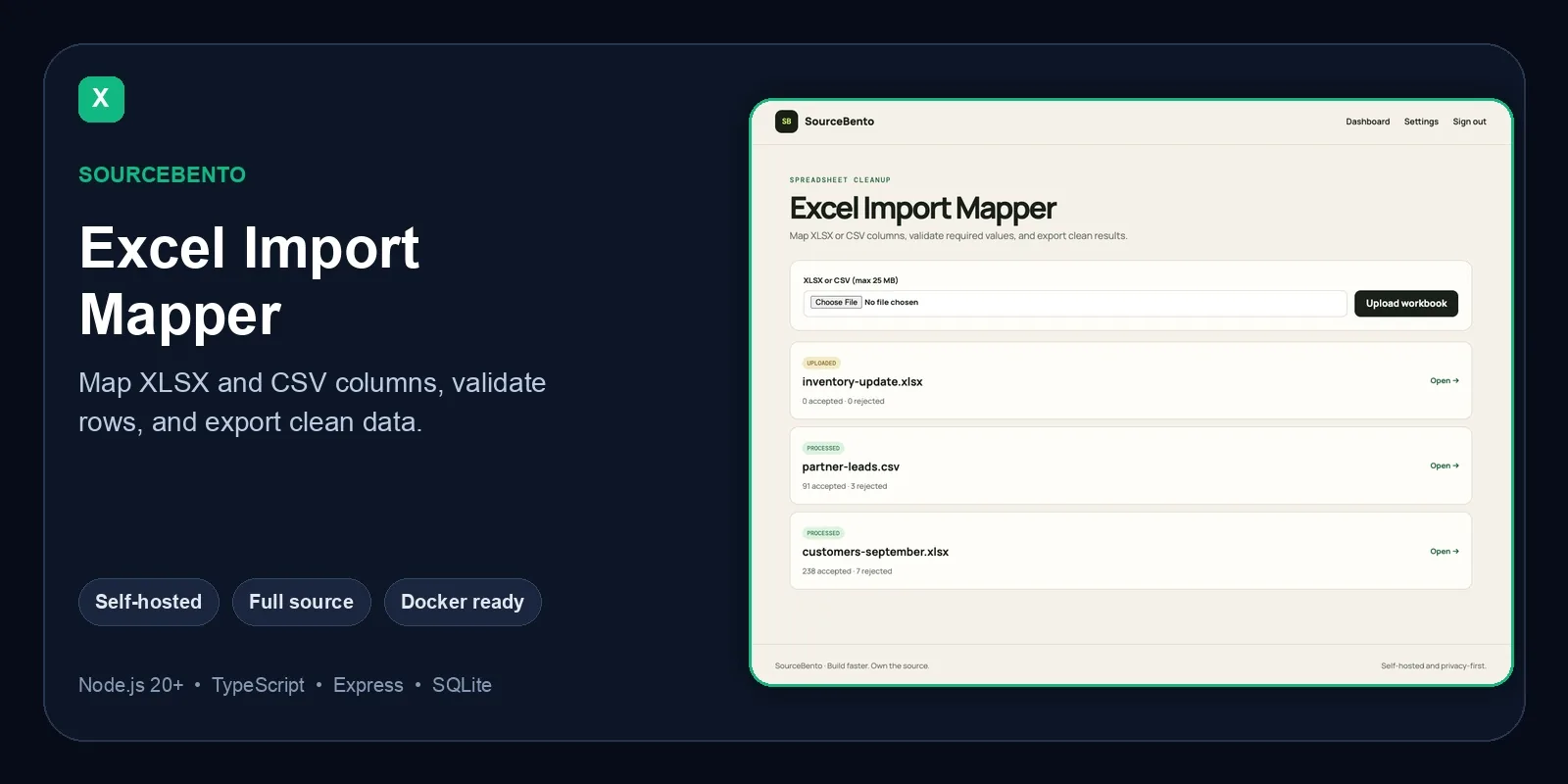
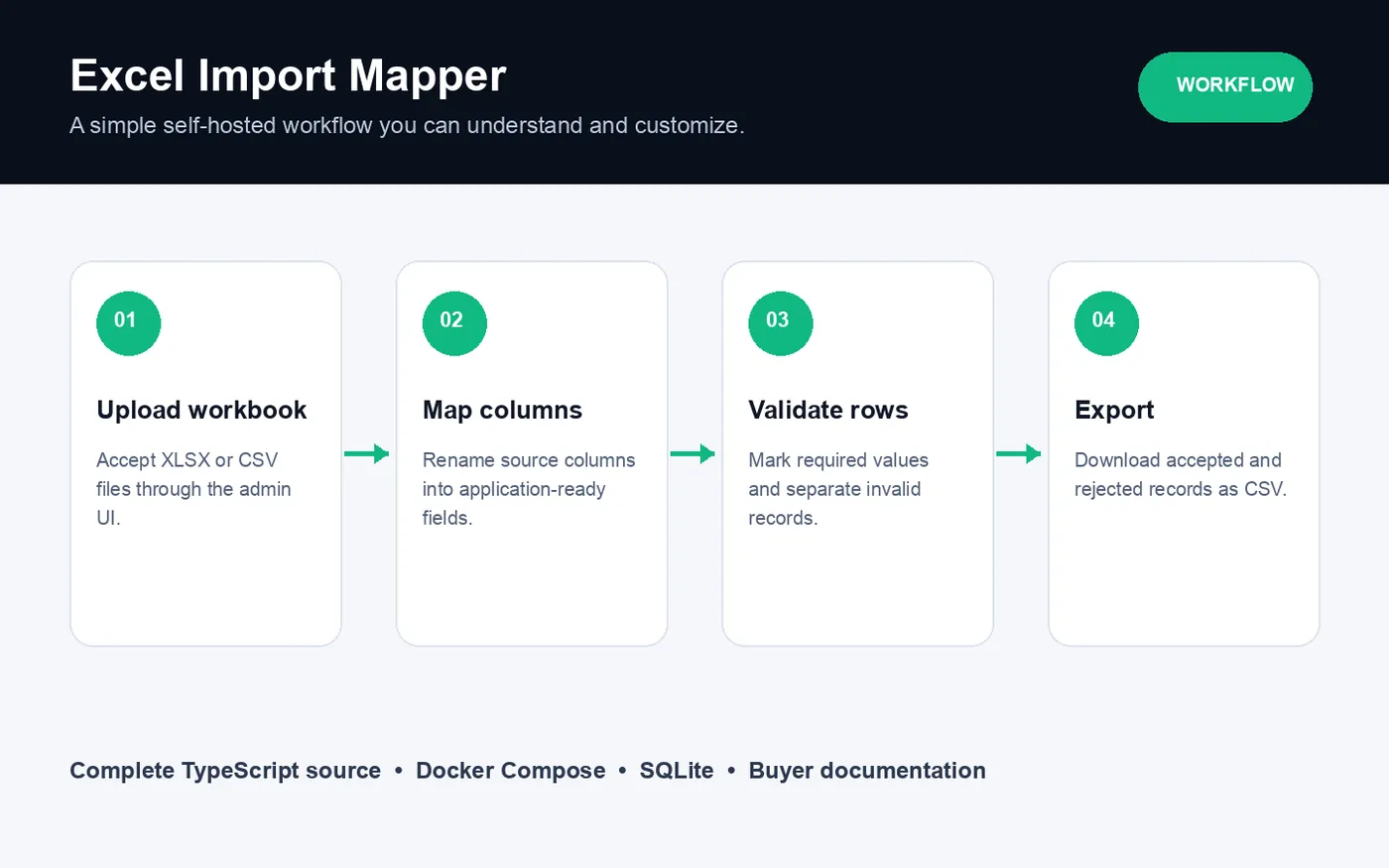
Upload spreadsheets and pick the sheet to import.
Map spreadsheet columns to your fields without editing the file.
Required fields are checked, and every rejected row explains what is wrong.
Download normalized CSV. Temporary files are stored encrypted.
Every product that accepts spreadsheets ends up writing the same importer: upload, pick a sheet, match columns, validate rows and report errors. Excel Import Mapper is that importer, ready to run and easy to adapt.
The complete TypeScript source (Express, EJS views, SQLite), Docker Compose files, environment examples and setup documentation.
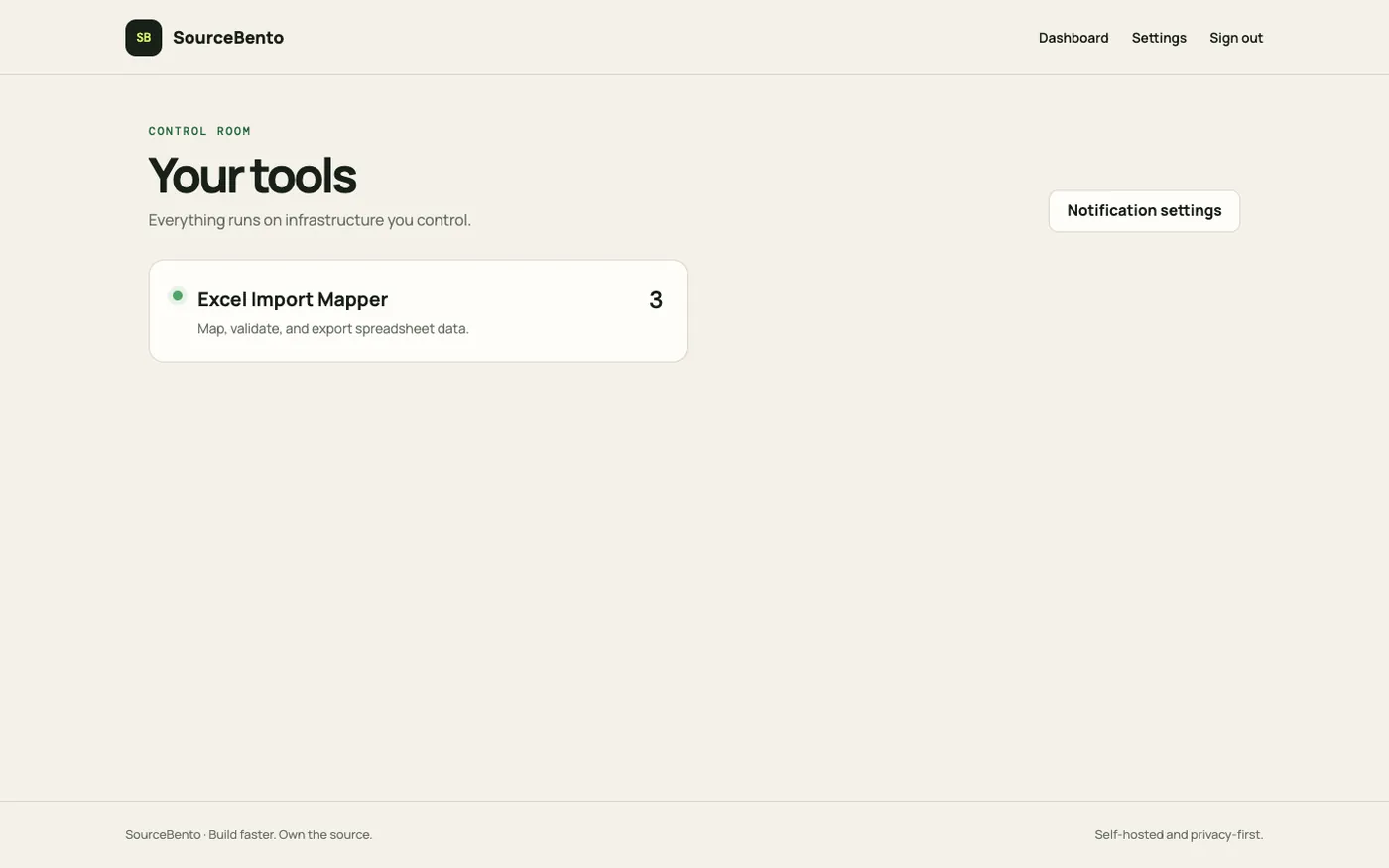
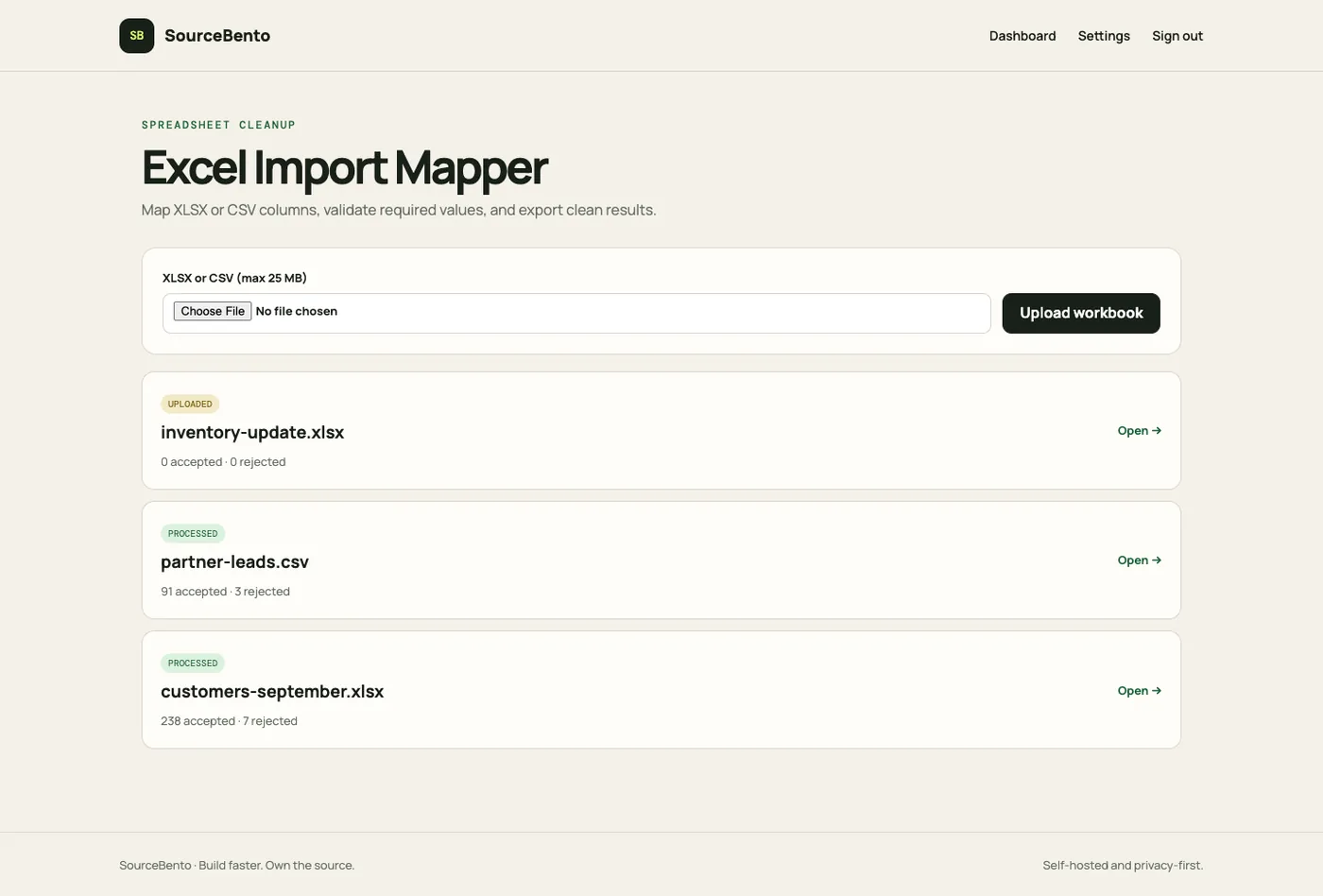
Sample data only. Nothing you do there affects anyone else.
Anything else? Email [email protected].
Yes. Choose the sheet to import after upload.
They are listed separately with row-level error messages, so users can fix the source file and try again.
Docker Compose, or Node.js 20+ directly.
Vindle reduced processing time for 27 GB of product data by moving CSV filtering from PHP to a custom Rust tool, eliminating redundant parsing passes.
Know when scheduled jobs stop running.
Live demoCapture, inspect and safely replay webhooks on your own server.
Live demoEncrypted file sharing with passwords, expiry and download limits.
Live demoCatch expiring certificates and domains before your visitors do.
Live demo