Android CLI adds remote device streaming and specialized AI skills
Google updates Android CLI with remote physical device access and new AI skills for Wear OS, security, and compliance.
Cet article n’est disponible qu’en anglais.
Google has updated its Android command-line interface (CLI) tooling to include direct access to remote physical devices and a expanded library of AI-driven development skills. Released in early October 2026, these changes aim to streamline how developers build, test, and maintain Android applications using automated agents and terminal-based workflows.
What happened
The Android Developers Blog announced two major enhancements to the Android CLI ecosystem. First, Android Device Streaming is now accessible directly through the CLI, allowing developers and AI agents to interact with real physical hardware remotely. Second, Google expanded its repository of "Android skills," which are structured instruction files that ground large language models (LLMs) in official platform documentation and best practices.
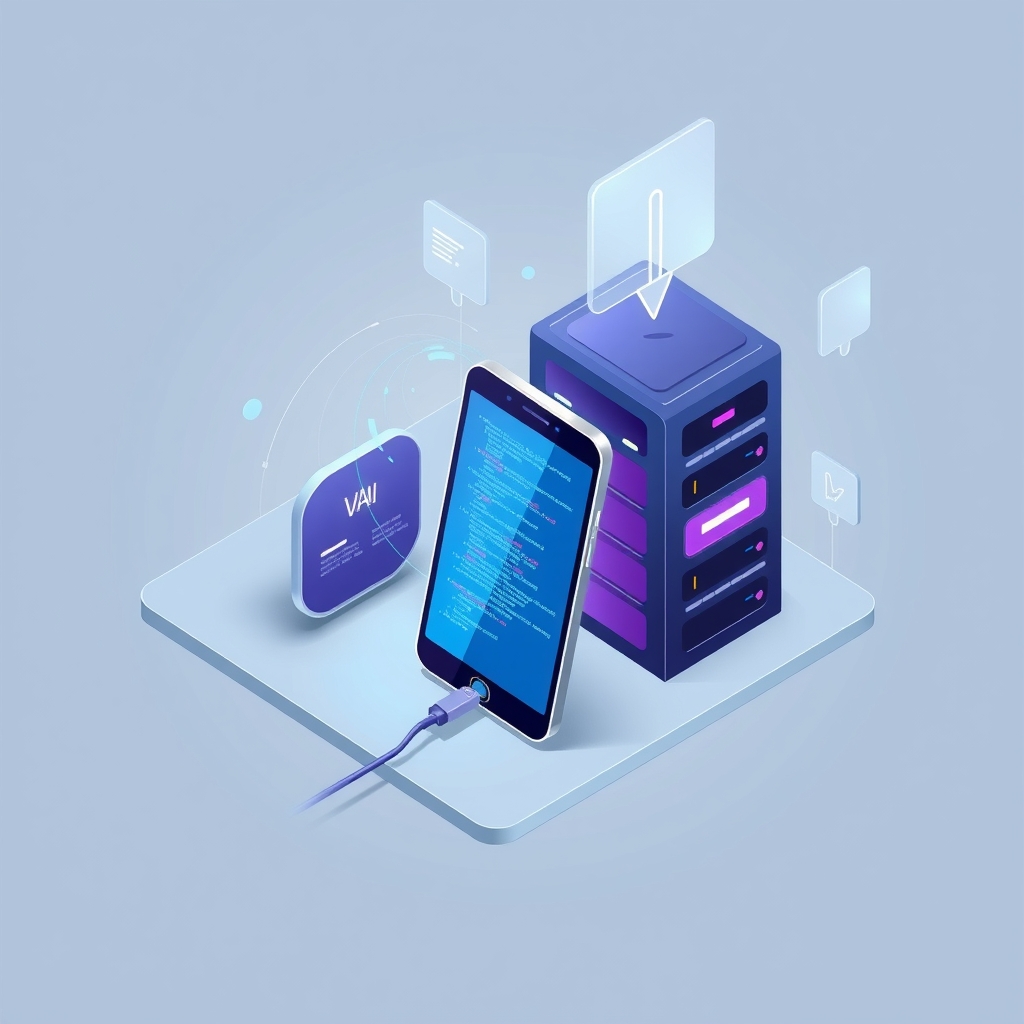
Android Device Streaming enables users to connect to physical devices, such as the Pixel 10 Pro, via a secure ADB over SSL connection. This integration allows agents to spin up devices, deploy builds, collect logs, and capture screenshots headlessly from the terminal. It bridges the gap between local emulation and the need for testing on diverse, real-world hardware configurations without requiring physical possession of every device type.
Simultaneously, the update introduces over 20 new Android skills designed to help AI agents handle complex, specialized tasks. These skills provide agents with fresh data, API references, and architectural patterns that may not be present in their training data. By installing these skills, developers can ensure their AI assistants adhere to current Google Play policies, security standards, and modern UI frameworks like Jetpack Compose.
Key details
- Remote Hardware Access: Android CLI now supports Android Device Streaming, enabling secure, remote interaction with physical devices for testing and debugging.
- Structured AI Guidance: "Android skills" are
SKILL.mdfiles that provide LLMs with official, up-to-date guidance from developer.android.com, reducing hallucinations and outdated advice. - Wear OS Focus: A new Wear Compose Material 3 skill helps agents navigate specific Wear OS constraints, such as round viewports and rotary input handling.
- Security and Compliance: New skills assist in auditing Play Policy compliance, securing Android Intents, and optimizing R8 configuration for performance.
- Environment Agnostic: The tools work across various setups, including Android Studio, third-party agents like Claude and Codex, and custom terminal environments.
- Proven Efficiency: The FotMob engineering team reported migrating eight lists and removing legacy boilerplate code in a single afternoon using the Wear OS skill.
Background
Android CLI is a toolset designed to simplify command-line development for Android. It supports various AI agents and tools, helping them create, build, test, and manage projects more efficiently. As AI agents become more common in software development, they often struggle with platform-specific nuances or rely on training data that may be months or years old.
"Skills" address this by acting as a grounding mechanism. Instead of relying solely on an LLM's internal knowledge base, developers can inject specific, verified instructions into the agent's context. These skills cover everything from setting up testing strategies to implementing modern camera APIs with CameraX. This approach ensures that automated code generation aligns with current industry standards and Google's official recommendations.
Why it matters
For teams that run their own software infrastructure, the ability to test on real hardware without maintaining a physical device lab is significant. Device fragmentation remains a critical challenge in Android development. By integrating Device Streaming into the CLI, teams can automate testing on specific hardware configurations that may exhibit unique bugs related to sensors, screen sizes, or processor architectures. This reduces the overhead of purchasing and managing a wide array of test devices while improving release confidence.
Furthermore, the introduction of standardized AI skills offers a way to enforce consistency in codebases managed by multiple developers or automated agents. When AI tools generate code, they often miss subtle platform requirements, such as proper permission handling or lifecycle-aware components. By using pre-evaluated skills for tasks like Intent security or Credential Manager implementation, teams can reduce technical debt and security vulnerabilities early in the development cycle. This is particularly valuable for small to mid-sized teams that need to move quickly but cannot afford extensive manual code reviews for every AI-generated snippet.
What you can do
- Install Android CLI: Use the provided command-line instructions to install the latest version of Android CLI on your development machine.
- Initialize Your Environment: Run
android initto set up the basicandroid-cliskill and configure your agent. - Explore Available Skills: Execute
android skills listto see all official skills, including those for Wear OS, TV, and security audits. - Add Specific Skills: Install relevant skills for your project, such as
android skills add wear-compose-m3 --project=, to enhance agent capabilities for specific platforms. - Test Remote Devices: Link your project and use the CLI to list available remote devices via Android Device Streaming for headless testing.
- Update Regularly: Keep your skills current by running
android skills update --allto ensure your agents have the latest platform guidance.