Automating ZFS snapshots and offsite replication with sanoid and syncoid
A technical guide details how to use sanoid for snapshot retention and syncoid for secure pull-based replication to protect self-hosted ZFS storage.

Self-hosting administrators often struggle to balance data protection with storage efficiency, leading to either no backups or unmanageable snapshot bloat. A new technical guide outlines a robust strategy using two open-source tools, sanoid and syncoid, to automate ZFS snapshots and replicate them to a secondary machine. Published on October 22, 2026, the article provides a concrete implementation path for Debian and Proxmox VE users seeking reliable, incremental offsite backups without manual intervention.
What happened
The guide addresses two common failure modes in home lab and small business storage environments. The first scenario involves systems with no snapshots at all, where accidental file deletion results in permanent data loss. The second scenario features systems that take frequent snapshots but never prune them, leading to thousands of stale snapshots that consume pool space and degrade performance. In both cases, administrators mistakenly believe local snapshots constitute a complete backup strategy, ignoring the risk of total pool failure due to hardware faults or catastrophic commands.
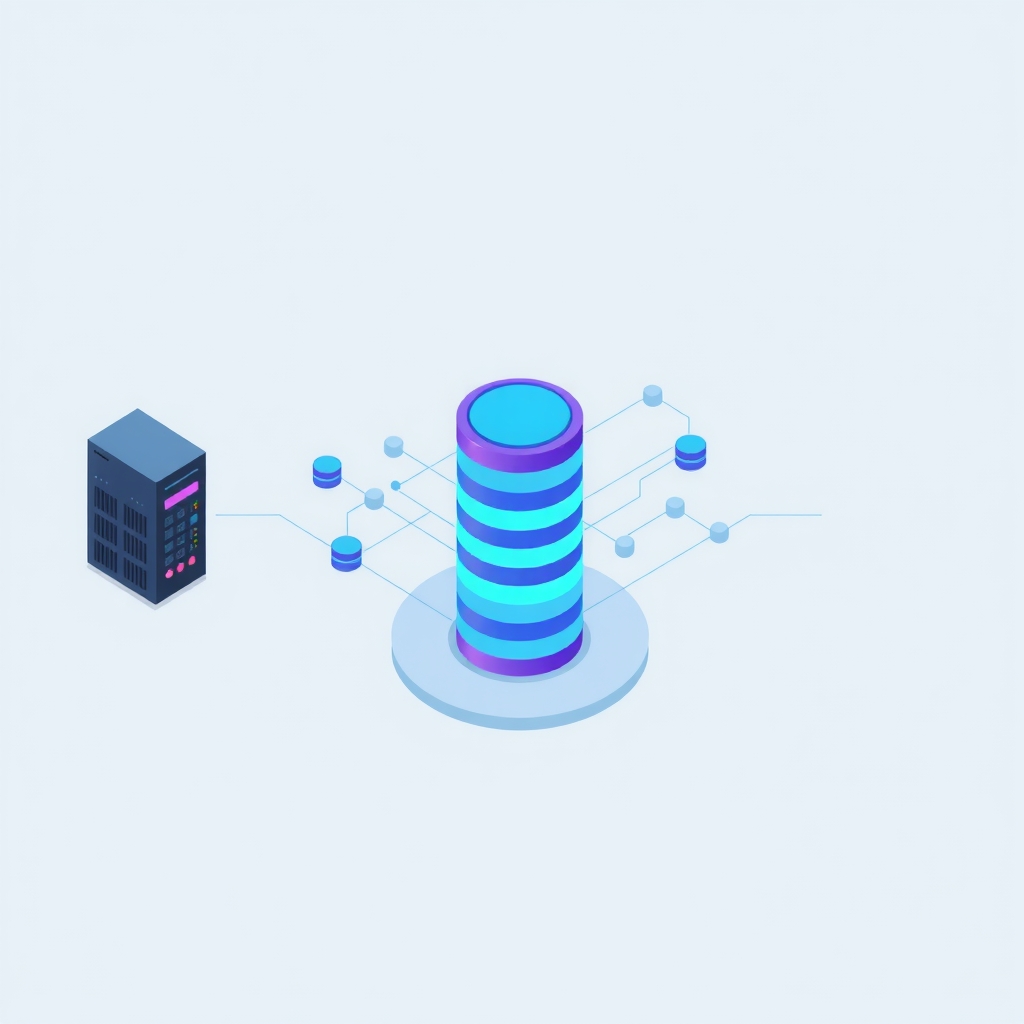
To solve this, the author proposes a two-step automation pipeline. First, sanoid manages the creation and pruning of local snapshots based on configurable retention policies. Second, syncoid handles the replication of these snapshots to a separate physical box. The guide emphasizes a "pull" architecture, where the backup server initiates the transfer from the primary storage. This approach enhances security by ensuring the primary server holds no credentials for the backup target, preventing lateral movement if the primary system is compromised.
Key details
- Sanoid uses systemd timers to run every 15 minutes, applying retention templates that keep dense recent history and sparse older history.
- Syncoid performs incremental replication by identifying the last common snapshot between source and destination, sending only changed blocks.
- The recommended setup uses a pull model, where the backup box runs a cron job to fetch data, keeping SSH keys off the primary NAS.
- Encrypted datasets can be replicated using raw sends, ensuring the backup server never needs access to decryption passphrases.
- Retention policies on the backup box should disable automatic snapshot creation and only prune received replicas to maintain consistency.
- Monthly restoration tests involving checksum comparisons are required to verify that replicated data is intact and accessible.
Background
ZFS snapshots are read-only copies of a dataset at a specific point in time. They are efficient because ZFS uses a copy-on-write mechanism; initially, a snapshot shares all its data blocks with the live filesystem. Space is only consumed when the live data changes, as the old blocks must be preserved for the snapshot. This makes frequent snapshotting cheap until data churn increases. However, snapshots reside on the same storage pool as the active data. If the pool suffers physical damage or logical corruption, the snapshots are lost alongside the primary data. Therefore, replication to independent hardware is essential for true disaster recovery.
Incremental replication leverages this efficiency by transmitting only the differences between two snapshots. Tools like syncoid automate the complex task of tracking which snapshots exist on both ends of the connection. Without such automation, administrators must manually manage snapshot tags and ensure the last common ancestor exists on both systems, a process prone to human error and drift over time.
Why it matters
For teams running their own infrastructure, data integrity is paramount. Relying solely on local snapshots creates a single point of failure. By implementing automated replication to a second box, organizations protect against hardware failures, ransomware encryption of the primary pool, and administrative errors. The pull-based model described in the guide adds a critical security layer. If an attacker gains root access to the primary NAS, they cannot delete the backups because the NAS does not have SSH access to the backup server. This isolation is a best practice for securing critical assets.
Furthermore, automated pruning prevents the silent failure mode of storage exhaustion. Unmanaged snapshots can fill a pool unexpectedly, causing service outages. Sanoid’s template-based configuration ensures that storage usage remains predictable by enforcing strict limits on how many hourly, daily, weekly, and monthly snapshots are retained. This predictability allows IT leads to plan capacity accurately and avoid emergency maintenance windows caused by full disks.
What you can do
- Install sanoid on your primary ZFS server and configure retention templates in
/etc/sanoid/sanoid.confto match your data importance levels. - Set up a secondary server with sufficient storage and install syncoid to handle incoming replication streams.
- Create a cron job on the backup server that runs syncoid in pull mode, targeting specific datasets on the primary NAS.
- Configure the backup server’s sanoid instance with a template that disables local snapshot creation but enables pruning of replicated data.
- Store encryption passphrases for any encrypted datasets in a secure location separate from the storage pools themselves.
- Schedule a monthly test where you restore a file from the backup replica and compare its checksum against the original to verify integrity.