Designing transparent permissions for self-hosted document systems
A new open-source DMS architecture explains access rights by department and inheritance, solving the common problem of opaque file permissions in shared drives.
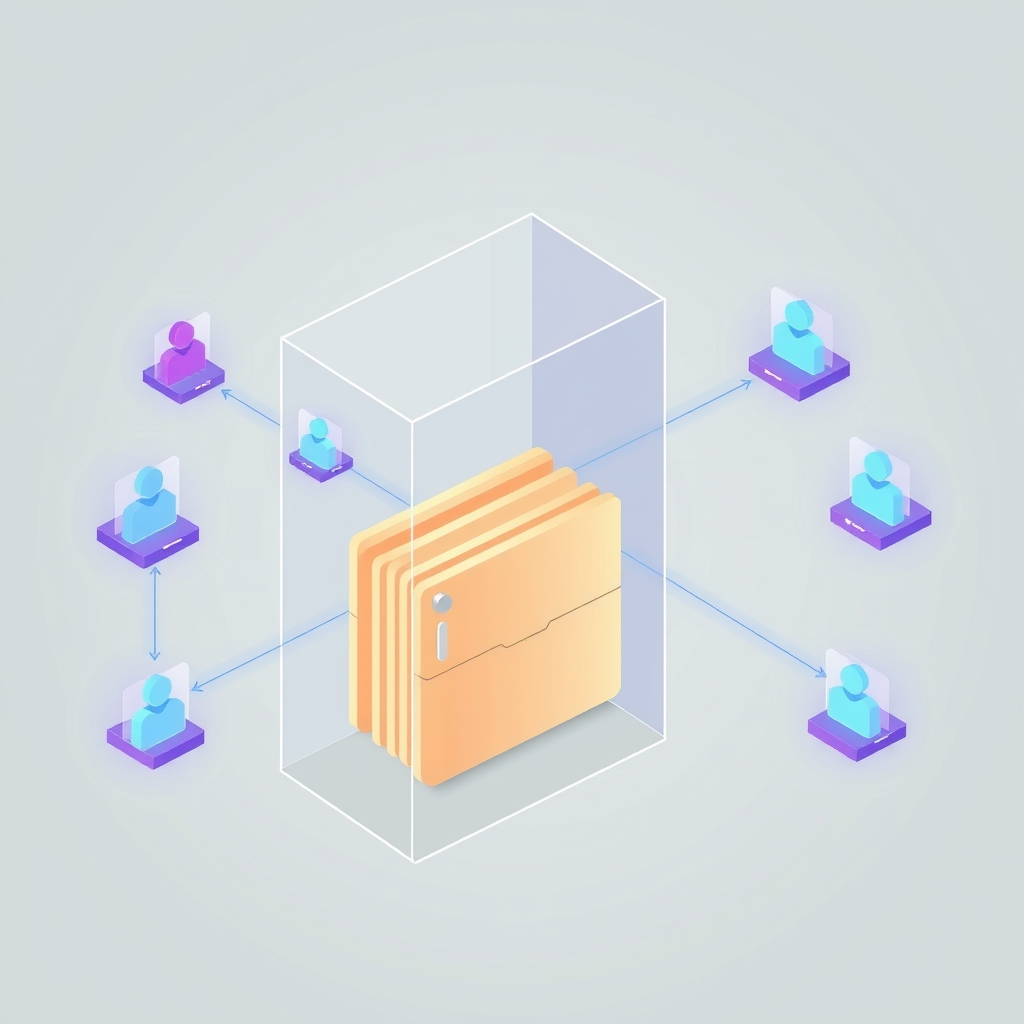
On October 28, 2026, a developer detailed a permission architecture for SpiderFolio, an open-source, self-hosted document management system. The design focuses on making access rights transparent and manageable for small businesses by shifting control from individual users to departments and roles.
What happened
The author observed that in most organizations, answering who can see a specific folder and why is nearly impossible. Access is often granted on a person-by-person basis, leading to inherited permissions that no one remembers and cleanup tasks that are never performed. To address this, the developer built SpiderFolio with a core rule: every folder, file, and page must display not just who has access, but the specific reason for that access, such as "Quality department · inherited from /Procedures".
The system moves away from direct user grants as the primary method of control. Instead, access is assigned to departments and roles. This approach ensures that when an employee moves from one department, such as Production, to another, like Quality, their access rights update automatically. While direct grants to individuals are still possible, the admin panel flags them as indicators of disorder, encouraging administrators to maintain cleaner, role-based structures.
Key details
- Access levels follow a hierarchy where the highest permission wins: MANAGE is greater than EDIT, which is greater than COMMENT, which is greater than VIEW.
- Permissions are inherited by default from parent folders up to the space level, but any node in the tree can stop this inheritance to create isolated sections.
- The system resolves access using a single function that returns both the permission level and the reason for the grant, powering clear "who can see this" reports.
- Database queries are optimized by resolving trees in batches, one query per level, to avoid performance issues known as N+1 queries, with results cached per request.
- Tenant isolation is enforced through a scoped Prisma client, ensuring that users from one company receive a 404 error when attempting to access another company's data.
- The project is licensed under AGPLv3 and is designed to be installed easily using Docker Compose.
Background
Permission systems in software often rely on Access Control Lists (ACLs) or Role-Based Access Control (RBAC). In traditional file servers, ACLs can become complex because permissions are frequently assigned directly to users. Over time, this leads to "permission creep," where users accumulate rights they no longer need. RBAC simplifies this by assigning rights to roles, but it often lacks transparency regarding why a specific user has access to a specific resource.
Inheritance is a common feature in file systems where child objects, like files inside a folder, automatically receive the permissions of their parent. While efficient, this can cause security risks if a sensitive sub-folder inherits broad access from a general parent folder. The ability to break or stop inheritance is crucial for creating secure zones within a larger structure, such as keeping payroll data private within a general human resources directory.
Why it matters
For teams running their own software, particularly document management systems, auditability is a major concern. When permissions are opaque, IT managers cannot easily verify compliance with data protection regulations. By providing a clear reason for every access grant, this architecture allows administrators to quickly understand and justify who sees what. This transparency reduces the risk of accidental data leaks caused by forgotten or misconfigured individual grants.
Operational efficiency also improves when access is tied to organizational structure rather than individuals. In small and mid-sized companies, employees often change roles or departments. Manual permission updates are error-prone and time-consuming. Automating this process through department-based assignments ensures that access rights remain current without requiring constant administrative intervention. This reduces the workload for IT staff and minimizes the window of time where an employee might have inappropriate access.
Performance is another critical factor for self-hosted applications. Complex permission checks can slow down file browsing and search operations. The described approach of batching queries and caching results per request helps maintain responsiveness even as the document library grows. This ensures that the security layer does not become a bottleneck for daily operations, allowing teams to scale their document storage without degrading the user experience.
What you can do
- Audit your current document storage to identify folders where access is granted to individuals rather than groups or departments.
- Implement a hierarchy of permission levels, such as view, comment, edit, and manage, to simplify role definitions.
- Configure your system to inherit permissions by default but allow specific exceptions for sensitive sub-folders that require stricter isolation.
- Add visibility features to your admin interface that explain why a user has access to a resource, citing the specific role or group responsible.
- Optimize database queries for permission checks by using batch processing and caching to prevent performance degradation during high-traffic periods.
- Enforce tenant isolation in multi-company setups by using scoped database clients and rigorous integration testing to prevent cross-tenant data access.