Four critical Metabase configuration decisions for self-hosted deployments
Self-hosting Metabase requires early decisions on database storage, encryption keys, JVM memory, and version pinning to avoid data loss and downtime.
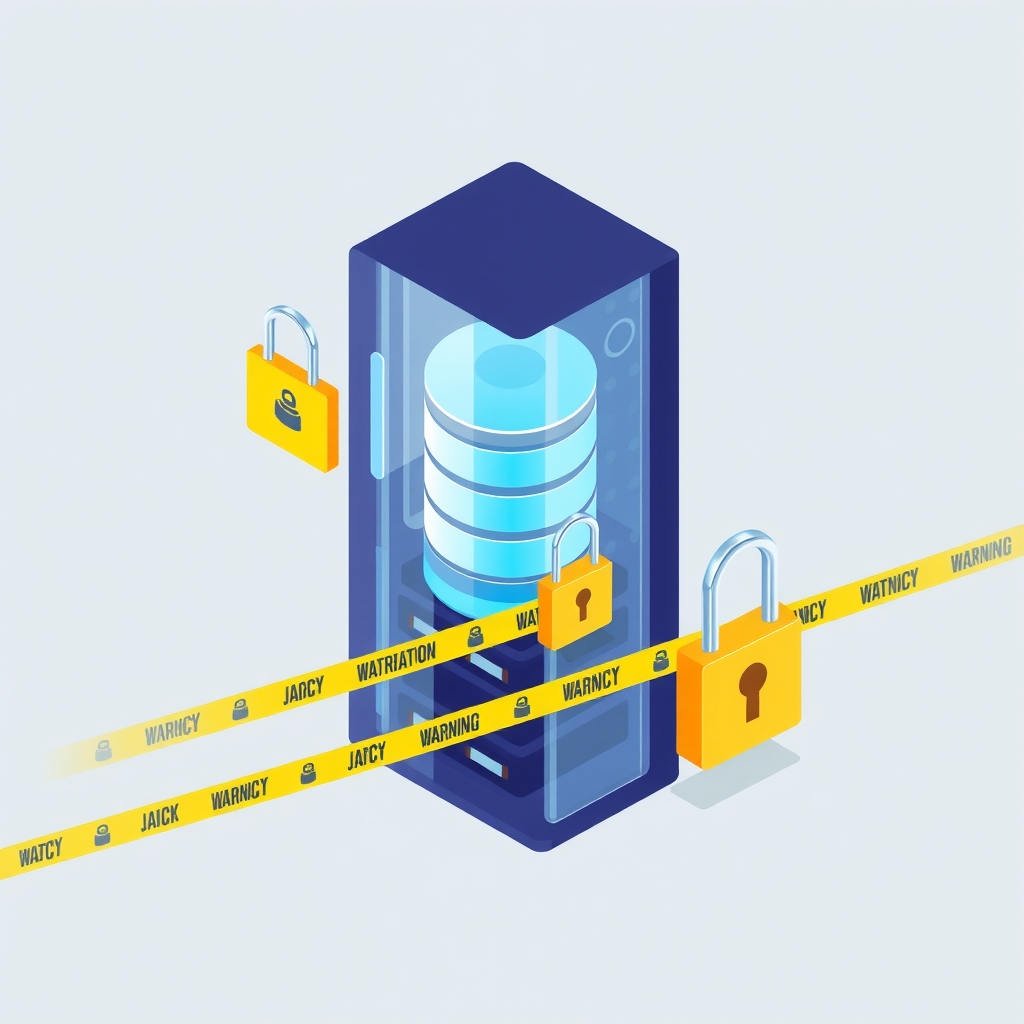
A recent technical guide highlights four configuration pitfalls that teams often encounter when self-hosting Metabase on container platforms like Railway. The article emphasizes that while the open-source business intelligence tool appears simple to deploy as a single Java process, default settings can lead to significant operational risks if not addressed during initial setup. These decisions involve the application database backend, encryption key management, Java Virtual Machine memory allocation, and upgrade strategies.
What happened
The guide details how Metabase interacts with two distinct types of databases: the application database, which stores dashboards, questions, and user permissions, and the data sources, which contain the actual business data being analyzed. A common mistake is allowing Metabase to use its default embedded H2 database for application storage. On container platforms where the filesystem is ephemeral and replaced on every redeploy, any data stored in H2 without a persistent volume is lost. This results in the disappearance of all dashboards and configurations upon restart. The recommended approach is to configure Metabase to use a managed PostgreSQL instance from the very first boot, using environment variables to define the connection details.
Another critical area is security and performance tuning. The guide explains that connection credentials for data sources are stored in plaintext in the application database unless an encryption secret key is defined. However, this key must be set before any data sources are added; otherwise, enabling it later requires a complex CLI migration and risks locking administrators out of their connections if the key is lost. Additionally, because Metabase runs on the JVM, it requires explicit memory limits. Without setting the maximum heap size via JAVA_OPTS, the JVM may consume arbitrary amounts of memory based on container limits, leading to unexpected crashes or excessive costs on usage-billed platforms.
Key details
- Application Database: Use PostgreSQL instead of the default H2 file to prevent data loss during container redeployments.
- Encryption Key: Set
MB_ENCRYPTION_SECRET_KEYbefore adding any data sources to ensure credentials are encrypted from the start. - JVM Memory: Explicitly define
JAVA_OPTS=-Xmx2g(or appropriate size) to control heap usage and prevent out-of-memory crashes. - Version Pinning: Always pin the Docker image to a specific version tag rather than using
latestto avoid unintended automatic upgrades. - Health Checks: Configure long timeouts for health checks (e.g., 600 seconds) to accommodate database migrations during startup or upgrades.
- Backups: Maintain both platform-level volume backups and off-platform
pg_dumpexports, storing the encryption key separately.
Background
Metabase is an open-source business intelligence tool that allows teams to create dashboards and visualize data without building custom frontends. It is designed to be self-hosted, meaning organizations run the software on their own infrastructure or cloud containers rather than relying on a vendor-managed SaaS offering. The application relies on the Java Virtual Machine (JVM) to execute its code, which manages memory allocation automatically but requires manual tuning for production stability. Container platforms like Railway provide managed services for databases and application hosting, abstracting away virtual machine maintenance but introducing specific constraints around ephemeral storage and resource billing.
Understanding the distinction between the application database and data sources is vital for disaster recovery. The application database holds the metadata of the BI tool itself, such as who has access to what and how charts are configured. The data sources are the external databases where the actual business records reside. Losing the application database means losing the work of creating reports, while losing access to data sources merely breaks the connection to the underlying data. Proper configuration ensures that the application state is persistent and secure, while the connection to live data remains efficient and safe.
Why it matters
For teams running their own software, these configuration choices directly impact data integrity and operational continuity. Using the default H2 database on a container platform is a high-risk strategy that can lead to total loss of institutional knowledge encoded in dashboards. By switching to PostgreSQL early, teams ensure that their analytical assets survive infrastructure changes. Similarly, failing to set an encryption key exposes sensitive database credentials in plaintext within the application database, creating a security vulnerability that is difficult to remediate after the fact.
Performance and cost predictability are also at stake. Without explicit JVM memory limits, a Metabase instance might consume more resources than intended, leading to higher bills on usage-based platforms or causing the container to be killed by the orchestrator during heavy query loads. Furthermore, uncontrolled upgrades can corrupt the application database if migrations are interrupted. Pinning versions and managing health check timeouts ensures that upgrades are deliberate, backed up, and monitored, reducing the risk of extended downtime during maintenance windows.
What you can do
- Configure PostgreSQL immediately: Set
MB_DB_TYPE=postgresand related connection variables before the first launch to avoid using the ephemeral H2 database. - Generate and store the encryption key: Create a strong secret key using
openssl rand -base64 32and store it in your secret manager before adding any data sources. - Set explicit JVM heap limits: Add
JAVA_OPTS=-Xmx2gto your environment variables to cap memory usage and prevent unpredictable behavior. - Pin your Docker image: Use a specific version tag like
metabase/metabase:v0.xx.yin your deployment configuration to prevent accidental upgrades. - Adjust health check timeouts: Increase the health check timeout to at least 600 seconds to allow sufficient time for database migrations during startup.
- Implement redundant backups: Enable automated volume backups on your platform and schedule regular off-platform
pg_dumpexports, keeping the encryption key in a separate secure location.