Running a full homelab stack on a $10 OpenStick device
A developer demonstrates how to host ten self-hosted services on a 512 MB ARM device, proving that ultra-low-resource hardware can handle real-world workloads.
In November 2026, a developer known as Bosscher published a detailed breakdown of their self-hosting setup running entirely on an OpenStick, a compact hardware device costing just ten dollars. The guide illustrates how modern lightweight software can maximize the utility of minimal hardware, challenging the assumption that home servers require expensive or power-hungry equipment.
What happened
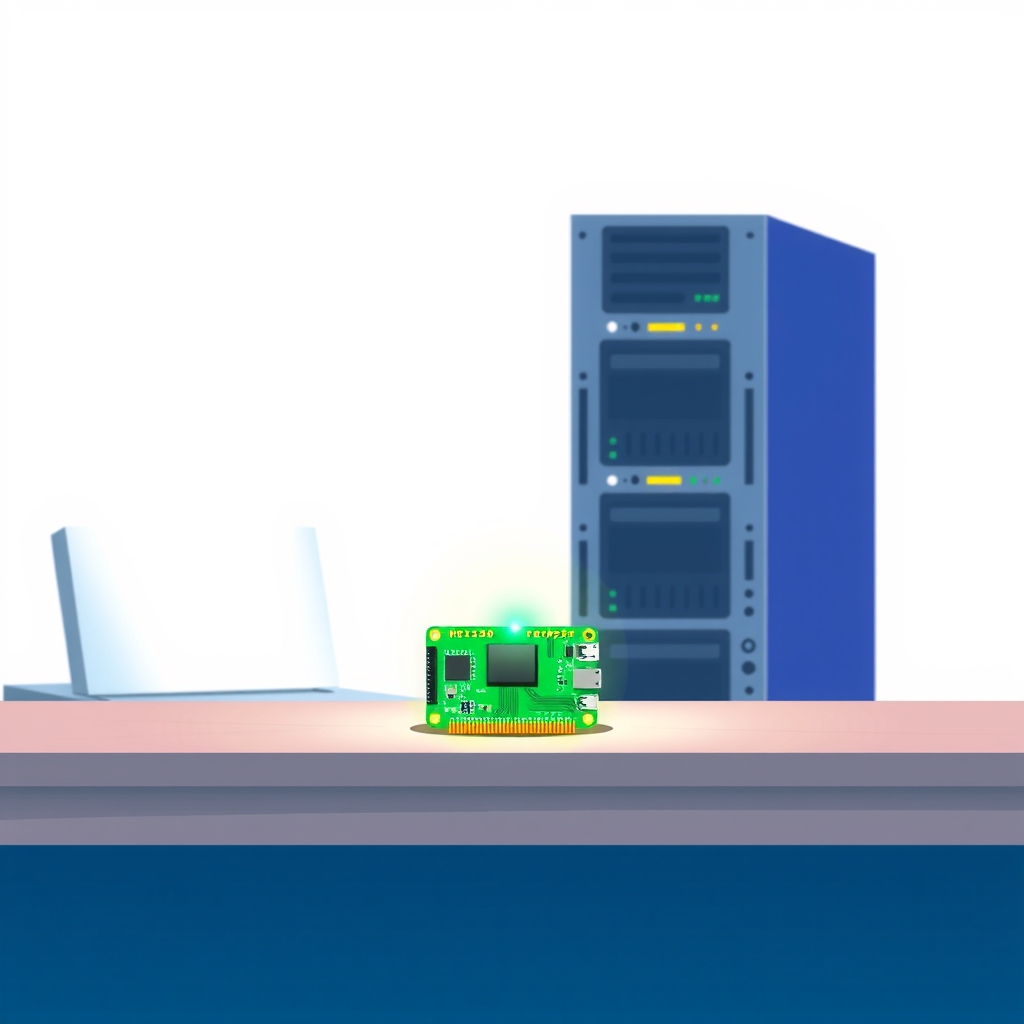
The core of this setup is the OpenStick itself, a passively cooled gadget featuring four ARM Cortex-A53 CPU cores at 1 GHz, 512 MB of RAM (with roughly 450 MB usable), and 4 GB of eMMC flash storage. Despite its modest specifications, which the author notes are less powerful than many smartwatches, the device runs Debian Linux. This operating system choice provides access to standard tools like systemd for service management and Podman for lightweight containerization, forming the foundation for a silent, low-power home server.
Bosscher deployed ten distinct applications on this single device, carefully selecting tools known for their small memory footprints. The stack includes CastSponsorSkip for removing ads from Google Cast streams, a custom fork of AdGuard Home for DNS-level blocking of spyware and malware, and Zeroclaw, an AI agent harness that connects to various messaging platforms. Other services include Cloudflare Tunnel for secure remote access without opening ports, Beszel for system monitoring, Dozzle for container log management, Gatus for service health checks, Fusion RSS for feed reading, Shiori for bookmark archiving, and Diun for update notifications.
The author emphasizes the importance of resource efficiency throughout the deployment. For instance, while they previously used OpenClaw on a Kubernetes cluster, it consumed over 1 GB of memory and proved unstable. In contrast, Zeroclaw uses approximately 3 MB of RAM when idle. Similarly, Beszel was chosen over Grafana because it requires only about 20 MB total, split evenly between its agent and server components. This careful selection allows all ten services to run simultaneously without exhausting the device’s limited 450 MB of usable RAM.
Key details
- The OpenStick hardware costs $10 including shipping and features 512 MB RAM, 4 CPU cores, 4 GB storage, Wi-Fi, 4G, and GPS.
- The operating system is Debian, utilizing systemd for scheduling and Podman for container management.
- AdGuard Home blocks approximately 60% of DNS queries, protecting against spyware from smart TVs and other IoT devices.
- Zeroclaw replaces heavier AI agents, using ~3 MB RSS when idle and supporting integrations with major LLM providers.
- Monitoring is handled by Beszel (system metrics) and Gatus (service uptime), both chosen for their low memory usage compared to traditional stacks.
- Remote access is secured via Cloudflare Tunnel, avoiding the need to expose local ports to the public internet.
Background
Self-hosting involves running software on personal hardware rather than relying on third-party cloud providers. This approach offers greater control over data privacy and customization but requires the user to manage infrastructure, security, and maintenance. Traditionally, this has meant purchasing dedicated servers or repurposing older desktop computers, which consume significant electricity and generate heat.
Recent trends in software development have focused on creating "cloud-native" tools that are also efficient enough for edge devices or minimal virtual private servers. Tools like Podman allow users to run containers without the overhead of a full Docker daemon, while lightweight monitoring solutions like Beszel provide essential visibility without the complexity of Prometheus and Grafana. This shift enables enthusiasts to run useful services on hardware that would previously have been considered too underpowered for server tasks.
Why it matters
For teams and individuals managing their own software, this demonstration highlights the viability of ultra-low-cost hardware for non-critical or personal workloads. It proves that you do not need high-end processors or large amounts of RAM to run a functional suite of productivity and privacy tools. This can significantly reduce the barrier to entry for those interested in learning Linux, containerization, and network security without investing in expensive equipment.
Furthermore, the focus on resource efficiency serves as a reminder for professional DevOps engineers. Even in enterprise environments, optimizing application memory usage can lead to substantial cost savings when scaling across hundreds of instances. The choices made here, such as selecting Zeroclaw over OpenClaw due to stability and resource usage, reflect practical decision-making processes that apply equally to production environments where reliability and cost-efficiency are paramount.
What you can do
- Evaluate your current monitoring stack to see if lighter alternatives like Beszel or Gatus could replace heavier tools like Grafana for simple use cases.
- Consider using DNS-level ad and tracker blocking, such as AdGuard Home, to improve network privacy and reduce unnecessary traffic from IoT devices.
- Experiment with Podman instead of Docker if you are working on resource-constrained systems, as it often has a lower overhead.
- Use secure tunnels like Cloudflare Tunnel to expose local services remotely without configuring complex firewall rules or port forwarding.
- Audit the memory usage of your background services and replace bloated applications with lightweight equivalents where possible.
- Start small with inexpensive hardware like the OpenStick to learn self-hosting concepts before committing to larger infrastructure investments.