Self-hosting Ntfy: cost analysis and iOS limitations for home servers
A detailed comparison of self-hosting Ntfy versus Pushover reveals hidden costs for iPhone users and specific setup requirements for reliable alerts.
A recent analysis published on November 7, 2026, examines the practical trade-offs of self-hosting the Ntfy notification server compared to using hosted services like Pushover or ntfy.sh Pro. The article highlights that while self-hosting offers significant cost savings and control for Android users and homelab enthusiasts, it introduces specific dependencies for iOS devices that may negate some benefits. This evaluation is particularly relevant for developers and system administrators managing their own infrastructure who need reliable alerting without recurring subscription fees.
What happened
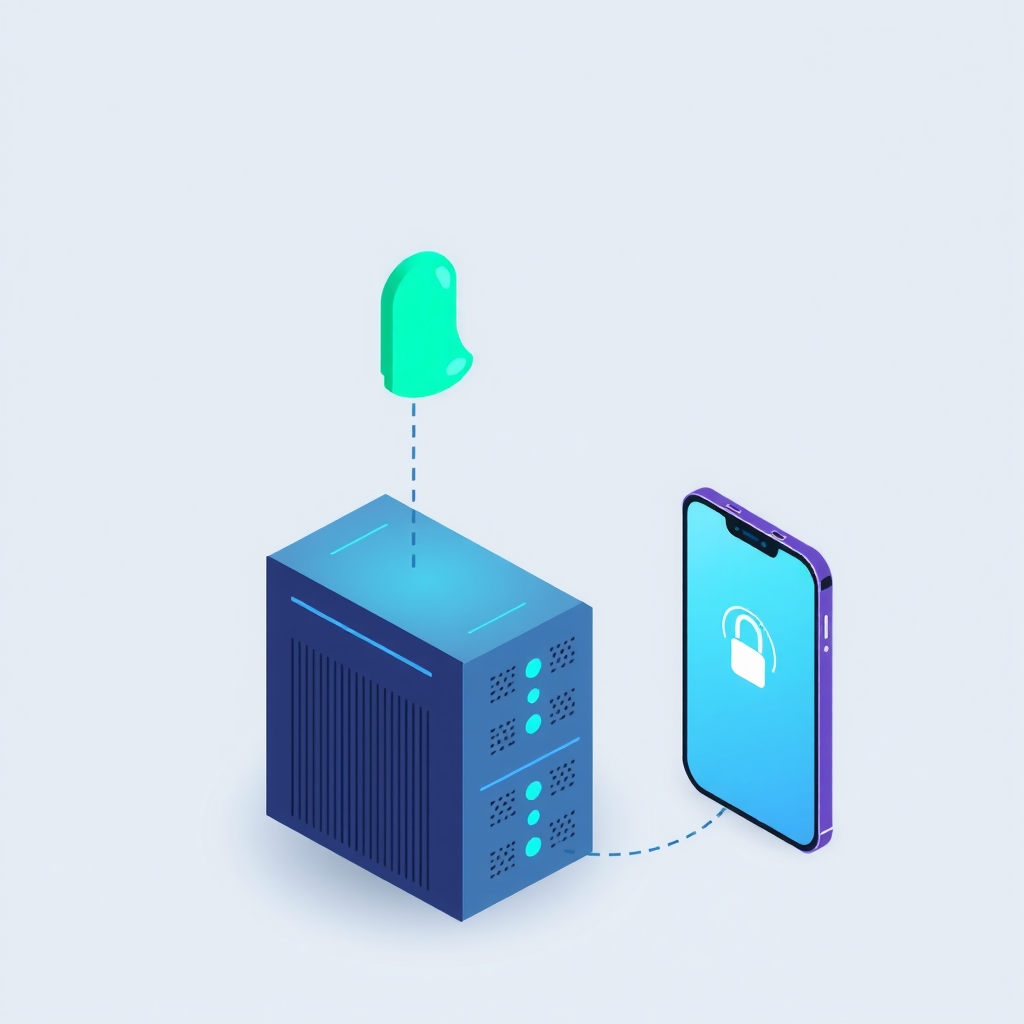
The source article provides a comprehensive breakdown of the operational and financial implications of running Ntfy on private hardware. It contrasts the open-source, self-hostable nature of Ntfy with the proprietary, hosted-only model of Pushover. For users with always-on servers and Android devices, self-hosting Ntfy in Docker incurs virtually no additional cost beyond electricity. However, the analysis reveals that iPhone users cannot achieve fully independent push notifications because Apple’s Push Notification service (APNs) requires credentials held by the official app maintainer. Consequently, self-hosted Ntfy servers must still rely on ntfy.sh as an upstream relay to deliver instant alerts to iOS devices.
The discussion extends to the total cost of ownership over a three-year period. While Pushover requires a one-time license fee per platform, ntfy.sh operates on a subscription model for higher tiers. Self-hosting eliminates these software costs but transfers the burden of maintenance, TLS certificate management, and uptime monitoring to the user. The article notes that for script authors and privacy-focused users, self-hosting remains attractive due to unlimited topics and local data control, provided they accept the complexity of managing their own reverse proxy and security configurations.
Key details
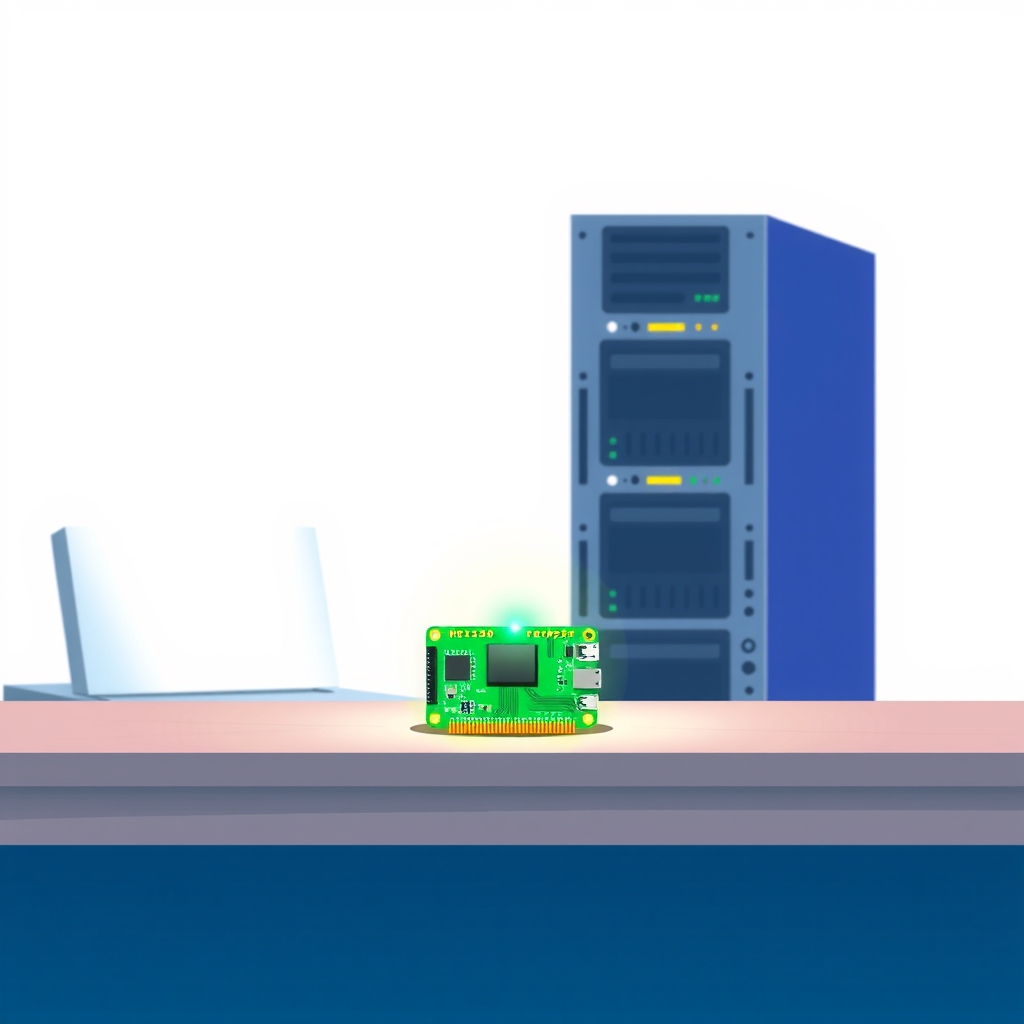
- Self-hosted Ntfy runs as a single Go binary or Docker container, requiring minimal resources on existing hardware like a Raspberry Pi or NAS.
- iOS instant delivery depends on ntfy.sh via the
upstream-base-urlsetting, meaning message metadata is visible to the hosted service even if content remains private. - Pushover charges a one-time fee per client platform, whereas ntfy.sh Pro uses a recurring subscription model that accumulates cost over time.
- Android users can achieve fully independent notifications using the F-Droid build or persistent connections, avoiding Google Firebase dependencies entirely.
- Self-hosting requires manual management of HTTPS certificates, domain registration, and reverse proxy configurations to ensure reliable external access.
- Message storage relies on local SQLite databases and file systems, allowing users to set their own limits for cache and attachments.
Background
Ntfy operates on a publish-subscribe model where messages are sent to named topics via simple HTTP requests. Unlike traditional messaging apps that require user accounts and API keys for every sender and recipient, Ntfy topics exist dynamically upon first use. This design makes it ideal for automated scripts, CI pipelines, and infrastructure monitoring tools like Home Assistant or Uptime Kuma. Pushover, by contrast, uses a closed system based on application tokens and user keys, focusing on guaranteed delivery to known individuals rather than anonymous topic subscriptions.
The distinction between hosted and self-hosted solutions centers on control versus convenience. Hosted services manage infrastructure, security patches, and scalability, charging fees for this abstraction. Self-hosting returns full control over data privacy and feature limits to the user but demands technical expertise in network security, container orchestration, and system maintenance. For many homelabbers, the trade-off favors self-hosting due to existing hardware investments, but the reliance on third-party services for specific platform integrations, such as iOS push, complicates the independence claim.
Why it matters
For teams and individuals running their own software, understanding these dependencies is crucial for building resilient alerting systems. If a self-hosted Ntfy instance loses connectivity to ntfy.sh, iOS users will stop receiving instant notifications, potentially missing critical alerts about server downtime or security incidents. This hybrid dependency means that self-hosting does not fully eliminate third-party risk for mixed-device households. Administrators must weigh the benefit of zero recurring software costs against the potential fragility of relying on an external relay for part of their user base.
Additionally, the operational overhead of self-hosting includes managing TLS certificates and domain renewals. A lapse in certificate validity or domain registration can break notification delivery entirely, as mobile apps require secure HTTPS connections to subscribe to topics. While the software itself is free, the indirect costs of maintaining a publicly accessible, secure endpoint can be significant in terms of time and attention. Teams must decide if the savings from avoiding subscription fees justify the ongoing administrative burden of keeping the notification infrastructure online and secure.
What you can do
- Evaluate your device ecosystem: if all users are on Android, self-hosting offers full independence; if iOS is present, plan for upstream relay dependencies.
- Calculate the three-year total cost of ownership, including domain fees, electricity, and your time, against the one-time cost of Pushover licenses.
- Configure
upstream-base-urlin your server settings if you support iOS users to ensure instant delivery via ntfy.sh. - Use a reverse proxy like Caddy to automate TLS certificate management and simplify WebSocket handling for persistent connections.
- Pin your Docker image to a specific version tag to prevent unexpected breaking changes during automatic updates.
- Implement strict access control lists and deny-all default permissions to secure your topics from unauthorized public access.