OpenCode 2.0 unifies terminal, web, and desktop interfaces under one service
Anomaly releases OpenCode 2.0, featuring a shared background service, rebuilt API, and Code Mode for efficient tool integration.
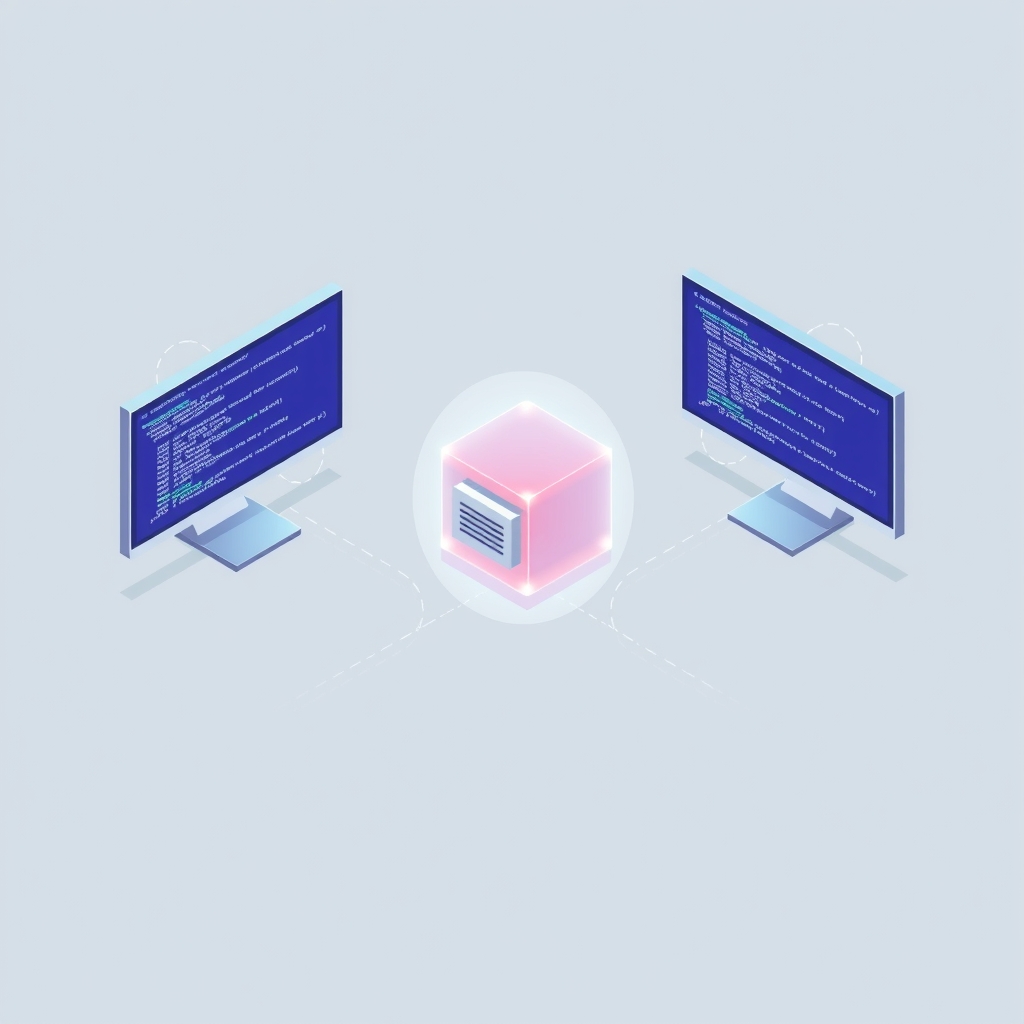
Anomaly has officially released OpenCode 2.0, marking the end of its public beta phase that began in July 2026. This major architectural update introduces a unified background service that connects the coding agent’s terminal, desktop, and web interfaces, allowing developers to manage sessions seamlessly across different environments.
What happened
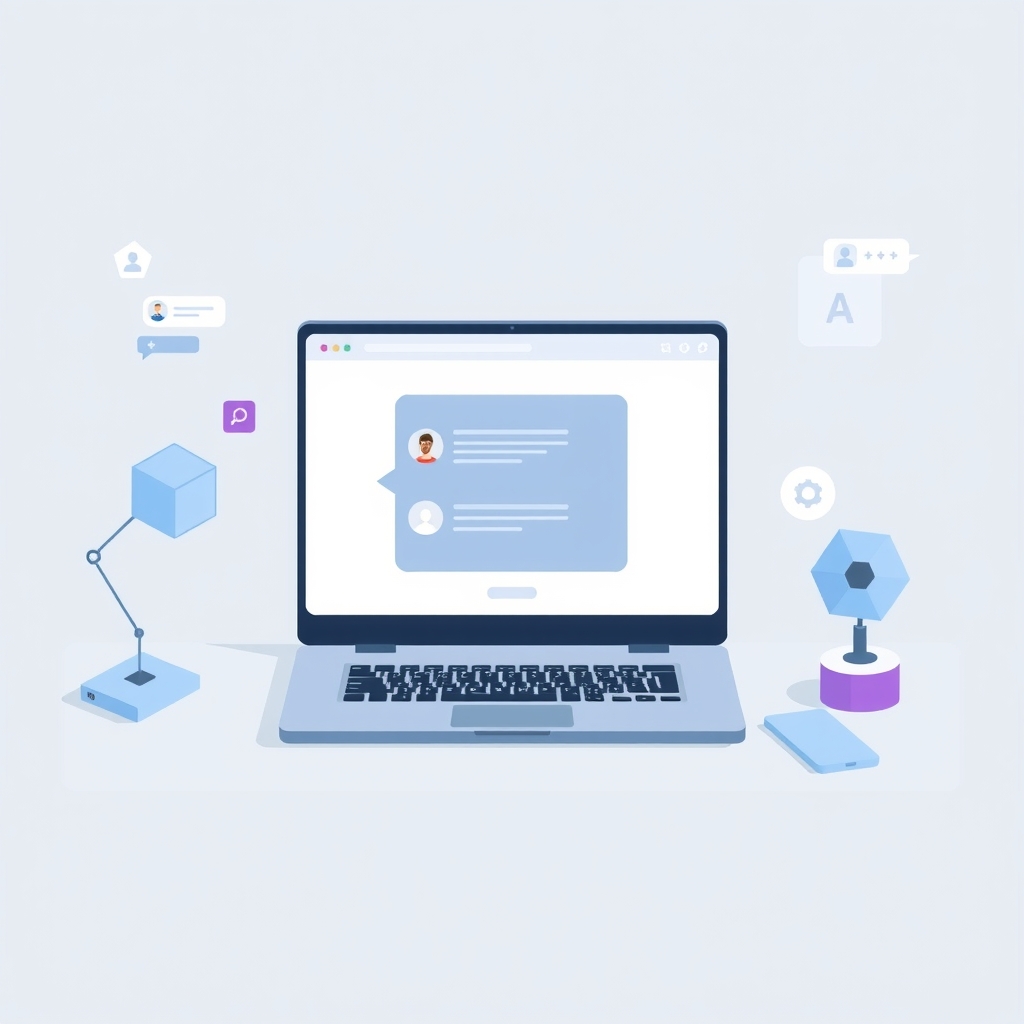
The release represents a significant structural shift for the open-source coding agent. Anomaly, the company behind OpenCode, describes the update as a "major overhaul" designed to support a wider range of agent capabilities based on feedback from millions of daily users. The core change is the introduction of a single background process that runs on the developer’s machine. This service acts as the central hub for all interactions, meaning a session started in the terminal can be continued in the web app or desktop client without interruption. Scripts using the programmatic client can also discover and connect to this local service automatically, enabling scheduled tasks and external application integrations.
Alongside the new service architecture, Anomaly has completely rebuilt the application programming interface (API). The company admitted that the previous API had grown haphazardly as the industry learned how AI agents should function. The new API gives the agent more control over its environment, such as creating Git worktrees for specific tasks or interrupting stuck sessions. To support this, Anomaly introduced a new JavaScript client package and an embeddable software development kit (SDK). The SDK allows developers to integrate OpenCode directly into their own applications, including serverless environments like Cloudflare Durable Objects, while maintaining compatibility with the standard server protocol.
Key details
- Unified Service: A single background process now powers the terminal, web, and desktop interfaces, enabling seamless session continuity across platforms.
- Rebuilt API: The old API was replaced to provide better environmental control, including Git worktree management and session interruption capabilities.
- Code Mode: A new default feature that allows agents to execute JavaScript calling multiple tools in a single round trip, reducing context bloat when using many Model Context Protocol (MCP) servers.
- Background Execution: Subagents and shell commands can now run asynchronously, allowing developers to continue working while long-running tasks like tests or builds complete in the background.
- Plugin Updates: Over 80 internal plugins were implemented to improve reliability, and terminal interface plugins are now stable with hot-reloading support.
- Breaking Changes: Plugins built for OpenCode 1.0 are incompatible with version 2.0, and integrations using the old server API require updates.
Background
OpenCode is an open-source coding agent that allows developers to choose their preferred AI models rather than being locked into a single provider. It gained significant traction after major AI providers restricted third-party access to their subscription tiers in early 2025. The tool relies on the Model Context Protocol (MCP), a standard that helps AI agents interact with external data sources and tools. In previous versions, each tool interaction often required a separate request to the AI model, which could quickly consume the available context window and slow down performance. OpenCode 2.0 addresses this by introducing Code Mode, which batches tool calls into a single execution step.
The concept of a shared background service is common in modern development tools but was previously optional in OpenCode. By making it the default, Anomaly aligns the tool with contemporary expectations for stateful, multi-client applications. This architecture supports the growing trend of "agentic" workflows, where AI assistants not only write code but also manage files, run commands, and interact with project management systems autonomously.
Why it matters
For teams running their own software infrastructure, the shift to a unified background service simplifies workflow management. Developers no longer need to maintain separate states for different interfaces, reducing the risk of context loss when switching between the command line and graphical tools. This is particularly valuable for complex debugging sessions or long-term projects where continuity is critical. The ability to expose the service to other machines also opens up possibilities for centralized agent management within a team, although security implications must be carefully considered.
The introduction of Code Mode and background execution directly impacts efficiency and cost. By reducing the number of round trips to the AI model, teams can lower token usage and speed up agent responses. This is crucial when integrating with numerous external services, as each tool definition no longer needs to occupy valuable context space. For DevOps engineers and IT leads, the breaking changes in plugins and APIs mean that existing automations will need review and updating before upgrading, requiring planned maintenance windows.
What you can do
- Review your current OpenCode plugins and integrations to identify those built for version 1.0, as they will not work with the new release.
- Test the new
@opencode/clientpackage in a staging environment to ensure your custom scripts can connect to the local background service correctly. - Evaluate the impact of Code Mode on your existing MCP server configurations, noting that it is now the default for all connections.
- Plan for manual upgrades by running
opencode upgrade --majoror using/updatein the terminal, since automatic updates have been disabled. - Explore the new embeddable SDK if you intend to integrate OpenCode capabilities into internal dashboards or serverless functions.
- Monitor background subagent tasks during initial use to understand how asynchronous execution affects your local resource usage.