TinyWebUI offers a local-first chat interface with built-in MCP tools
TinySuiteHQ released TinyWebUI, a self-hosted chat workspace that runs locally with SQLite storage and includes pre-configured search and memory tools.
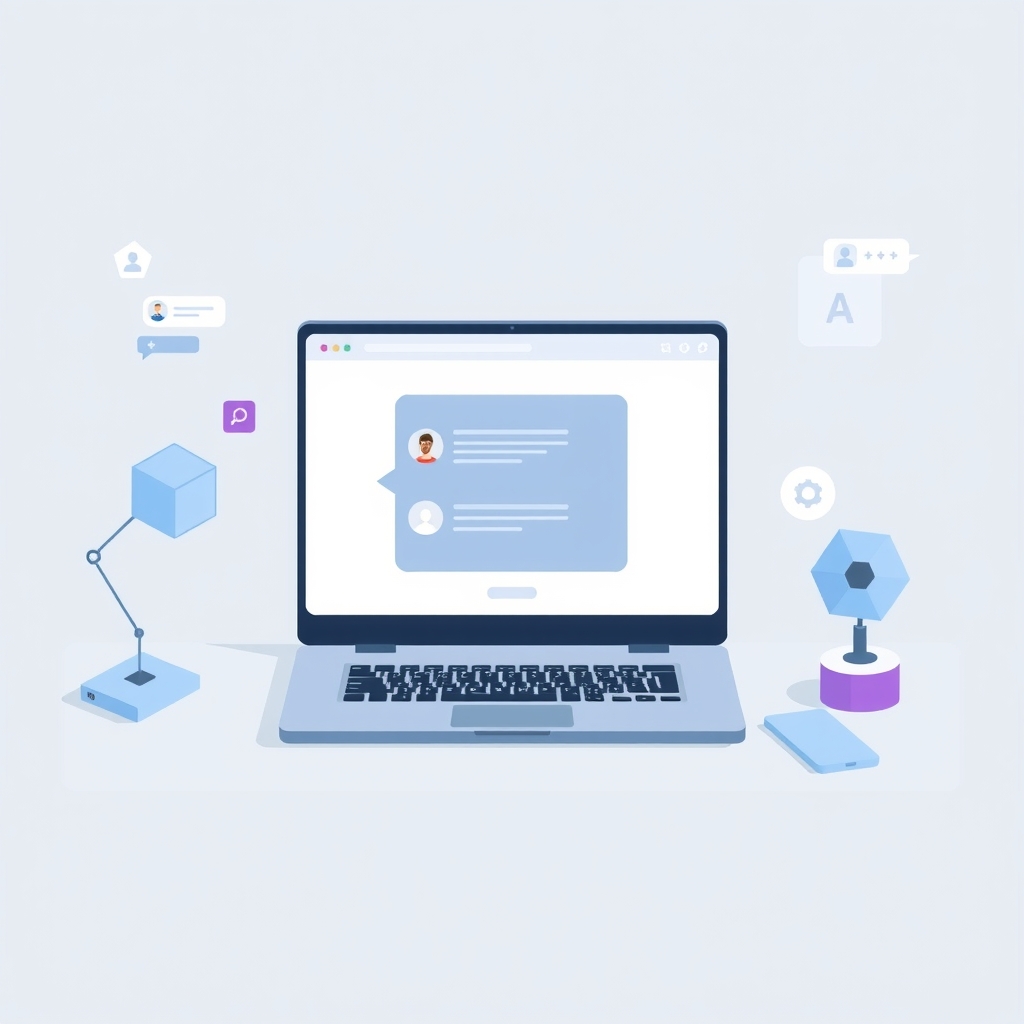
TinySuiteHQ has released TinyWebUI, a lightweight, local-first chat interface designed for developers who want to run their own AI workflows without relying on hosted backends. Published on October 8, 2026, this tool connects to any OpenAI-compatible model endpoint and stores all data, including chats and documents, in a single SQLite file on the user's machine. It comes pre-integrated with two Model Context Protocol (MCP) servers for web search and long-term memory, aiming to simplify the setup of private AI assistants.
What happened
TinyWebUI serves as the chat interface for TinySuite, a collection of small tools built for AI agents. The application requires no account creation, no build step, and no frontend framework, allowing users to start working immediately by pointing it at an API endpoint such as OpenRouter, Ollama, or vLLM. All interactions, document attachments, and tool outputs are persisted locally in SQLite, ensuring that data remains under the user's control. The system is designed to be cache-efficient, using prefixes and compaction to keep long conversations affordable while providing per-round token statistics.
The release includes two pre-loaded MCP servers: TinySearch and TinyContext. TinySearch enables local web searching, reading, and reranking without requiring an external search API key. TinyContext acts as a local long-term memory, recalling only information that fits within the current token budget. These tools allow the assistant to perform research and maintain context across sessions without sending sensitive data to third-party services. The interface supports durable conversations, allowing users to edit, retry, or rewind turns, and even steer a running turn by pressing Enter to reach the next safe point.
Key details
- Local storage: All chats, documents, and tool outputs are stored in a single SQLite file on the user's machine.
- Pre-built tools: Includes TinySearch for local web retrieval and TinyContext for token-efficient long-term memory.
- Model compatibility: Works with any OpenAI-compatible endpoint, including OpenRouter, Groq, Ollama, and LM Studio.
- Hybrid search: Combines BM25 keyword search with a small on-device embedding model for documents and past chats.
- Security: Private by default with an owner password required on first run; supports SSO gateways for team use.
- Configuration: Managed via version-controlled JSON files that hot-reload and reject typos, with a fingerprint for verification.
Background
Model Context Protocol (MCP) is an open standard that allows AI models to interact with external tools and data sources securely. By using MCP, developers can connect their language models to local resources, such as file systems or databases, without building custom integrations for each one. TinyWebUI leverages this protocol over stdio, Streamable HTTP, or Server-Sent Events (SSE), ensuring that any action that changes state waits for user approval. This approach provides a structured way to extend AI capabilities while maintaining strict control over what the model can access and modify.
Local-first software prioritizes storing data on the user's device rather than in the cloud. This architecture reduces latency, eliminates dependency on internet connectivity for core functions, and enhances privacy by keeping sensitive information off remote servers. In the context of AI, local-first means that the chat history, uploaded documents, and generated insights remain on the machine. Hybrid search further enhances this by combining traditional keyword matching with vector embeddings, allowing for more accurate retrieval of information from local documents without needing large, centralized indexes.
Why it matters
For teams running their own software, data privacy and control are often primary concerns. TinyWebUI addresses these by ensuring that no data leaves the local environment unless explicitly sent to a chosen model endpoint. The absence of a hosted backend means there is no vendor lock-in or risk of service discontinuation affecting access to historical chats. This is particularly valuable for organizations handling sensitive codebases or proprietary documents, as they can audit exactly where data flows and ensure compliance with internal security policies.
The inclusion of pre-configured MCP tools lowers the barrier to entry for using advanced AI features. Instead of spending time setting up separate search APIs or memory vectors, developers get a working system out of the box. The ability to steer conversations and manage long contexts efficiently also makes it practical for complex debugging or research tasks. By keeping the footprint small and the configuration file-based, it integrates easily into existing DevOps workflows, allowing for version-controlled deployment and consistent environments across teams.
What you can do
- Install TinyWebUI using
npx tinywebuiif you have Node.js 22.13 or later installed. - Create an owner password of at least 15 characters during the first interactive run.
- Configure your model endpoint and API key in
tinywebui.config.jsonor via the Settings panel. - Run
npx tinywebui models pull fastto download the 90 MB embedding model for hybrid search. - Use Docker Compose to deploy in a containerized environment, ensuring you set the password in the persistent volume.
- Review the documentation at tinysuite.dev/docs/tinywebui for details on MCP server integration and automation.