Self-hosting Paperless-ngx on k3s requires careful GitOps storage handling
A developer details the pitfalls of running Paperless-ngx on k3s with Flux, highlighting critical annotation needs for persistent storage and common bootstrap errors.
A recent technical guide outlines the process of self-hosting Paperless-ngx, an open-source document management system, on a single-node k3s Kubernetes cluster using GitOps principles. The author, Dhiraj Shrotri, documents the specific configuration steps and troubleshooting required to run the application on a Beelink mini PC with external storage, emphasizing the risks associated with automated resource pruning in Flux.
What happened
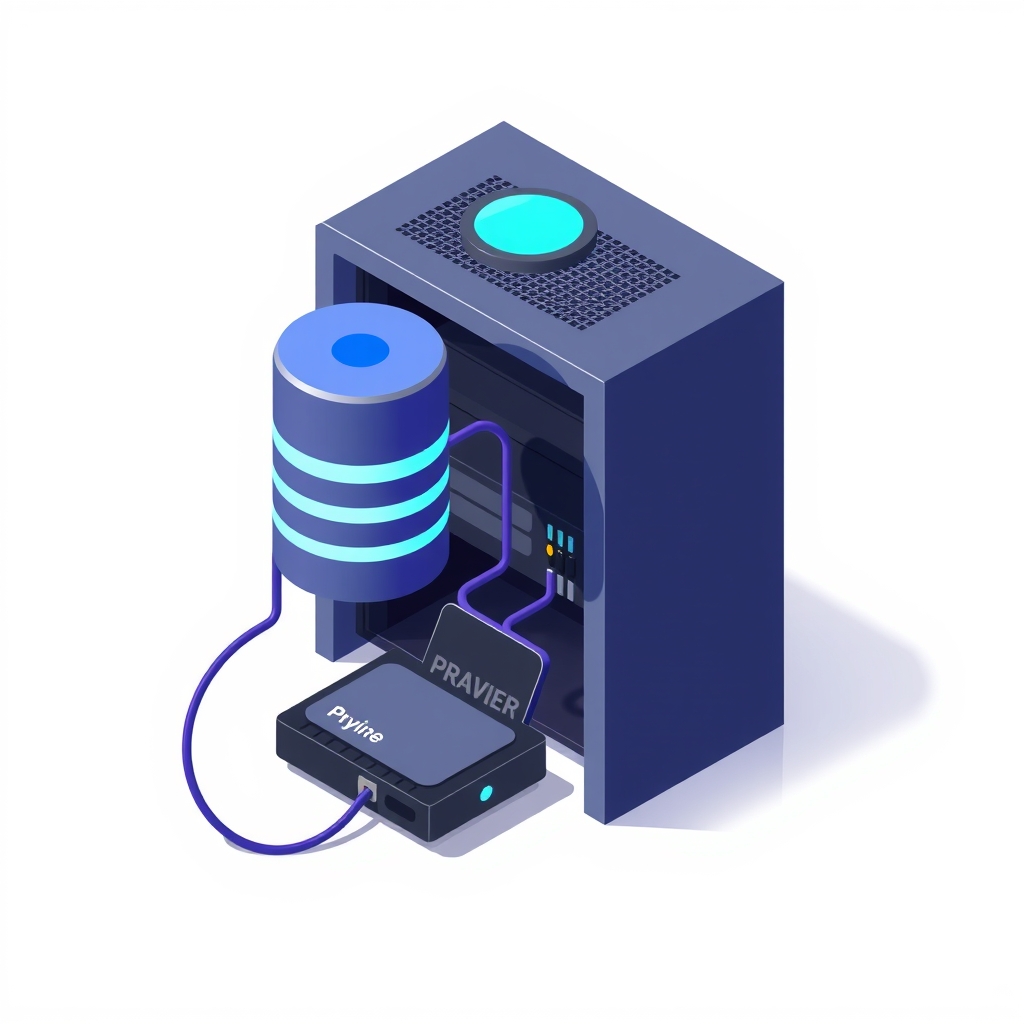
The project aimed to replace cloud-based document scanning services with a private, self-hosted alternative that offers optical character recognition (OCR) and content-based search. The chosen stack involved running Paperless-ngx on k3s, a lightweight Kubernetes distribution, managed by Flux for GitOps continuous delivery. The setup utilized a Beelink mini PC with an internal SSD for the database and search index, while an external hard drive hosted the actual document files and backups. This architecture allowed the user to scan documents via mobile apps like Swift Paperless or PaperNext, which then uploaded the files to the local server for processing.
A significant portion of the guide focuses on the dangers of using prune: true in Flux configurations. In GitOps, this setting ensures that resources removed from the Git repository are also deleted from the cluster. While useful for cleaning up deployments, it poses a severe risk to persistent storage volumes. If a PersistentVolume Claim (PVC) is accidentally removed from the Git manifest, Flux would delete the underlying storage, resulting in permanent data loss. To prevent this, the author annotated the namespace, PVCs, PersistentVolumes (PVs), and StorageClass with kustomize.toolkit.fluxcd.io/prune: disabled. This instruction tells Flux to manage these resources but never delete them, even if they are missing from the Git repository.
The deployment process also revealed several bootstrap pitfalls. The author noted that flux bootstrap does not push existing local commits to the remote repository; it only pushes its own system files. This requires a specific workflow: push local changes first, run bootstrap on the server, and then pull the updates back to the local machine. Additionally, authentication errors arose because Flux read a stale kubeconfig file from a previous MicroK8s installation. Resolving this required copying the correct k3s configuration from /etc/rancher/k3s/k3s.yaml to the standard ~/.kube/config location.
Key details
- Storage safety: Annotate all storage-related Kubernetes resources with
kustomize.toolkit.fluxcd.io/prune: disabledto prevent Flux from deleting data volumes during sync operations. - Filesystem requirements: External drives used for Kubernetes volumes must be formatted as ext4, as NTFS and exFAT do not support Linux file ownership permissions required by the containers.
- Bootstrap workflow: Push local Git commits before running
flux bootstrap, then pull the repository on the local machine to synchronize the new Flux system files. - Kubeconfig conflict: Ensure Flux uses the correct k3s kubeconfig file located at
/etc/rancher/k3s/k3s.yamlto avoid x509 certificate authority errors. - Mobile integration: No official mobile app exists, but community clients like Swift Paperless (iOS) and PaperNext (Android/iOS) provide scanning and uploading capabilities.
- Resource optimization: Disabling service links via
enableServiceLinks: falsecan reduce startup time and resource usage on single-node clusters.
Background
GitOps is a set of practices where infrastructure and application configurations are managed through Git repositories. Tools like Flux monitor these repositories and automatically apply any changes to the Kubernetes cluster. This approach provides version control, audit trails, and automated recovery for infrastructure state. However, it introduces a "declarative" model where the cluster state must always match the Git state. If an object is deleted from Git, GitOps tools assume it should be deleted from the cluster unless explicitly told otherwise.
Paperless-ngx is a document archive system that ingests scanned documents, performs OCR to make text searchable, and applies automatic tagging and sorting. Unlike traditional file cabinets or folder-based systems like Nextcloud, it organizes information based on content metadata. It relies on several backend services, including PostgreSQL for metadata, Redis for caching, and Apache Tika and Gotenberg for processing various file formats like Word and Excel documents.
Why it matters
For teams and individuals managing their own software, the intersection of stateful applications and GitOps presents unique operational challenges. Stateful applications, such as document management systems or databases, rely on persistent storage that outlives individual container instances. Automated reconciliation loops in GitOps tools can inadvertently destroy this persistent data if safeguards are not in place. Understanding how to annotate resources to exclude them from pruning is critical for maintaining data integrity in automated environments.
Furthermore, the complexity of setting up a robust self-hosted environment on low-power hardware highlights the trade-offs between control and convenience. While self-hosting offers privacy and avoids vendor lock-in, it requires deep knowledge of Kubernetes networking, storage classes, and configuration management. Errors in kubeconfig paths or filesystem permissions can halt deployment entirely, requiring manual intervention that defeats the purpose of automation. This experience underscores the need for rigorous testing and clear documentation when implementing GitOps for stateful workloads.
What you can do
- Audit pruning policies: Review all Flux or ArgoCD manifests to ensure that PersistentVolumes and Claims are protected from automatic deletion using appropriate annotations.
- Verify filesystem compatibility: Before mounting external storage to Kubernetes nodes, confirm the disk is formatted with a Linux-native filesystem like ext4 or XFS to support proper permission handling.
- Standardize kubeconfig paths: Check for conflicting Kubernetes configurations on host machines and ensure CI/CD tools and local CLIs point to the active cluster’s correct configuration file.
- Pin container image tags: Avoid using
:latesttags in production GitOps repositories to prevent unintended upgrades during pod restarts; instead, pin specific versions and update them via commit. - Test backup restoration: Regularly verify that backups stored on external volumes can be restored and that the volume mounts persist correctly across node reboots.
- Disable unnecessary service links: Add
enableServiceLinks: falseto pod specs in single-node clusters to reduce environment variable injection overhead and speed up pod initialization.