Homelab census reveals routing logic for AI agents on limited hardware
A detailed inventory of a four-node homelab shows how 41 containers and a single 6 GB GPU dictate AI agent routing between local execution and cloud APIs.
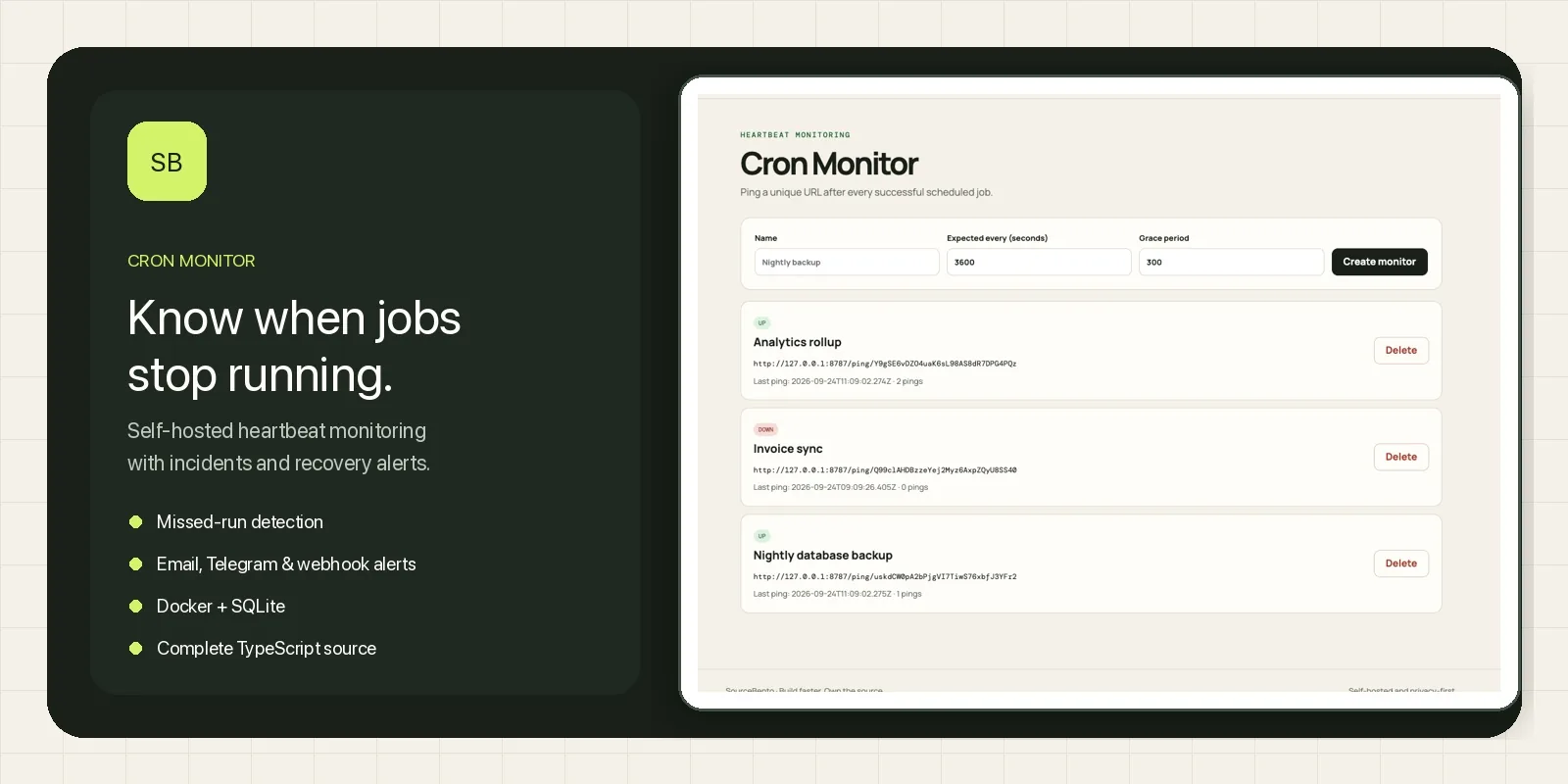
A developer published a comprehensive census of their self-hosted infrastructure on September 24, detailing how 41 Docker containers and nine LXC containers operate across four distinct hardware nodes. The report highlights the specific constraints imposed by a single 6 GB graphics card, which ultimately determines whether artificial intelligence agents run locally or are routed to paid cloud services.
What happened
The author conducted a full audit of their home laboratory environment to understand exactly where workloads were executing and why. The setup consists of two Proxmox nodes, a ZimaBlade, and a dedicated large language model (LLM) box. Together, these machines provide 26 CPU threads and 71 GB of RAM, hosting a mix of containerized services and native applications. The census revealed that the LLM box, equipped with an RTX 2060, runs Ollama and ComfyUI directly without containers, while the other nodes handle everything from home automation to agent tracing.
A significant portion of the analysis focused on the limitations of local AI inference. The author found that a 27-billion-parameter model claimed to run on the GPU but actually placed only 0.5 GB of its 18.3 GB footprint on the graphics card, leaving the rest to process slowly on the CPU. This discovery prompted a deeper look at how the agent framework’s requirement for a 64K context window conflicts with the available 6 GB of video memory. As a result, most general-purpose agents were moved to cloud providers, while sensitive tasks like security audits remained local.
The report also uncovered operational failures caused by silent errors and configuration oversights. For instance, a duplicate agent instance with the same network identity caused days of connectivity issues, and a health check probe failed for 17 days because it triggered a privacy filter rather than indicating a true service outage. These incidents underscored the need for better monitoring and more precise fallback logic in distributed self-hosted environments.
Key details
- The infrastructure includes 41 Docker containers and 9 LXC containers spread across four physical boxes.
- The LLM box uses an RTX 2060 with 6 GB VRAM, which limits local model selection to those fitting within strict memory constraints.
- General agents route to OpenRouter or OpenCode Go subscriptions due to latency and context window requirements, costing roughly $11.39 per month combined.
- Security and code review agents run exclusively on local Ollama instances to prevent data egress.
- A watchdog system monitors cloud API health but previously failed to restore services after a false positive caused by a prompt redaction filter.
- Silent hangs in Ollama, where models remained pinned in memory without error logs, required a custom script to unload stale processes every 15 minutes.
Background
Self-hosting AI agents involves balancing computational resources against performance needs. Context windows define how much text a model can consider at once, with larger windows requiring significantly more memory. When a model exceeds the available video RAM (VRAM), it spills over into system RAM and uses the CPU for calculations, drastically slowing down token generation. In this case, the agent framework refused any model with less than a 64K context window, eliminating many smaller, faster models that could have fit entirely on the GPU.
Monitoring distributed systems often relies on heartbeat checks, where a service reports its status at regular intervals. If a check fails, automated systems typically trigger alerts or failover procedures. However, these mechanisms can be fooled by non-standard failures, such as a probe being rejected by a content filter rather than a server being down. Understanding the difference between a hard error and a logical rejection is critical for maintaining reliable uptime in complex homelabs.
Why it matters
For teams running their own software, this census illustrates the hidden complexity of managing hybrid AI workflows. It demonstrates that hardware specifications alone do not determine performance; software constraints like context window requirements can force expensive cloud usage even when local hardware seems sufficient. Engineers must measure actual token usage and latency rather than relying on headline specifications, as input-heavy workloads can make cheap cloud models more economical than maintaining large local servers.
The incident with the 17-day outage highlights the fragility of automated recovery systems. When monitoring logic does not account for all failure modes, such as upstream filters blocking probes, teams may remain unaware of degraded performance for extended periods. This reinforces the need for robust observability tools that can distinguish between service unavailability and logical errors, ensuring that fallbacks activate correctly and restore normal operations without manual intervention.
What you can do
- Audit your container and virtual machine inventory to identify duplicate services or unused resources consuming memory.
- Measure actual token input versus output ratios to determine if cloud API costs are driven by volume or model choice.
- Implement heartbeat monitoring for all critical background jobs and AI services to detect silent hangs or stalls.
- Configure fallback chains with diverse vendors to avoid single points of failure when one provider experiences issues.
- Regularly test health check probes to ensure they are not blocked by privacy filters or content policies.
- Create scripts to automatically unload idle models from GPU memory if your inference engine does not handle resource contention gracefully.